Boost your wellbeing with a movie-theatre vibe in your living room
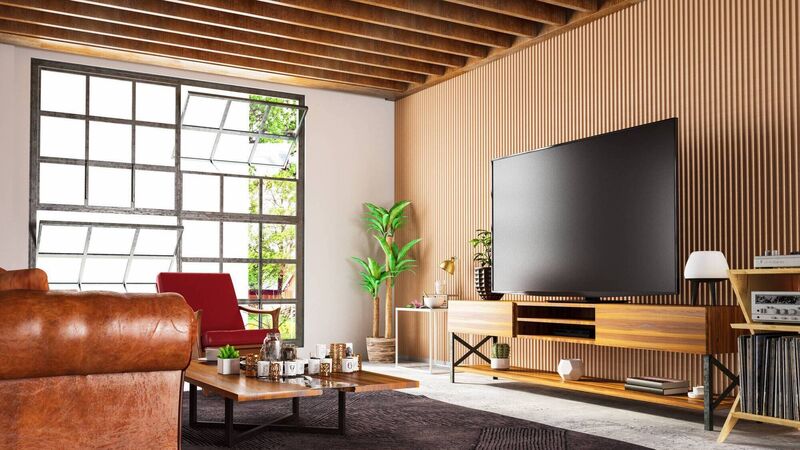
Some additional lighting will prevent eye-strain from a searingly bright panel set on the wall. File pictures
Most of us spend our TV, movie or streaming time slung back, slack-jawed, our teacups sitting drunkenly on the arms of the sofa. Once a television set or projection screen is in situ we don’t tend to give it much thought.
But positioning the television or projection area incorrectly can impact our physical wellbeing, imbue sulks for those in the cheap seats, and with the wrong lighting, can compromise the expensive, velvety dark tones of even the smartest set-up. Let’s do better.
With hours of daily viewing from a static position, immersive, modern screens can deliver headaches and eye strain. They are designed to be bright and sharp, and factory settings can be cartoonish in their colour and contrast. An optician will always round down your prescription.
Resolutions (those dots and dashes making up the image) have improved exponentially in recent years, and this not only allows us to sit back from an acre of telly but can conversely, coax us forward to the screen. There’s no loss of quality with our noses arm’s length from an OLED set and its mesmeric beauty.
As a basic rule, place yourself no less than 1.2 times the size of the screen, taken from corner to corner across its width. So, with a 65-inch screen, you’ll be sitting around 2m from the action. These figures should influence the size of the V you place in the space. At 80 inches-plus, there’s no need to kiss the TV to enjoy it.
Apart from pointing the TV at a window, many users put the television too high up a wall or use projection areas that are inadequate and awkward in practice, including the ceiling over the bed. High sites conjure the chic of a pub streaming the d’match and place a steady and cumulative strain on the neck. To get to the correct angle, we naturally start sliding down the sofa to a more prone position, knees up our noses. This will happily mess up the back as we slouch our way through winter.
Take a remnant of wallpaper, gift wrap or even newspaper, and work it up to the size of your new or prospective set. Tape it up on the wall with low-tack painter’s tape or Blu-tac. Now sit in your normal places. You should be able to sit up in a healthy posture and be more or less at eye level with a horizontal line across the middle of this blank. Move the blank around and see how it feels. Try small furniture shifts. If the TV has primary status in that room, face a large sofa towards this position, head-on.
Every seat should be a good seat, seeing the television picture clearly rather than peeking around the side of its frame. Various TVs have different optimised viewing angles. Go too far left or right from the centre of a set, and the image accuracy will start to suffer. Even OLED famed for its wide viewing angles, will degrade beyond 40 degrees. The television should be at the centre of any seating area. Some members of the family will be less fussy than others, and it’s reasonable to rotate the best seats in the house.
The flat or slightly bowed surface of the screen will pick up light throughout the room. Keep this in mind as you place lamps and highly reflective objects. Some lighting is healthy, preventing eye strain typical to a TV plunged into an otherwise unlit room. If you lob the TV in front of a window, there must be heavy, lined curtains or black-out blinds to trim back glare and reflections. Place dimmable, soft lights on the sides of the TV where possible. Shadows are as irritating as a plume of light. Behind and surrounding the screen position, ensure lights are not too bright. Check each regular seated position, and consider the traffic flow. Pedestrians wandering in front of the set to access key areas of the room will strain tempers.
If you don’t want that big black void dominating your room, a cabinet can help, but it’s important to ensure that its form doesn’t block anyone’s line of sight. Articulated TV mounts for cabinets should allow the panel to swing forward when in use. Think about how you are managing that spaghetti junction of wiring — not pretty scaling walls and slithering around a TV desk.
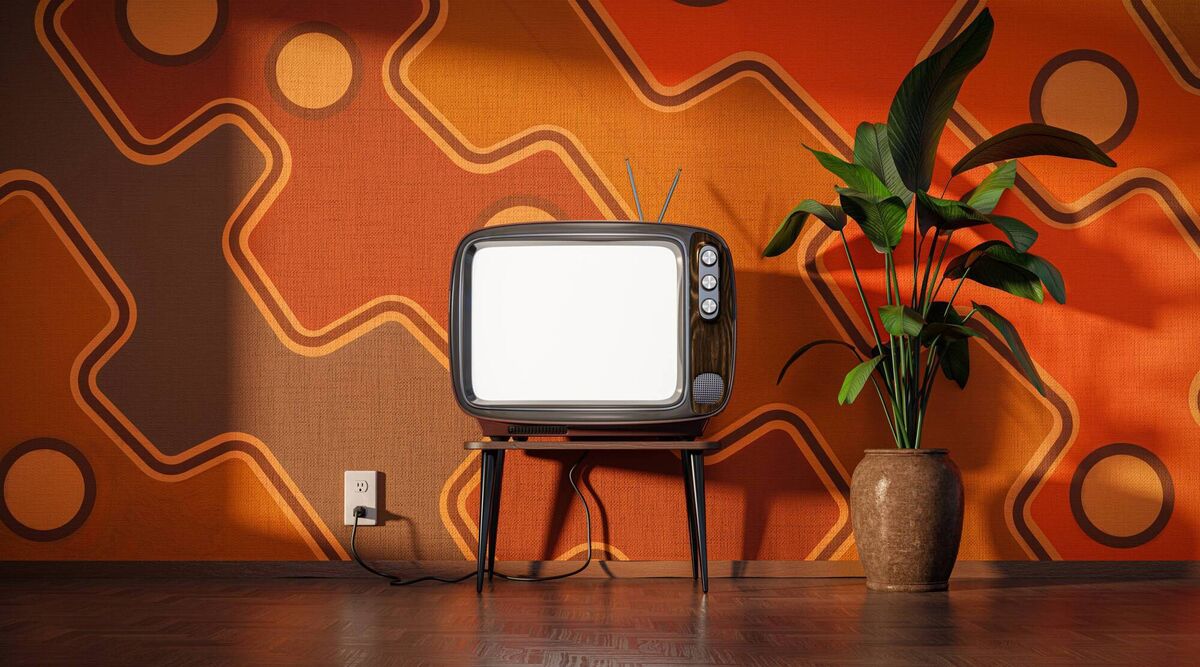
If you have the square footage to allow it, a media room offers an unashamed open celebration of the TV, DVD, home cinema and all its associated toys. Somehow, mid-century table styles seem to welcome a bit of technology on show, and they are often the ideal height to put the screen just where you need it. Finesse with a stand that moves through a few centimetres, and use cords, tapes, and other hiding to wrangle wires into submission.
Keep in mind any set-top box and large speakers will need to be accommodated. In a kitchen or other high-traffic area, consider lifting a small TV up onto a movable arm where you can see it easily as you move around your workspace. Chances are you are listening to what’s streaming rather than watching, so the rules regarding a seated position don’t apply.
Denying the TV exists with a wallpaper image on show, well, it’s not fooling anyone, and the kWs are not free while it’s rolling through the greats of the Museum of Modern Art in NY. Try nestling the set in a gallery wall of artwork, ensuring it has sufficient room to breathe. You can again try out positions with paper blanks without picking up a drill or a 10kg painting.
Using a defunct fire surround? Chances are it will set the TV too high, and if lit, the tiny particles of biomass created by all combustion will not only cloud the set but be pulled into the vents of the panel. There’s an aesthetic struggle for attention as the primary focus between an architectural detail like a mantle and your TV — it’s a marriage best avoided. Try creating a relationship based on a lovely, low-slung vintage or modern sideboard instead.
The settings of the TV can enhance its performance and position. Firstly, don’t put up the brightness so high that it knocks natural colours into searing shades that will make the screen sit up in the worst way. Some modes, like Sports mode in an intelligent set, will punch up colours to the synthetic as and when you use them, and then default to more harmonious shades.
When the brightness is optimised for general use, balance the rest of the room lighting against it after dark, using direction lighting and opaque shades for functional places in the surrounding room. Let the television be around 30% brighter than ambient lighting, but no more. When choosing your set, also look for anti-glare varieties with a matte surfacing that scatters light that hits the screen from the surroundings rather than reflecting it straight back to you like a mirror.


CONNECT WITH US TODAY



Be the first to know the latest news and updates