How to create a study zone at home for students of all ages
All you need to know about choosing and  setting up technology and establishing a quiet space for young people at every stage of their education journey
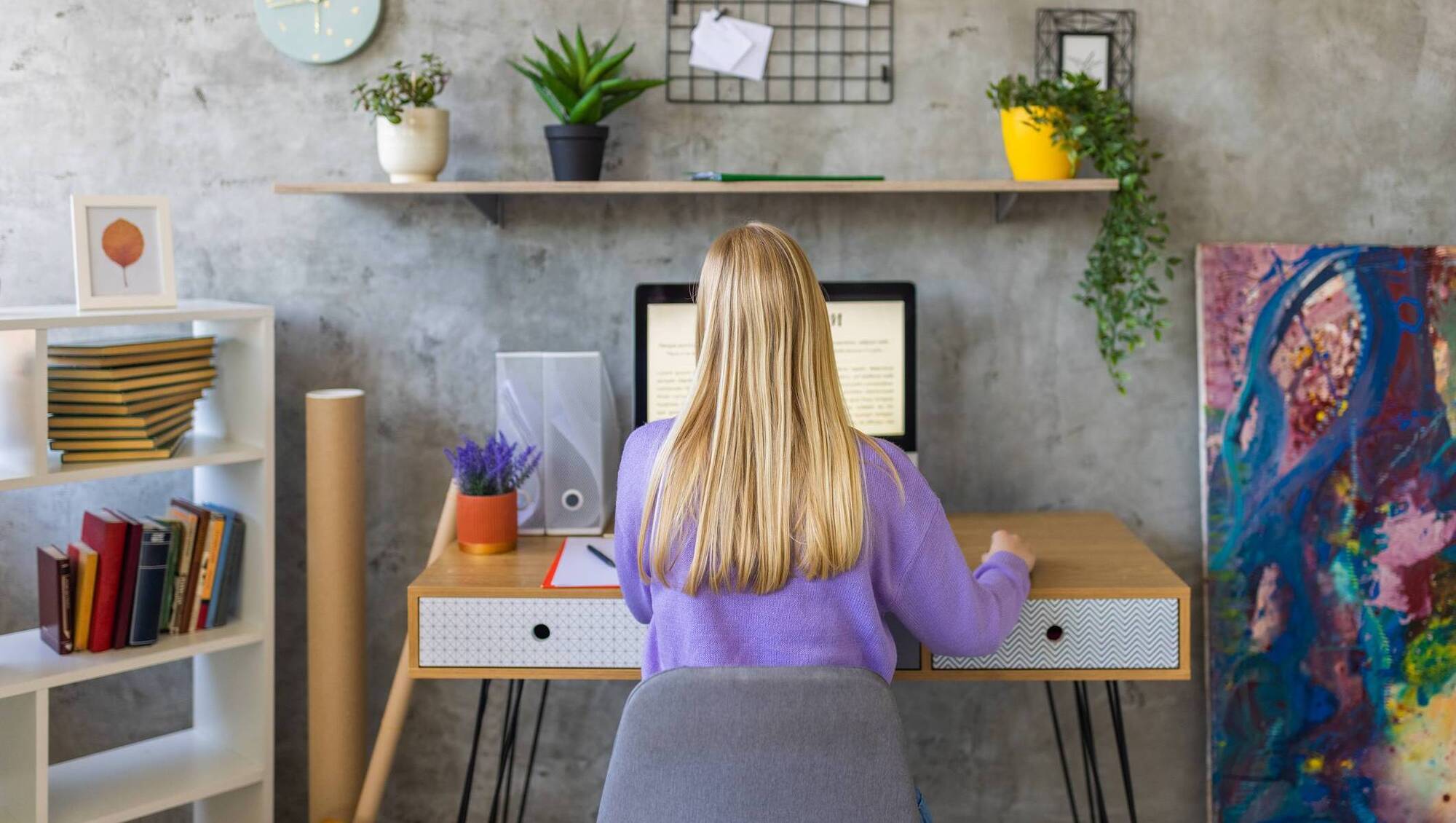
A designated spot for study can be found in a variety of places. Just ensure your students are not interrupted repeatedly. File picture

A designated spot for study can be found in a variety of places. Just ensure your students are not interrupted repeatedly. File picture

Screen time is an inevitable part of school life, both in class and out. As we prepare for the new term, let’s look at how we can make homework time, including computer-based activities, a positive experience.

Happily, despite the march of technology, most early primary school work is still reading, writing, and drawing — most of which can be staged over the breadth of a sturdy family table at the centre of the home.

For art projects, the kitchen table under an oilcloth was my go-to. I was amazed how over the span of just a few years, my daughter’s study materials became steadily subsumed into her electronic notebook.

Still, approaching the Leaving Certificate, the 20lbs of folders never went away. At 15, we still needed a good table for fluffing through notes, books, subject assignments, and fragile art installations, but a 16-inch laptop had moved centre stage.

Should you buy a desktop or laptop?

Presuming we have protective software, should we start our little students out on a desktop (a tower and accompanying screen) or a laptop?

Despite the neat size and portability of a laptop, the desktop computer is intrinsically tougher for children’s use and cheaper to repair or upgrade.

A PC screen is bigger than any laptop or notebook, and if you drop a drink over a keyboard, it’s €25 to buy another one. A laptop can be instantly destroyed in one wallop. Apart from the damage to a liquid screen by the stab of little fingers — small items can be easily crushed between the panel and keyboard when it’s closed, annihilating the screen.

With a laptop, the screen is attached to the keyboard, forcing users into a hunch, even when set on a table without the use of peripherals (a riser, mouse, and separate keyboard).

Where a laptop does shine is with a wireless connection, allowing it to be carried from room to room. That freedom and versatility are crucial to even older primary schoolers who might feel isolated and stressed by being banished to their bedroom or tied down to a designated study spot as you are moving around the house.

PC or laptop — with little children with an internet connection, site it where you can monitor any online research, and upgrade your protective monitoring apps consistently. A family-time profile protected by a password on the PC will ensure they don’t stray into anything you might be up to that’s not fit for little eyes.

Talk to the school about what’s required in terms of the laptop or notebook — what platform do they suggest? If you cannot afford a machine — again, reach out, as it’s a required standard to have some sort of IT with internet access other than a smartphone.

Study area

Once students reach secondary school, if you have the room — it makes sense to split their leisure space off from their homework area. Older kids may still be happy to hang out in a family room, or they may demand almost total seclusion. With that movable feast of a laptop or notebook, they can, in theory, work anywhere.

Involve them in the process of designating a study area (including agreed boundaries) and step back, not hovering over every evening project. Once the backside hits the chair, we want that cognitive habit to take hold — it’s time to focus. If you don’t include your youngster in the decision-making, embracing their personal quirks and taste — an Instagram-ready study area with downright expensive furniture, lighting and accessories (fashioned by you), could earn you contempt and derision.

Zoning

Zoning a desk area within a bedroom? With many tweens and teens (and who can blame them), the temptation to wander back to recreational phone use behind what is their personal front door will be too much for them to resist.

If you’re considering banning phones while they are hitting the books? My experience has been that the phone is often needed for lightning contact with friends, a tutor or a class study-group, and they can work around bans with apps covering their phone and laptop. Talk it through and come to a reasonable compromise, with consequences for ignoring agreed regulation on phone use.

Music

Don’t take away a teen’s music or dictate meditative easy-listening as chosen by you. Cruel and unnecessary in most cases, I learned the hard way. Any gaming console should definitely be turned fully off. For repeat offences (assuming an agreed consequence is in place), take away a cable or controller for the duration of homework time — the decisive game-changer.

Nooks and noise

If the bedroom is obviously not being productive, what about a “cloffice” area in a stolen few metres? A little renovation under the stairs or a drop-down desk at the far end of a lesser-used room might even do it if there’s genuine quiet and not too much foot traffic. Noise-cancelling headphones or earbuds can cut them off from any passing family clatter.

Allow for the individuality of your child, whatever their age. Noise-cancelling headphones can let them work anywhere they are truly comfortable. File picture

If you have a home office area and your day is done, could you clear your desk and let an older child use that? Obviously, they must respect your territory, but likely the detailing around task and natural lighting, and the sweet spot for furnishings will have been finessed by you already. One deep drawer or a small filing cabinet on wheels could be designated for the student’s folders or whatever. This is a privilege. Does it always work? No. I couldn’t share.

Sizing

Moving to a dedicated table, just like any adult, children’s bodies at any age will be put under pressure by inappropriate furniture sizing and that includes their computer time. Sizing for child and “student” desks is often narrow and mean. If possible, start with something at least scaled to an adult with plenty of free surface area (71cm-76cm high).

For young children, try building up a standard chair rather than investing in cutesy kiddie pieces that will soon prove redundant. Small steps will lift their feet into the right position. A standard table, a height-adaptable screen or laptop, and an adjustable chair to accommodate sprouting long limbs can work to the height of several family members. With shelving flown up the surrounding walls, storage can be taken up by a couple of deep drawers on or under the PC desk. Ensure the placement of the monitor reduces any chance of glare or eyestrain (45cm plus from the face, with the top of the screen level with their eyes).

Ergonomics

Reminders about posture, tech-neck strain to a teenager? Put the facts out there, and have peripherals including a separate keyboard, a mouse, and a laptop riser available to them. Suggest a timer for breaks for strolling the room every 20-30 minutes, stretching out their entire body, and focusing their eyes away from the screen. Laptops and notebooks used randomly around the house can be thrown down onto beds and soft furniture where they become a fire hazard. Get some buy-in here, with a protective wedge if they doggedly insist on working in bed or in a beanbag.

Servicing and safety

Finally, if it’s been a while, take the time to have your family PC/laptop or your children’s computer/laptop/notebook professionally serviced to optimise its performance before term starts. In serious exam years, with ongoing assessments and projects in play, a notebook suddenly going toes up can be extremely upsetting for a fizzy student. Keep all anti-virus/anti-spyware and child monitoring programs for filtering, screen limits and parental reports installed and scheduled to update.

x

More in this section

Revoiced

Newsletter

Had a busy week? Sign up for some of the best reads from the week gone by. Selected just for you.

Cookie Policy Privacy Policy Brand Safety FAQ Help Contact Us Terms and Conditions

© Examiner Echo Group Limited