DuRoBo Krono review: A versatile, focus-first alternative to the Kindle
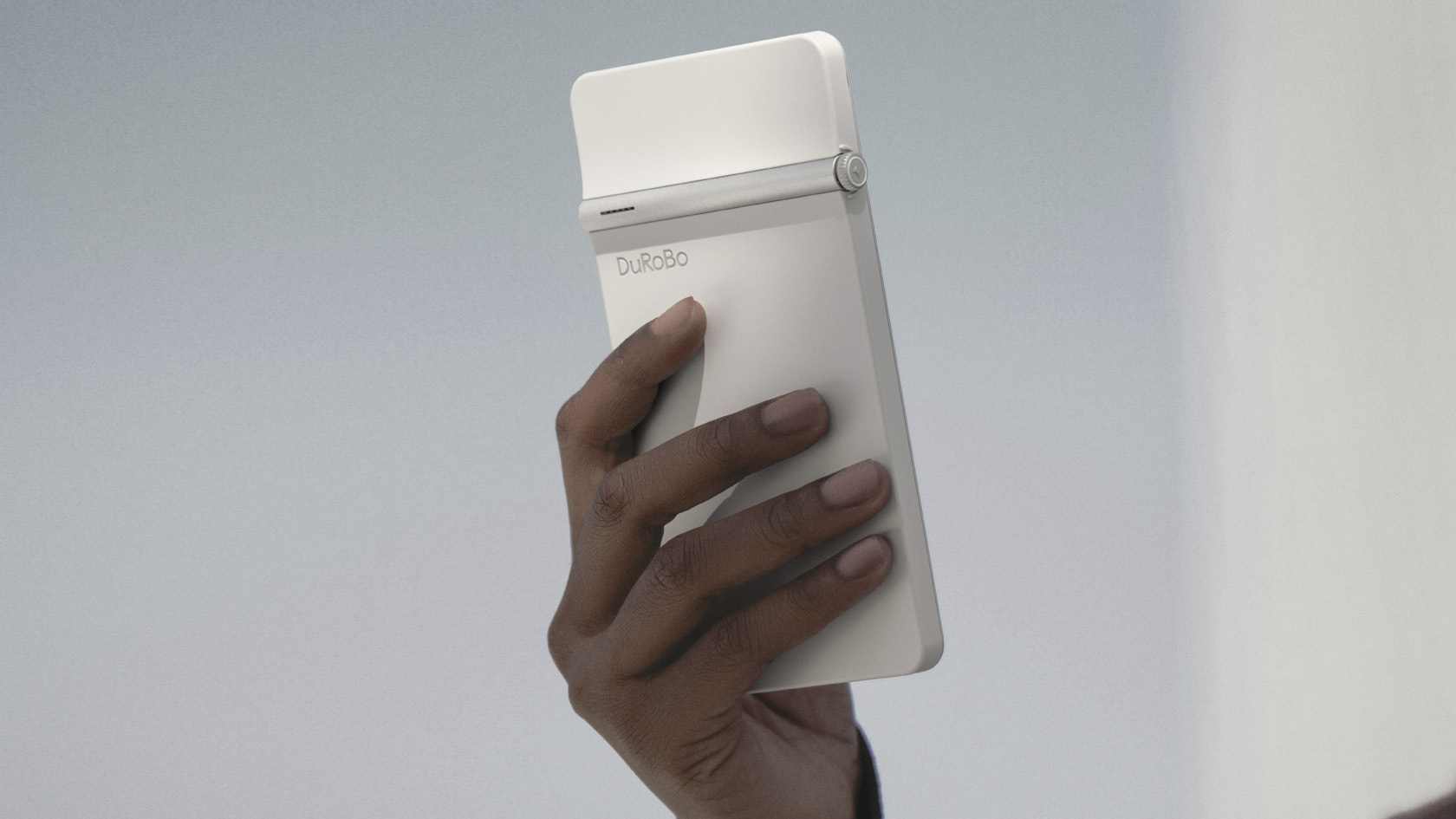
A slim, matte-finish design that makes the Krono easy to hold during long reading sessions. Picture: DuRoBo
When I started buying e‑readers, the idea of a screen that didn’t buzz with every notification was already familiar. The DuRoBo Krono takes this concept further by combining a sizeable 6.13‑inch display with a distraction‑free operating system. Its e‑ink panel feels almost tangible, no blue light to warp my eyes after an evening read, just crisp text and subtle contrast that make it feel like paper. For anyone tired of the endless social‑media ping on a standard Android or Apple phone, a dedicated focus hub offers a quiet space to write, plan or simply lose yourself in a book.
The Krono’s chassis is thin enough to fit comfortably in one hand yet robust enough not to feel flimsy. A matte finish hides fingerprints better than the glossy surfaces of most tablets, while the 16:9 aspect ratio gives you plenty of room for long paragraphs without awkward line breaks. The Axis breathing light on the back is a small aesthetic touch but also lets you locate the device in dim rooms.
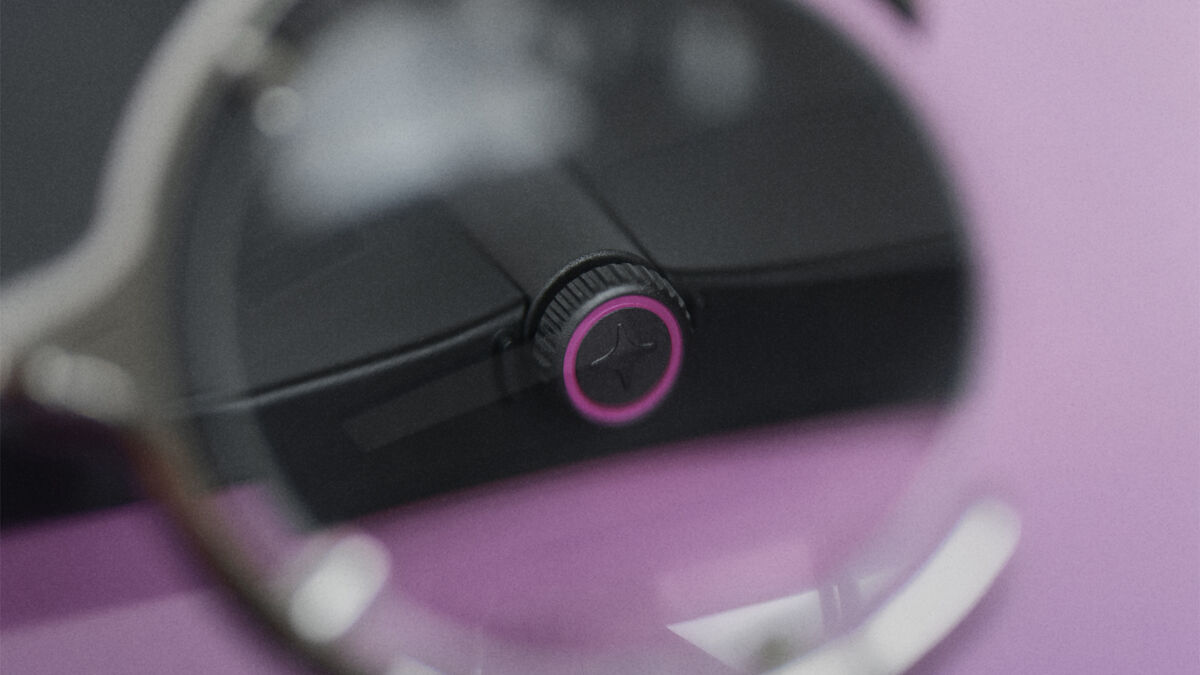
The Smart Dial feels a little strange at first, but it helps you navigate by rotating a dial instead of tapping the screen, and after a few weeks, it became second nature. Turning the dial scrolls with fluid precision, and turning the wheel on top adjusts brightness instantly. The overall ergonomics feel balanced, but at 173g I wouldn’t describe it as super lightweight.
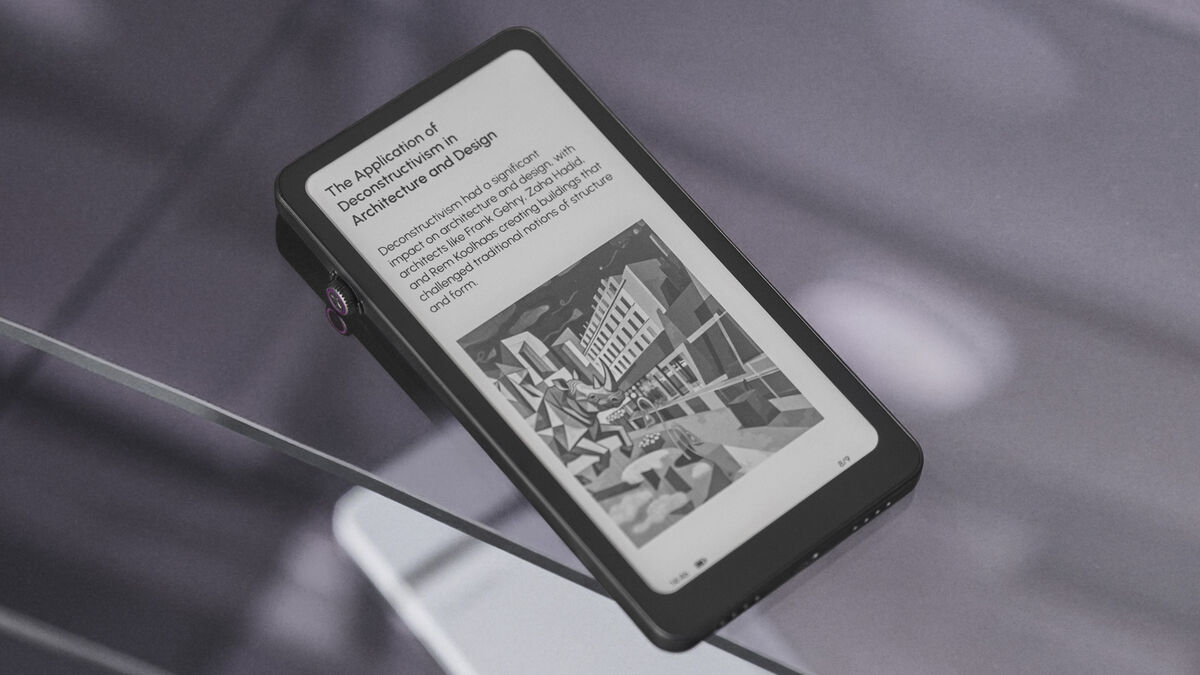
The mono Carta 1200 e‑ink display has a resolution of 824 x 1,648px (300ppi), and every word looks sharp enough that I can read comfortably for hours without fatigue. An advanced anti-glare etching eliminates glare in direct sunlight or under bright office lights. The tunable front light works smoothly: it adapts quickly to ambient lighting and feels gentle even at its brightest level.
Those not familiar with e-ink displays will notice the refresh rate lags behind that of an OLED or LCD panel. This means page turns feel slower, but for reading books or drafting notes, that latency is something you get used to.
In low-light settings, the front light never bleeds onto adjacent pages. I found I could read comfortably late into the night without hurting my eyes.
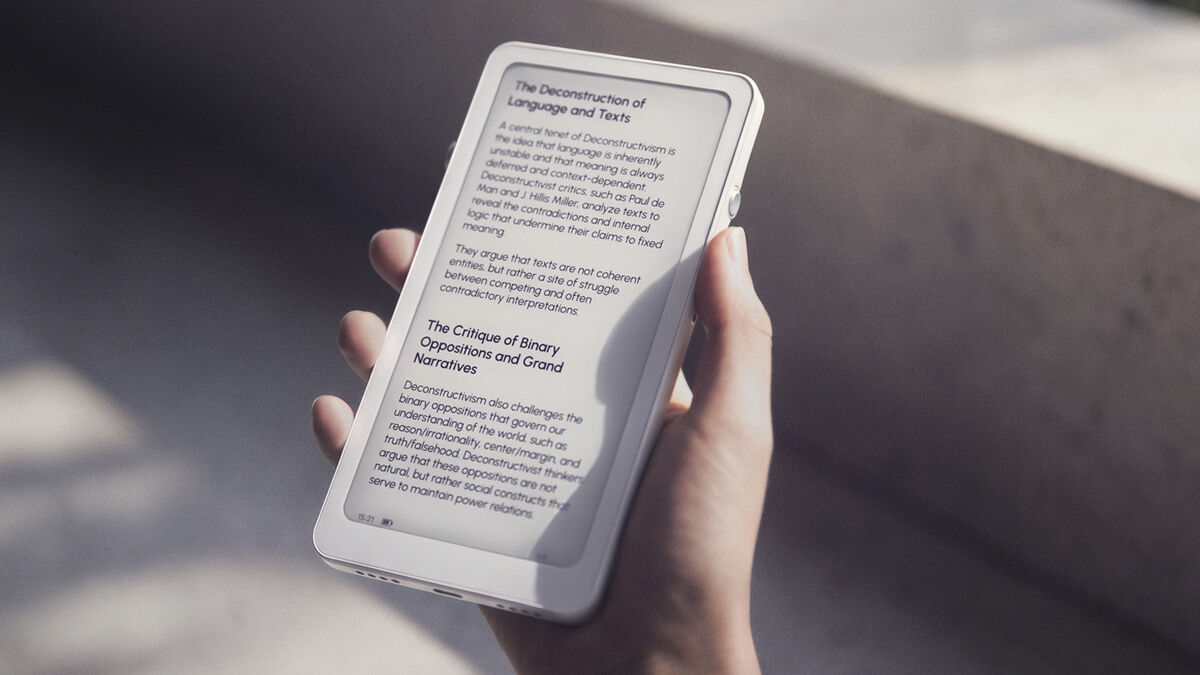
The Krono runs Android and provides full Google Play Store access, so you can install your favourite apps, use cloud storage, or install niche reading platforms. The Krono runs on 6GB of RAM and 218GB of storage, but there’s no micro-SD card slot to expand this.
The native Spark app is a useful idea‑vault tool. A long‑press on the Smart Dial records a voice note, then a long-press on the voice note brings up a contextual menu with the option to transcribe to text and AI summarise. Switching to text mode lets me refine those notes directly on screen.
DuRoBo AI is like a built-in ChatGPT app, accessible from the home screen or by double-pressing the dial, offering quick answers and news snippets that feel conversational.
The Transfer app makes sharing PDFs or ebooks over Wi‑Fi straightforward, and the updated Smart Dial now supports third‑party reading apps like Kindle and Kobo.
I found the Krono excels when I need to read dense material, thanks to the 6GB of RAM, which keeps PDFs responsive, and the 3,950 mAh battery, combined with the e-ink display, sips power.
I love how the Smart Dial provides tactile feedback for page turns; no accidental swipes. However, I encountered occasional lag when launching heavier Android apps, such as complex note‑taking software – the system sometimes pauses briefly before opening. The browser update improved loading times but still struggles with media‑rich sites. I also noticed that not all Android features feel polished on e‑ink hardware and things like multitasking remain limited. Typing was occasionally a chore. I found myself having to press each key more firmly than usual to ensure the input actually registered.
While the Krono won’t remove phone distractions entirely, you’re far less likely to waste time doomscrolling. You can read for hours without being tempted to scroll through social feeds. For light browsing or streaming media, its slower performance makes it less suitable than a standard tablet. The e‑ink panel’s lack of colour also means images lose nuance compared to OLED displays.
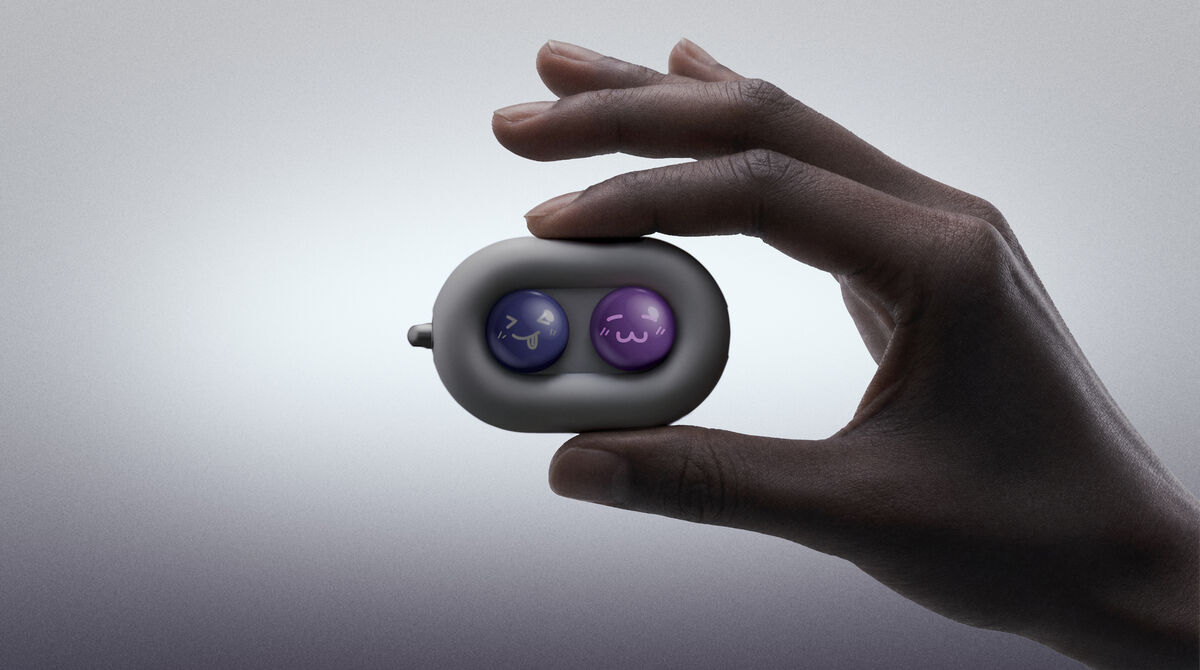
Moodi is a cute little remote-controlled page-turner for the Krono. It’s an optional extra that costs €31. This portable remote offers six swappable magnetic button caps, three versatile modes, and long-lasting battery life. It comes with extra swappable emoji caps that let you switch colours and emojis freely.
The DuRoBo Krono delivers a focused reading experience that outshines smartphones in terms of comfort and distraction control. Its crisp e‑ink display, Smart Dial navigation, and AI‑powered note-taking tools shine, while occasional app lag and limited multimedia support keep it firmly in the niche bracket.
€293 amazon.co.uk

CONNECT WITH US TODAY



Be the first to know the latest news and updates