Terramaster D1 SSD Pro external enclosure review: A Thunderbolt 5 powerhouse for professional workflows
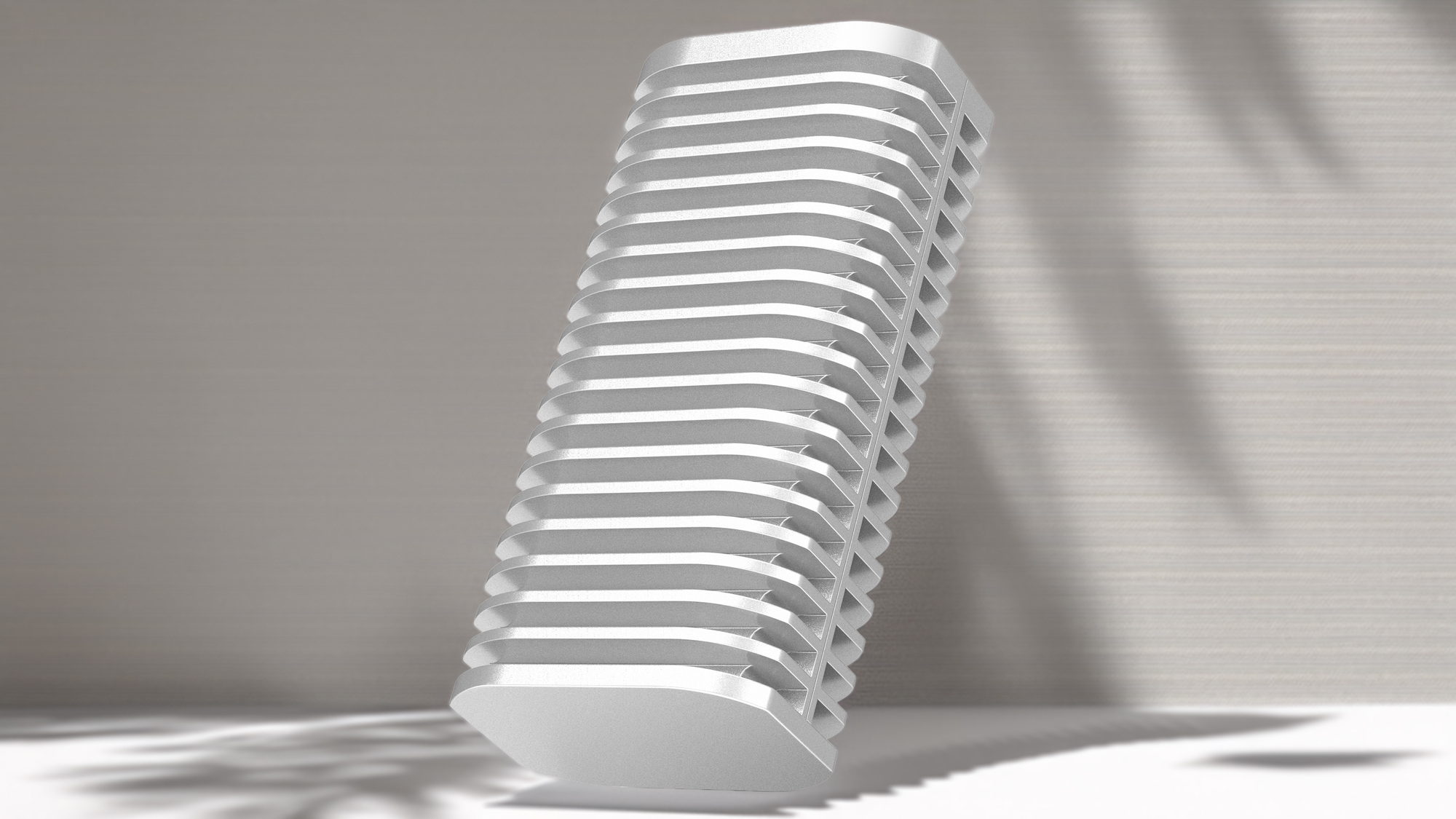
The Terramaster D1 SSD Pro features a CNC-machined, aerospace-grade aluminium body, offering a rugged and professional aesthetic. Pictures: Terramaster.
For professionals working with 4K or 8K video, external storage is a necessity. This is particularly true for MacBook users, whose internal SSDs are soldered to the logic board and cannot be upgraded. As file sizes grow, the demand for a high-speed, reliable extension of your primary storage becomes paramount to maintaining a smooth, productive workflow.
The D1 SSD Pro is a substantial piece of hardware. Constructed from CNC-machined, aerospace-grade aluminium, it feels incredibly sturdy and premium. It is slightly bulkier than some of its competitors, but there is a clear reason for this. The chassis features large thermal fins designed for efficient passive cooling. Unlike smaller, lighter drives that can be velcroed to a MacBook lid, the D1 SSD Pro is far too bulky and heavy for such an improvised setup.
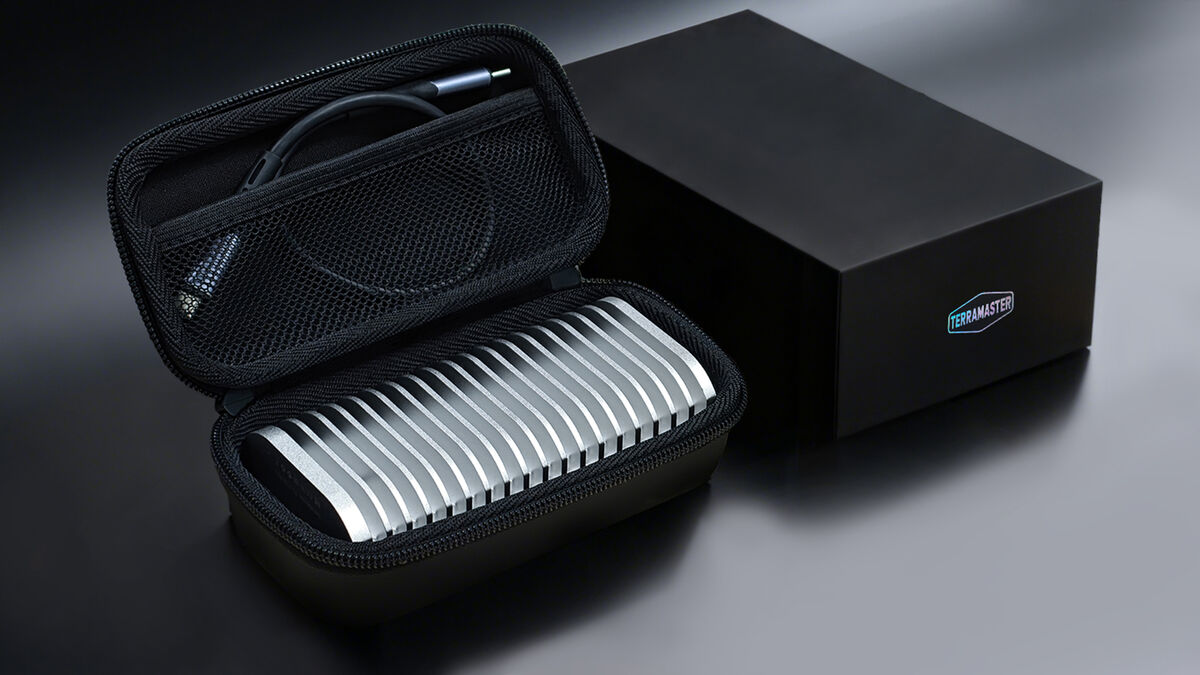
Included in the box is a high-performance USB4 V2 cable, capable of 80Gbps transfers and 240W charging. A bespoke screwdriver is also supplied, allowing for seamless M.2 SSD installation. One of my favourite features is that the simple single screw is designed to stay trapped in the lid, which means you won't lose it during an SSD swap. It’s a rugged, single-unit build that feels like it could handle the rigours of travel.
This is one of the first enclosures I’ve used to leverage Thunderbolt 5, which offers up to 80 Gbps of bandwidth. It uses an Intel-certified dual-chip architecture, which ensures it works seamlessly with Thunderbolt 4, Thunderbolt 3, and even USB 3.x devices. A handy feature is the LED status light, which glows orange for USB 3.2 connections and white for Thunderbolt. It also supports M.2 2280 NVMe drives with capacities up to 8TB, making it a versatile tool for expanding massive media libraries.
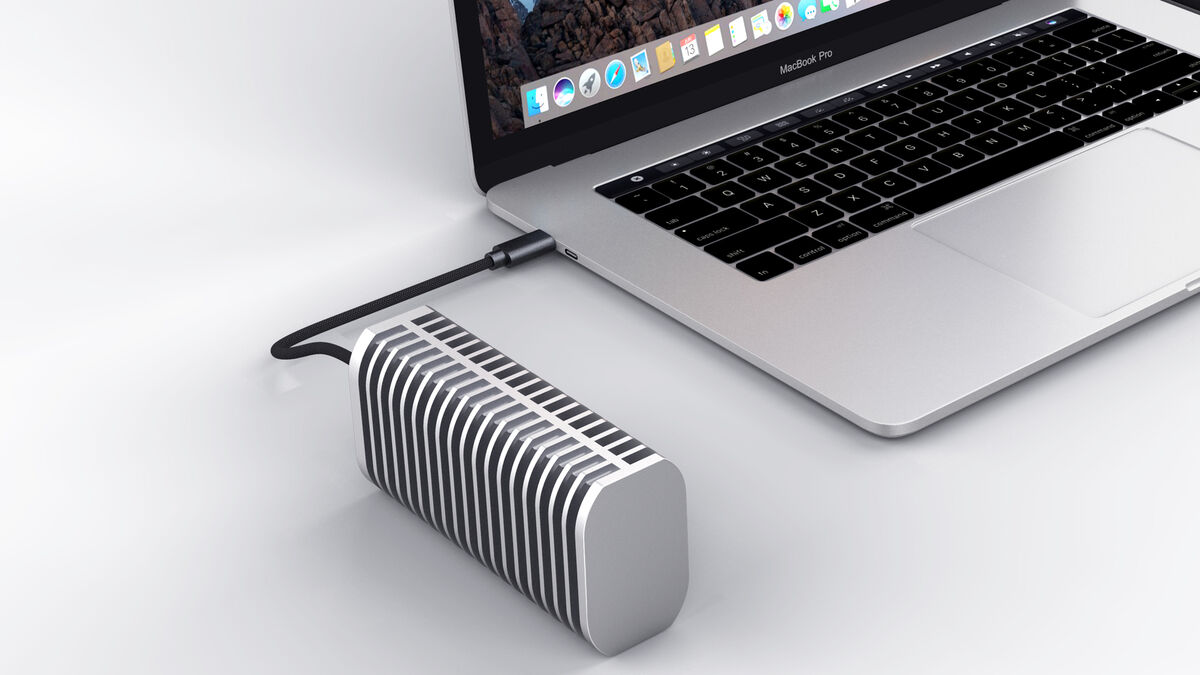
The numbers here are really impressive. I paired the drive with a Western Digital SN850X NVMe SSD 1TB (Gen 4), with read and write speeds exceeding 5,800 MB/s on my MacBook Pro M5 Pro. I know these aren’t the advertised speeds, but the actual speed will vary depending on the drive you install in the enclosure.
In my testing, even when pushing large files through a dock, the performance remained remarkably stable. Interestingly, despite lacking an internal fan, the D1 Pro maintained temperatures incredibly well.
In a head-to-head stress test against a fan-equipped competitor, the TerraMaster actually kept the drive cooler during sustained, heavy writes. This proves that the expanded thermal surface area is performing effectively.
Actual speeds depend on the drive's configuration, the connected system and even the cable. On my MacBook Pro M3, the drive achieved 3,000MB/s, as Thunderbolt 4 bandwidth was the bottleneck.
The enclosure comes with a very useful USB4 cable and a protective carrying case, making it easy to toss into a backpack. The lack of a fan is a major advantage for editors working in quiet studio environments or on-set, as it creates no noise. While it is slightly heavier than some ultra-portable options, the trade-off in thermal stability and raw speed makes it a top choice for anyone handling professional-grade media.
The impact of using an external drive like the D1 SSD Pro will be more noticeable when managing large-scale projects. For music producers using Logic Pro, the sheer bandwidth enables seamless streaming of massive, multi-gigabyte sample libraries. Whether you are loading heavy orchestral patches or complex Kontakt instruments, the high throughput ensures that the system avoids the dreaded disk overload messages that often plague projects stored on slower external drives.
The low latency provided by the Thunderbolt connection is equally vital when working with high track counts and complex routing, as it keeps the performance feeling as responsive as if the files were sitting on the internal Mac storage.
I can see even more benefits for video editors as the D1 SSD Pro essentially acts as a secondary internal drive. While the internal 1TB SSD on my MacBook Pro M5 Pro delivers blistering performance, with write speeds approaching 12,000MB/s and reads exceeding 10,000MB/s, the 1TB capacity offers very little headroom when managing large-scale projects. When working with 4K or 8K RAW footage in DaVinci Resolve or Final Cut Pro, the ability to scrub through the timeline without stuttering is a massive productivity boost. You can edit directly from the enclosure, which is essential if you have limited internal space. During my testing, even when the drive was subjected to long, heavy exports, the passive cooling kept playback smooth and prevented write speeds from plummeting due to heat. It removes the traditional bottleneck of external storage, allowing the focus to remain on the creative process rather than waiting for files to buffer.
A powerhouse for creators. If you need maximum throughput and absolute silence for heavy workflows, the D1 SSD Pro is a brilliant, well-built, and highly capable investment.
€290 Amazon.ie

CONNECT WITH US TODAY



Be the first to know the latest news and updates