Contour SliderMouse Pro: Redefining ergonomic computing with innovative design
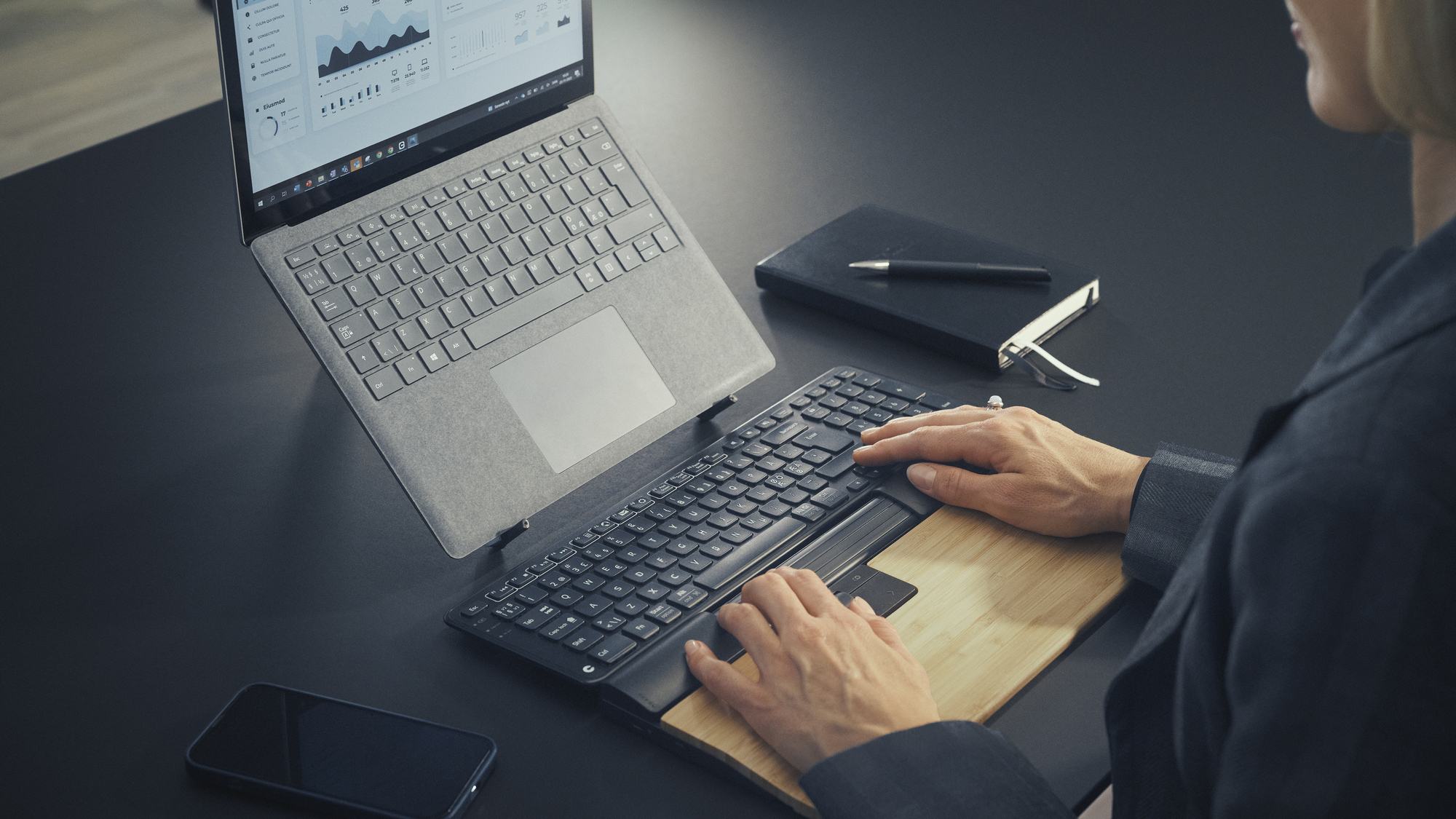
SliderMouse Pro. Pictures: Contour.
The mouse we use to navigate and manage our computers is one of the most often overlooked things we use daily. We spend hours pushing a small device around with little regard for how it might affect us. I remember getting a new computer at work, and it came with a basic mouse. Within a few weeks, I started to get severe pains in my hand. It got so bad I had to use the mouse with my other hand. Eventually, I replaced it with a Logitec MX Master and my pain was gone within a week.
Numerous peripherals are available to help reduce discomfort and enhance ergonomics for users with arthritis or repetitive strain injury (RSI). I have been testing an alternative to the humble mouse from Contour called the Slider Mouse Pro.

The SliderMouse Pro looks nothing like a mouse but performs mouse-like operations. It differs from a typical mouse design by centring the hands and maintaining a natural wrist angle, preventing the "bent" hand position where the weight rests on the little finger side. These features help users avoid strain on their elbows, wrists, shoulders, and neck.
The main area of the SliderMouse Pro is a large palm rest featuring a spongy textured rubber finish that magnetically connects to the SliderMouse Pro unit. It feels very comfy and offers excellent comfort for your palms. The only negative is that it takes up a lot of desk space at 166mm deep, and it didn’t work with my low-profile keyboard because the SliderMouse Pro was higher and arched above the keys. I swapped this out for a mechanical keyboard, which worked much better. Contour comes with a couple of well-designed keyboard risers, and once I understood what they were for, I was able to go back to my low-profile keyboard, albeit the experience wasn't as good.
Off-centre and to the left is a large roller which acts like a mouse wheel for scrolling. The roller has a middle click set for autoscrolling by default — this can be changed to perform other functions via the Contour Mouse Configuration software.
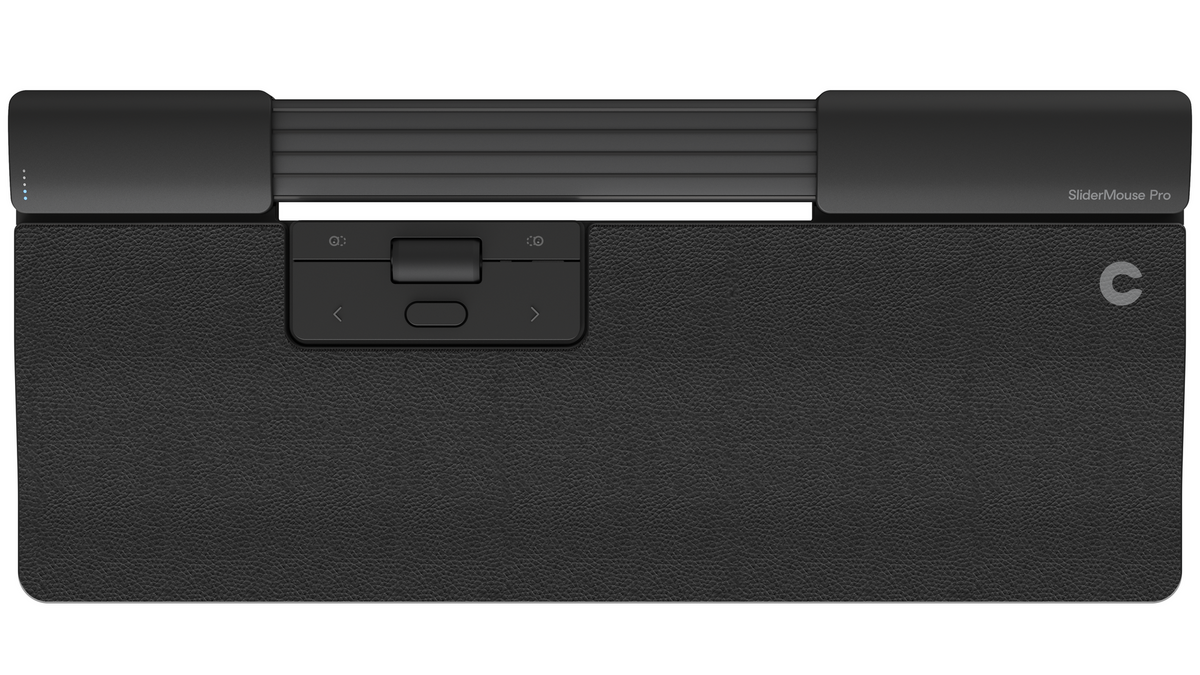
On either side of the roller are buttons that, by default, are set to copy (left) and paste (right). Below these are the left and right mouse buttons, along with an additional button in the middle that, by default, is set to a double click when pressed. All of these buttons are configurable via the software.
The slide-bar mechanism, which acts as the mouse slider, feels like magic. It’s a rubber section with longitudinal ridges and is 165mm long and 33mm deep. It rolls up and down and slides left and right to move the cursor on your screen with impressive precision.
A little button on the left side panel lets you adjust the cursor's sensitivity, and the setting is indicated by five lights just above the button. Connecting the SliderMouse Pro to your computer is done in one of three ways — wired, USB dongle or Bluetooth. The package includes a USB-C to USB-A cable, an included USB dongle and a converter for extending the USB cable. According to Contour, a fully charged battery provides up to three months of regular usage.
The SlideMouse Pro works as advertised, but it takes a lot of getting used to. All of the extra buttons and programmability features are fantastic, but you must commit to configuring a setup that suits you best. It’s powerful and useful, but it might be overkill for many. But I loved the shortcuts for copy and paste — ingenious.
During my initial testing, I found I was getting pains in my hands because I only used my index finger on the slider while the rest of my hand was like a claw. I found it more comfortable when I rested two or even three fingers on the slider.
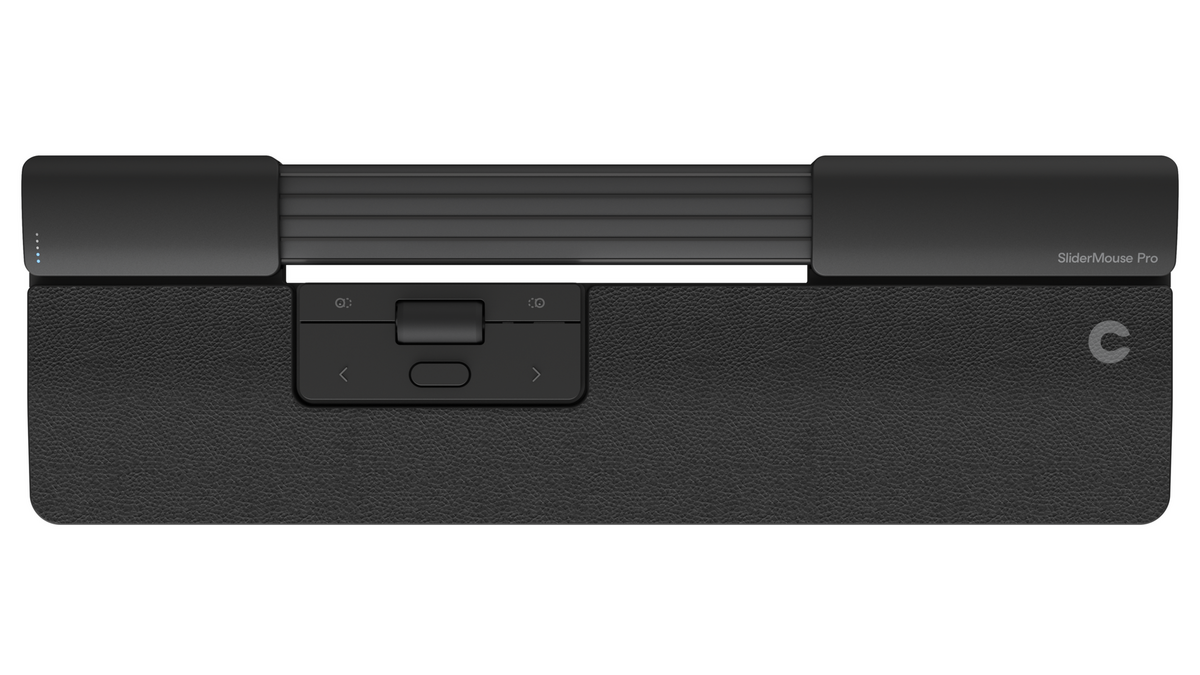
Based on my review unit, the SliderMouse Pro Extended, the extra large palm rests looked like a great idea, but I found in practice when typing, my arms and not my palms were resting on the rest. Ultimately, I removed the rest and used the SliderMouse Pro without it. However, Contour offers a SliderMouse Pro Slim with a shorter palm rest.
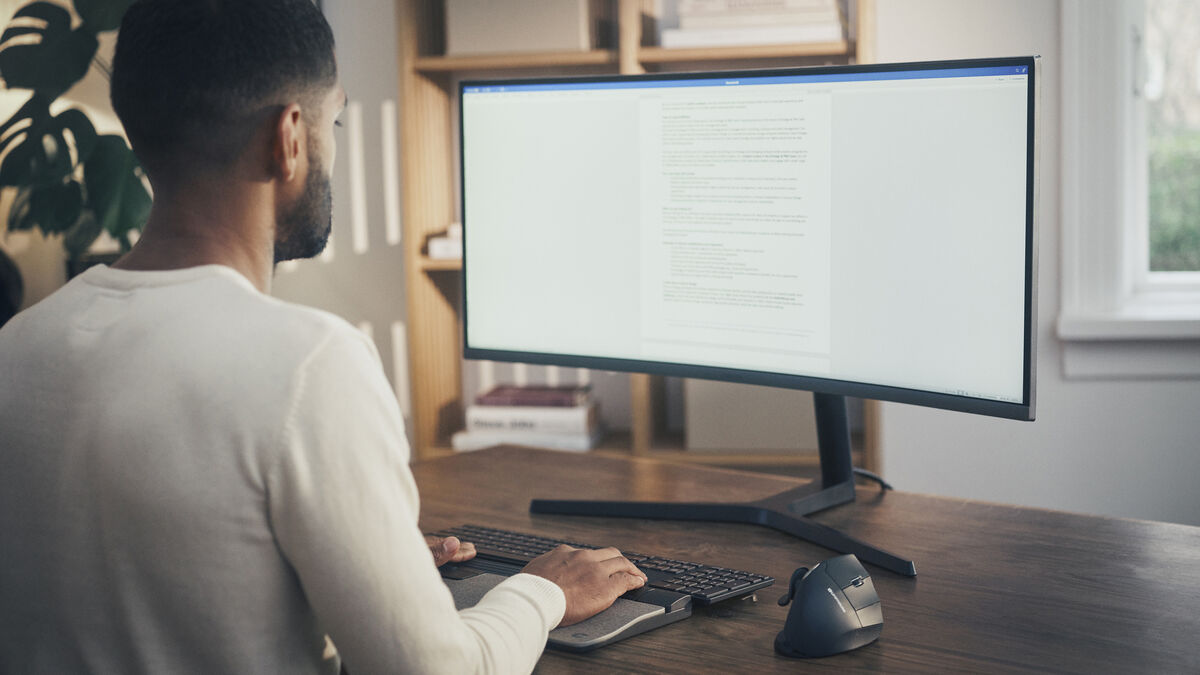
I didn’t find the SliderMouse Pro ideal on a system with large displays and a multi-monitor configuration because when you reach the end of the slide, the cursor will keep moving until you lift your hand. This isn’t an issue on a standard monitor size, but it felt a little unnatural to me on my setup. I also found the click on the slider a little too sensitive, making accidental clicks common.
Contour's SliderMouse Pro offers an innovative approach to mouse design with ergonomic benefits. While it may take time to adapt to its unique features and button configurations, it can greatly enhance productivity and reduce strain for those willing to invest in its learning curve.
Contour SliderMouse Pro - from €330,87 Contour
CONNECT WITH US TODAY



Be the first to know the latest news and updates