SwitchBot Curtain Rod 2 — a great way to automate your existing curtains

SwitchBot Curtain Rod 2. Picture: SwitchBot.
If you’re looking to switch up your curtains to make them smart, then you should take a look at the new SwitchBot Curtain Rod 2 which is designed to work with your existing curtain pole. You can use a voice command or a schedule to open or close your curtains thanks to this retrofit robot.
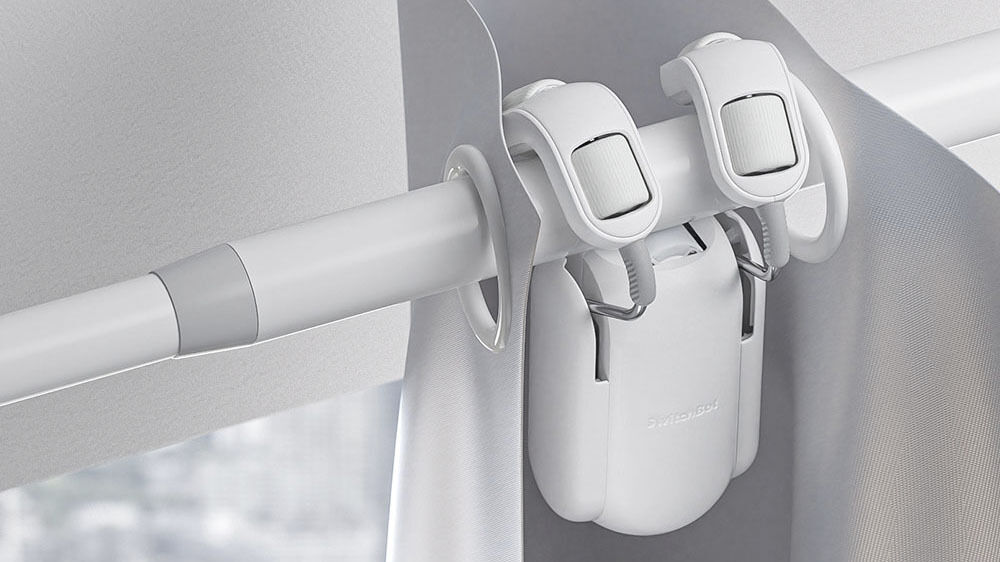
The Curtain Rod 2 is specifically engineered to work with curtains that hang from poles and I’ve been testing the advantages of the Rod 2 that I retrofitted to my existing curtains. There are different types and styles of rod and rail fittings for curtains and The Rod 2 is an updated version of the SwitchBot Curtain Rod.
I’m always looking at ways to update or add smart tech to my home and although automatic curtains have been around for years, SwitchBot offers a simple way to do it.
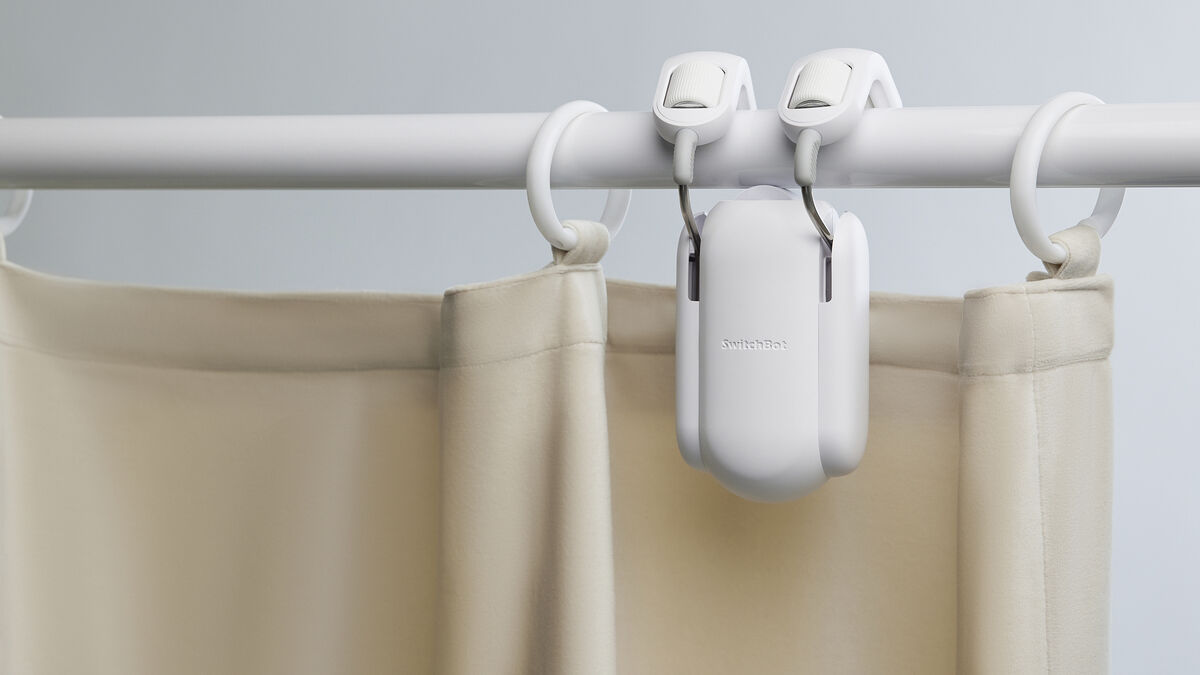
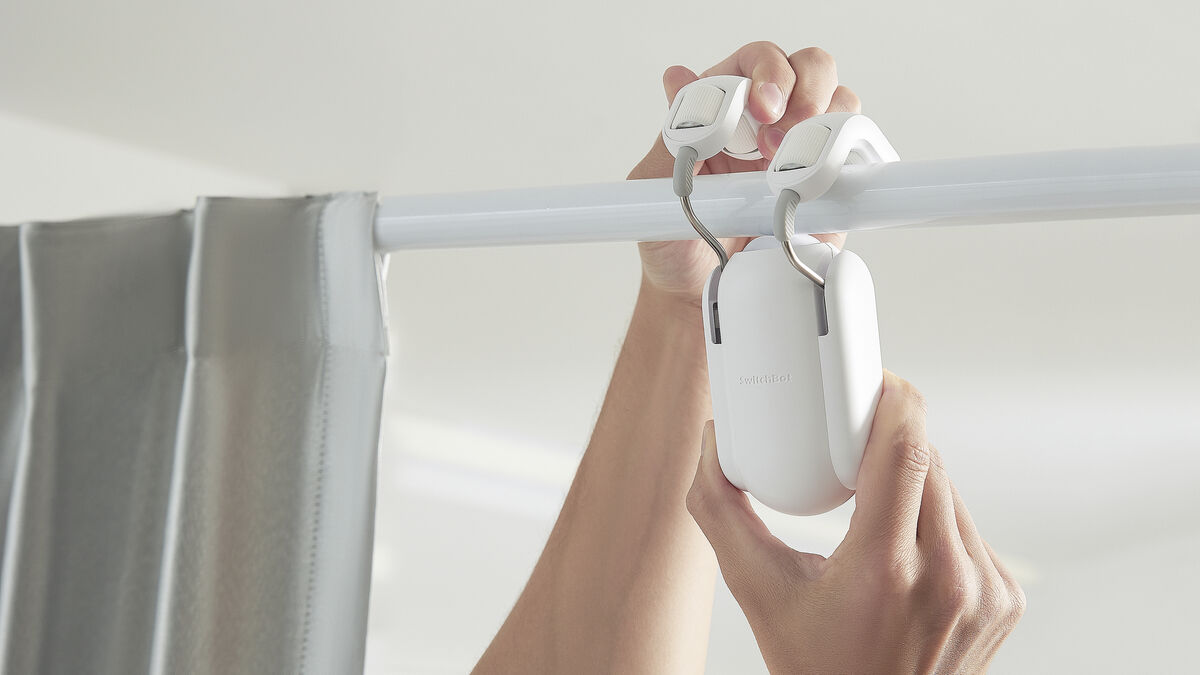
The Curtain Rod 2 has a clamping system that’s spring-loaded to maintain enough pressure between the left and right frictionless rollers on the top that clamp down on the motorised roller on the bottom. The main unit has a motor and battery along with a pairing button and USB-C port for charging.
The Curtain Rod 2 comes in a choice of either white or black but since the device will be hidden behind the curtains anyway, I’m not sure how important the colour is.
I was sent two units of Rod 2 for the purposes of this review and I tested them in two different ways. The first was to install both on one curtain rod where they would part the curtains from the centre to the sides. This means you need two Rod 2s for each curtain and at €85 times two that can get really expensive if you want to install them on multiple windows.
The second option is to use a single Rod 2 that draws both sides of the curtains across the full length of the rod. This worked great in my bedroom window with half-length blackout curtains. Obviously, you can’t have any rod supports in the middle that will prevent Rod 2 from moving all the way from one side to the other. Also, the motor will have double to weight to move since it’s moving on both sides so this may not work with really heavy curtains.
Installing the hardware is incredibly easy but you need to ensure you face the Rod 2 in the correct direction or the instructions won’t match the orientation for left and right movements.
The setup procedure is easy to follow in the free SwitchBot app which is available for both Android and iOS. You calibrate the open and closed positions after pairing the bots with your phone via Bluetooth. There’s no WiFi built into the unit only Bluetooth and you can only have it paired to a single device at a time. This means you can’t control it with two different phones for example.
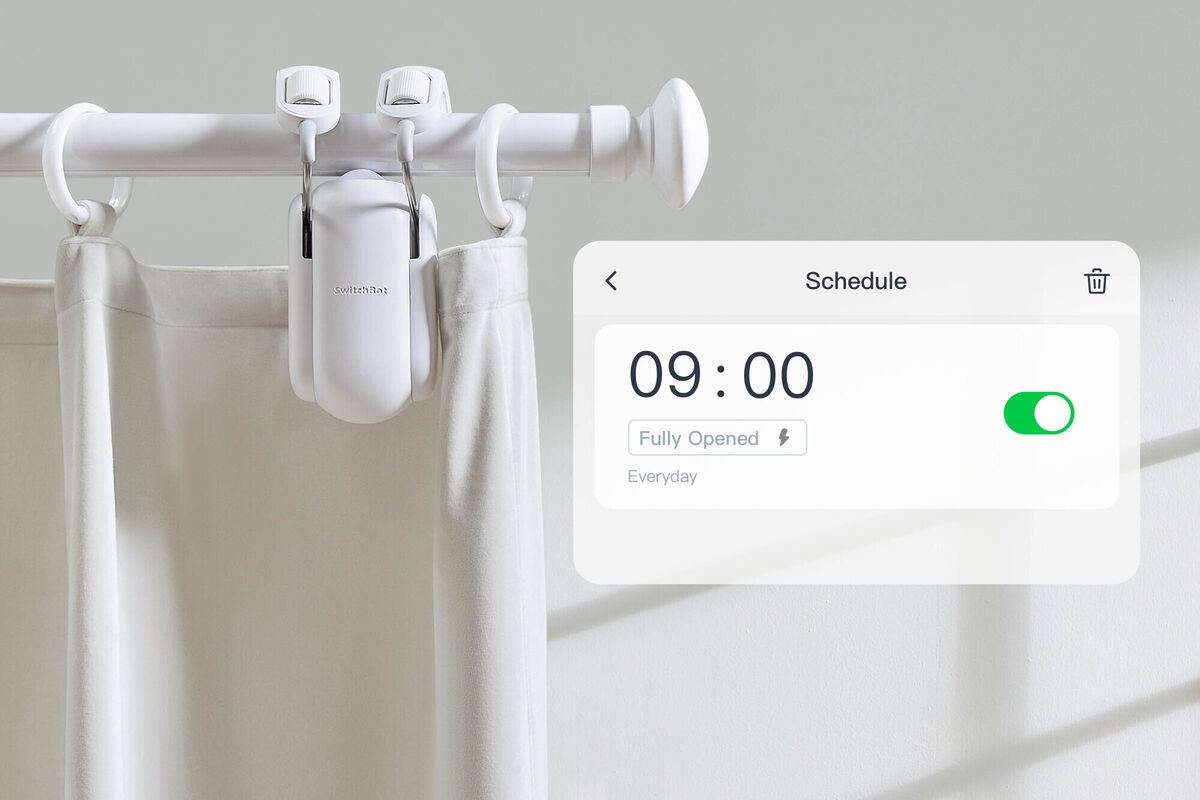
The app will guide you through a simple calibration process which basically trains the Rod 2 where to stop and start for open and closed curtain positions. Once done, you can use the app to open and close the curtains or set a time-based schedule or even have them set to work based on light sensing for dusk and dawn.
The mechanism worked flawlessly in my bedroom as well as on my floor-length curtains in my living room with two Curtain Rod 2s installed.
If you don’t have your phone to hand you can still initiate the open or close procedure by lightly tugging on the curtain and the motor will kick in to finish the operation.
While the phone is handy, it’s not always ideal. An alternative is to buy the optional SwitchBot remote (€20) that has two buttons — one that opens and the other closes the curtains. This is almost a necessity and probably should be included with the device.
You can also purchase a SwitchBot Mini Hub (€35) that expands its features to include voice commands via Google Assistant, Alexa, or Siri, or to set up automation through IFTTT. I used it with Alexa which is super easy to set up — just link the SwitchBot account with Alexa and you can then tell it to “open the curtains” when you want to get up in the morning.
The Mini Hub can also be used to learn the functions of other IR remotes including your TV, HiFi, etc., which allows you to control your home appliances with simple voice commands to further extend its use beyond just controlling your curtains.
The other advantage of getting the Mini Hub is that it will allow you to control the curtains remotely whether at home or abroad.
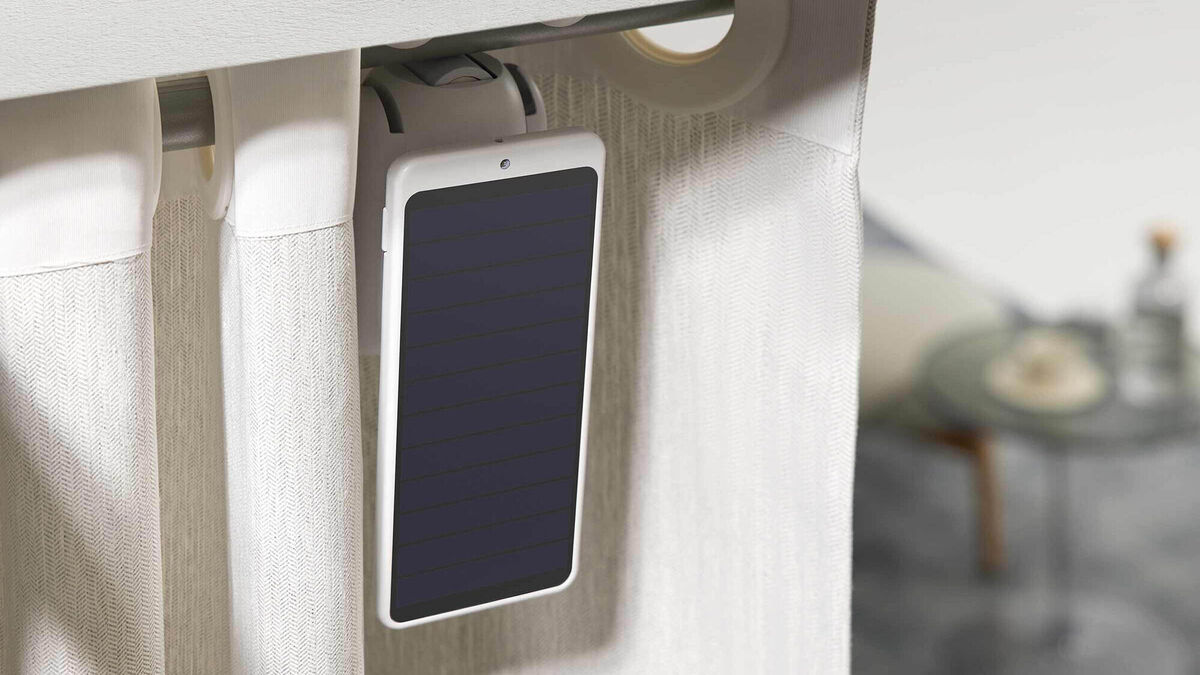
The internal battery is good enough to keep going for up to eight months before you’ll need to charge it again. However, if you use the optional SwitchBot Solar Panel (€25), which plugs into the SwitchBot it should keep it topped up.
The SwitchBot Curtain Rod 2 is totally unnecessary for most of us, but if you have a curtain that’s not easy to access or you find mobility difficult this is a great option. Or, if you just love anything that automates your life a little more, then it’s hard to beat the ease of use and convenience it offers — I love that my bedroom curtains close automatically each night regardless of whether I’m at home or not. However, it may struggle to work with heavy curtains and they are a little noisy during operation, especially in performance mode.
If you can live with your curtains opening at one side the cost for each window isn’t too bad but it doubles if you want them to draw and close them in the middle.
The SwitchBot Curtain Rod 2 — for more information SwitchBot

CONNECT WITH US TODAY



Be the first to know the latest news and updates