Finally, a Chromecast with a remote control
Google Chromecast with Google TV
Google Chromecast was first launched in 2013 and for such a relatively small and inexpensive device it offers a lot of powerful features. Each new iteration has improved incrementally over its predecessor but the one feature that I’ve always found glaringly missing is a remote. I understand the reasons why this has been the case because as the name suggests, it’s a device that connects to your TV and is used to cast from other devices such as phones, tablets and computers.
The Chromecast with Google TV is now a far more comprehensive media streaming device, featuring all the latest bells and whistles including 4K 60fps, HDR10, Dolby Vision and now finally, a stylish remote and more essentially, an intuitive menu system.
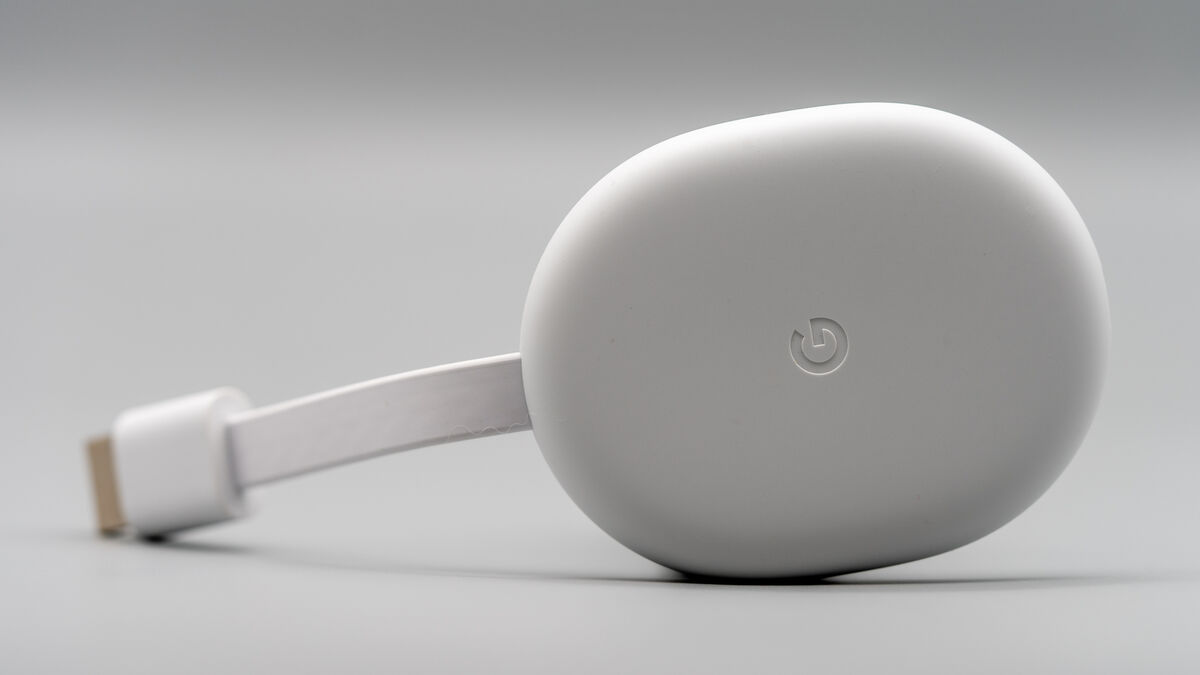
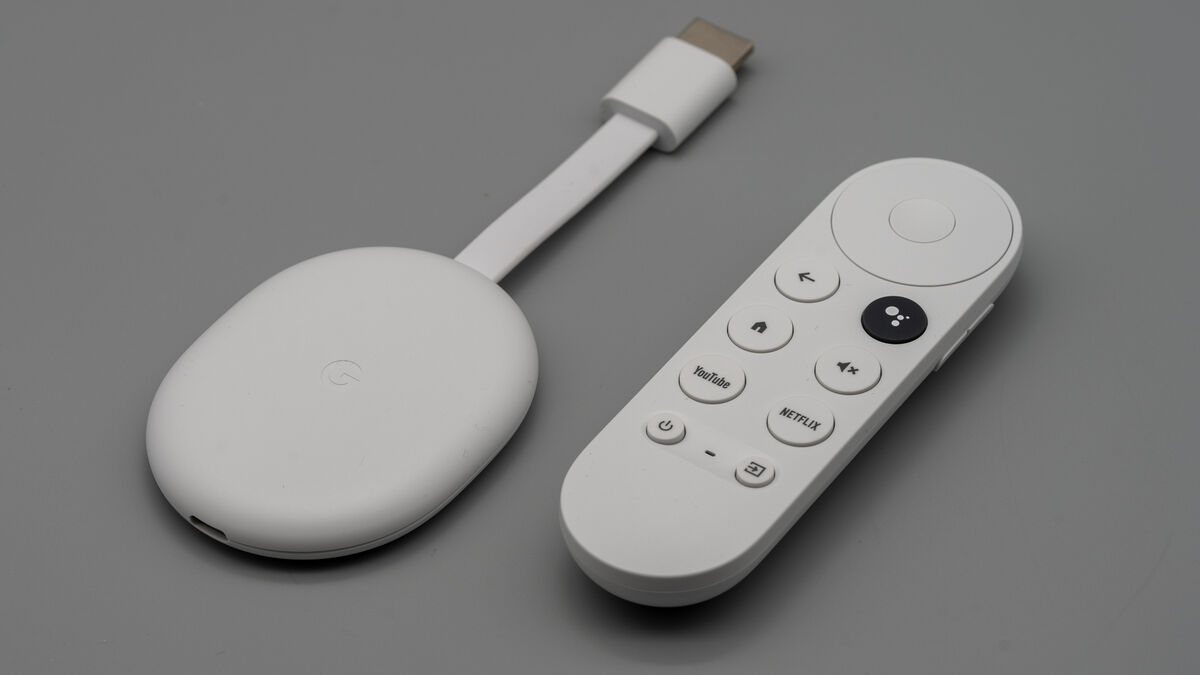
The new Chromecast device looks similar to previous models albeit more oblong than circular with a short HDMI cable and USB-C port for power. The matte finish and overall design aesthetic are in line with all recent Google devices, however, since it hangs from the back of your TV or monitor, you won’t see it too often.
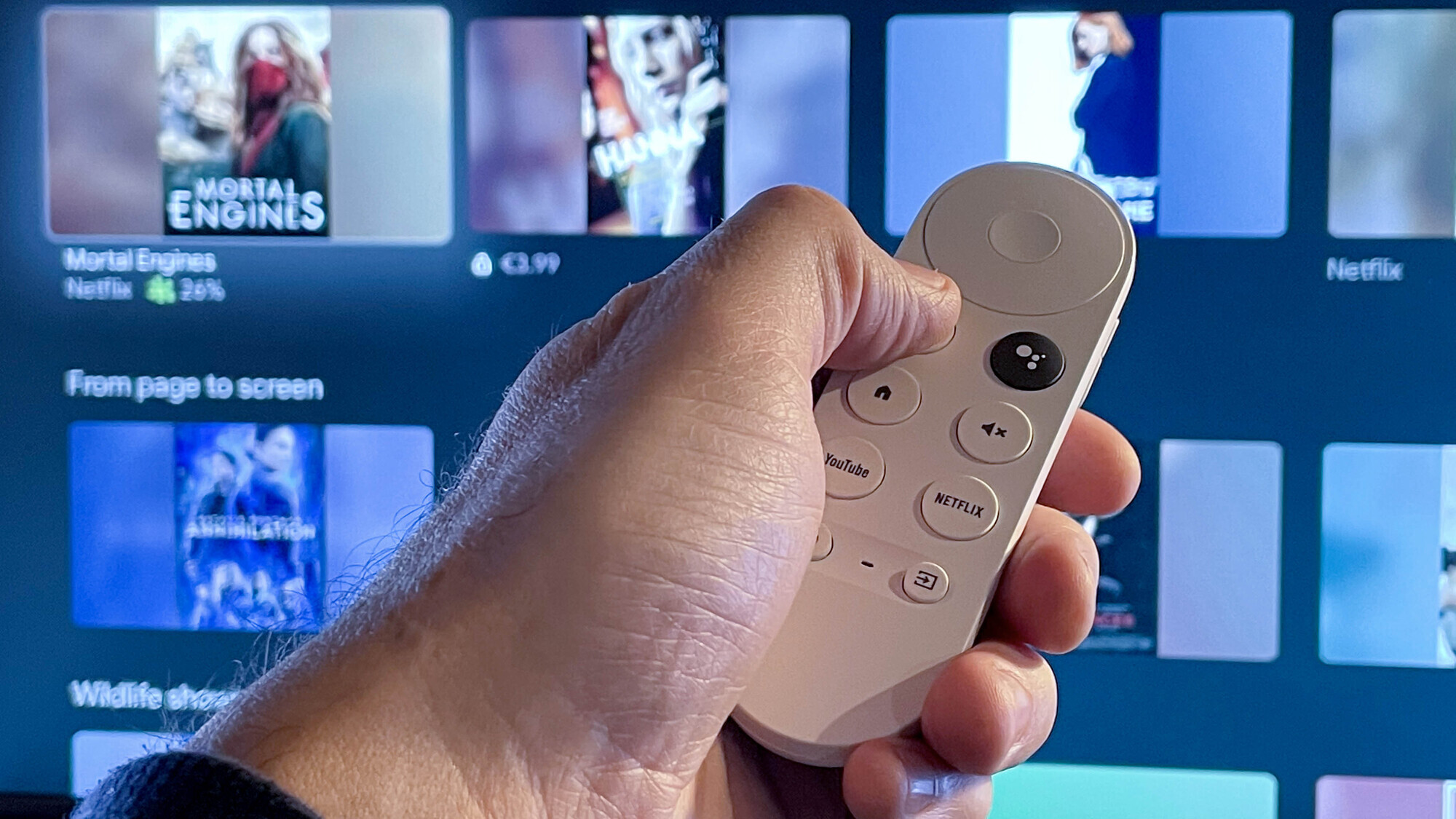
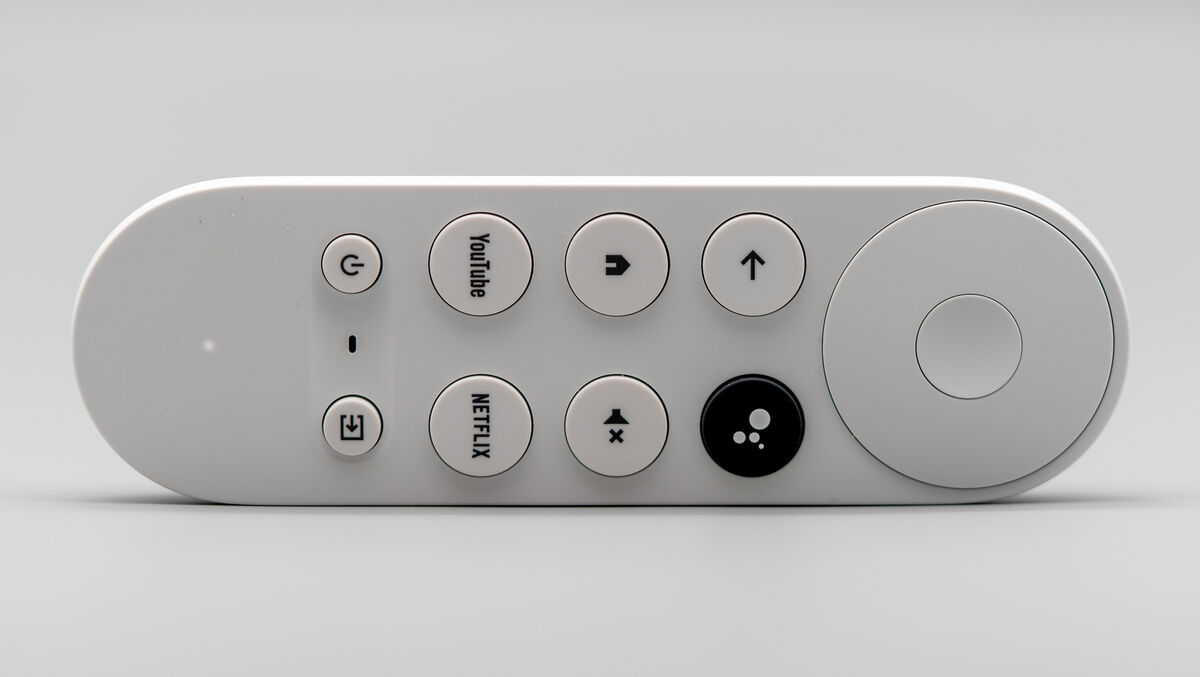
The new remote is small with a simple button and D-pad layout that’s designed to be easy to use. Depending on your TV you can use the volume rocker on the right edge to turn up and down the volume. The large D-pad and centre select button make navigating the menu system easy.
The other buttons include Home, Google Assistant, Back, and Mute, plus two dedicated app buttons for YouTube and Netflix. A pair of smaller buttons sit below the six larger ones for TV power and input selection, along with a microphone for Google Assistant. The remote is comfortable in the hand and small enough to make it easy to use.
Using the new Android TV interface I was able to aggregate most of my streaming services and apps including Prime Video, YouTube, Netflix, Disney+, Tidal, Spotify and the RTE Player. This isn’t an exhaustive list since you can download lots more apps from the Android TV app gallery including video players, games, VPN clients and TV channel apps.
Google offers recommendations for TV shows and movies based on what apps you’ve installed but I didn’t find most of their recommendations useful.
You can choose which apps to install and these will appear on the row below the suggestions. This is ideal when you just want to go directly to a particular show or movie. However, if you know what show you want to watch but can’t remember which streaming service has it, you can do a voice search using the Google Assistant button on the remote. This is such a brilliant and useful feature and much less painful than typing on the screen.
Of course, you can also use the Google Assistant to perform all the usual things like control smart home devices or just ask what the weather is going to be like tomorrow.
Below your apps is the Continue watching row. This should be a great feature but needs a little improving. The main issue is it only has the last two or three shows you watched from Netflix and Disney+ while none show up from Prime Video. It would be fantastic if it could display two or three of your last viewed shows from each of your streaming apps.
Below this are more suggestions based on categories such as Trending Movies, Wildlife Shows, and Throwback ‘90s classics.
When you select a show it will display which service it’s on, critical review scores in a percentage from sites such as Rotten Tomatoes, year released and running time. It will also show the cast and crew as well as allow you to add it to your watch list or give it a thumbs up or down.
TV shows and movies that you add to the Watch List, regardless of which streaming service they’re on, will appear in your Google TV Library tab. Again, a really useful and time-saving feature.
Missing is profiles although you can still choose individual profiles within the apps that support them. You can, however, pair and connect Bluetooth devices such as headphones or speakers which is especially handy for watching shows late at night when you don’t want to disturb anyone else.
This is the Chromecast I’ve been waiting for. I love the look and feel of the remote and how easy the Google TV interface is to use. The user experience is excellent and although it’s not perfect, I think a lot of small tweaks and features can be improved over time with firmware updates.
For the €68.85 (store.google.com) asking price, you really can’t go wrong with the Google Chromecast with Google TV.

CONNECT WITH US TODAY



Be the first to know the latest news and updates