Jennifer Sheahan: Design tools for planning home interiors

Jennifer Sheahan's living space in her 1800s cottage, 2021 RTE 'Home of the Year'. Picture: Moya Nolan
I am very much in favour of working with an interior designer for a home build, renovation, or redesign. Good ones will save you money, especially in the long run, and the skill involved in bringing your wishes to life in a cohesive and efficient way is not to be underestimated.
However perhaps it’s just out of budget, or you’re confident in your own design abilities, or you want to play with some designs and layouts yourself before going to an interior designer. In this case there are some great tools available out there that are easy to use.
I will only be suggesting free and easy-to-use tools here — there are plenty more complex professional tools that we can look at another time!
Before designing anything you need to know the dimensions of your space. This can come from the architect’s drawings, or from your own measurements, but be sure they are accurate! You may also have the locations of any current electrical sockets, light switches, and light fixtures — if not, you can add these in after you’ve finalised your room layout. Windows and doors should be drawn in here too, as well as any built-in units or fixed items such as beams or windows.
Maybe you already have a strong idea of what styles and colours you want, but if not then it’s helpful to gather inspiration. Browse as many images as you can and save all the ones you like.
The best tool here is Pinterest (it’s free!). Create a board, and create sub-categories per room. Browse photos of interiors that will suit your house — you can start simple with search terms such as “cottage kitchen” or “modern living room”. Once you save some photos you like, the Pinterest recommendation engine is very good at recommending more images that match your taste. If you prefer to keep things physical, you can cut out photos from interior magazines (or from this paper!).

Once you’ve saved enough photos you’ll start to see your preferred style emerging. You can review and identify what elements attracted you to these photos — colours, patterns, layouts, furniture styles, etc. Once you have defined your favourite colours and styles, you can gather your preferred options into a mood board to see how they work together.
My favourite tool here is Canva, creating a simple board for personal use is free. Play around with combining your favourite colours and design styles, and see how they look together. If you prefer keeping things physical, you can stick your cut out images onto a pinboard.
If you have a preferred colour (or colours), you can generate a palette to help you pick complementary accent colours. The website coolors.co is a great free tool for this - you can upload a photo of your preferred colour and the tool will generate a few palettes. Most paint websites will also suggest options to complement your preferred colour.
Next, you can start gathering samples to bring your mood board to life. Almost all retailers will provide samples of paint, wallpaper, fabric, tile, carpet, flooring, handles — perhaps at a small cost. It is absolutely worth taking this step to make sure that what you see in a picture or on a website is true to life.
Once you have finalised these items, you should bring these samples with you any time you go browsing for larger items — or when you’re tempted to pick up smaller accessories! Sometimes colours seem right in the shop, but don’t quite work when you take them home.
Now that you have an idea of what you like, you can start to browse the shops and compile a list of items you want in your home. You need to make sure that these will fit well into your space, and so we need to go back to your floor plan and play around with different layouts. PowerPoint is a very simple tool to let you play around with shapes and sizes. (If you don’t have PowerPoint installed, you can use Google Sheets for free.) You can import your floorplan, then create shapes that approximate your desired piece of furniture or other items.
This will help you decide where to place items and what sizes you have space for. Of course you can also use paper, a pencil, and a ruler for this exercise. Don’t forget to measure everything three times before you buy!
If you are more digital-savvy, SketchUp is a great tool to take your layout planning from 2D to 3D. It’s free for personal use. It takes some getting used to but there are plenty of video tutorials online to help. SketchUp has a built-in library of materials such as various woods, carpets, tiles etc. Once you get the hang of it it is impressively thorough, allowing you to create a realistic representation of your future home and making decisions much easier.

What is the name of the herringbone floor and who supplied it?
And did you have to make a lot of decisions on your interiors yourself or should your architect not help with this?
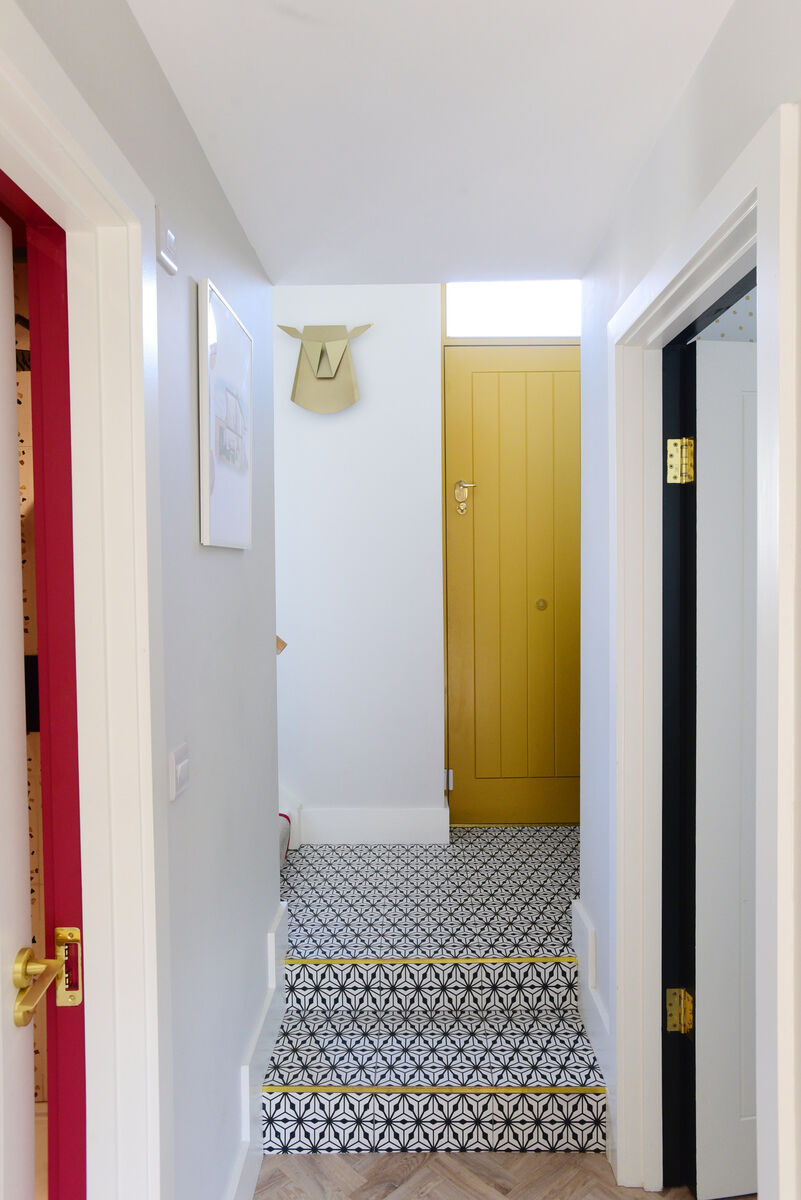
My flooring is LVT from Moduleo, small herringbone in Blackjack Oak, supplied by Deco Designs whom I was very happy with.
I think it’s up to you regarding how much of the decision making you want to take on yourself, and how much to leave up to your architect or interior designer. If you want a more hands-off approach, I’d recommend looking for someone who has a strong aesthetic that you like. If you want to be more involved, I’d recommend looking for someone who more heavily tailors their designs to their clients’ tastes.
- Got a question for Jennifer Sheahan? Email homeimprovement@examiner.ie
CONNECT WITH US TODAY



Be the first to know the latest news and updates