Is your passport out of date? Here's how to renew
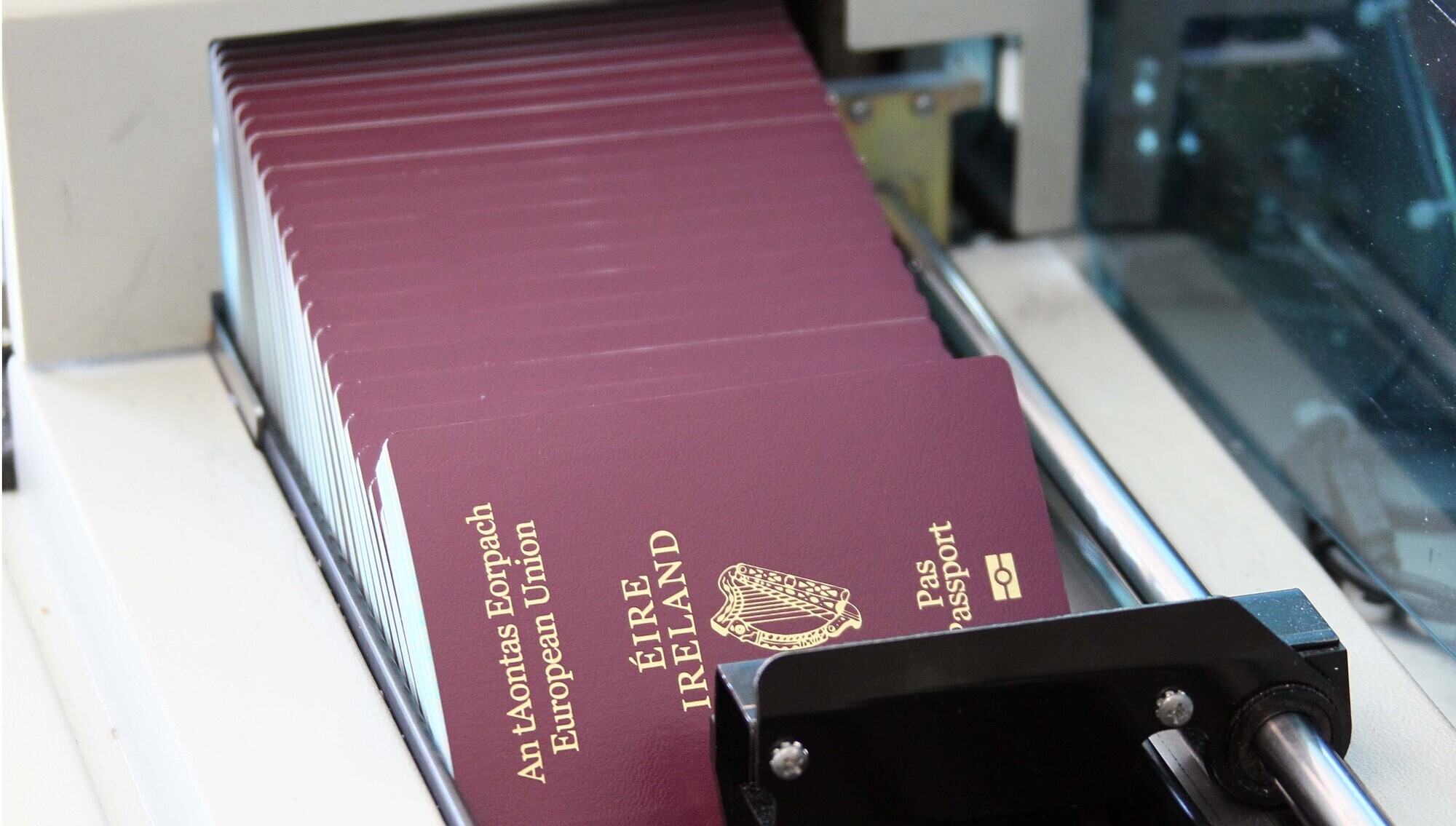
If your passport needs to be renewed, here is how to ensure that it has been done correctly- and in time for your trip. Pic: Collins Photos
With Covid-19 cancelling an endless number of flights and trips over the past two years, many of us are thankfully planning for holidays abroad once again.
However, with this, may come the realisation that your passport is now out of date and no longer valid.
If you have not yet checked your passport, be sure you do so before you book anything.
And if your passport needs to be renewed, here is how to ensure that it is done correctly- and in time for your trip.
If it is time to renew, the Passport Service advises using Passport Online. It is the quick and easy way to apply for your passport and all Irish passports can be renewed online from anywhere in the world.
To help avoid any possible delays that may hinder your plans, applicants are advised to ensure that their details match those of their previously issued passport, that their application is correct and that their digital photograph meets the guidelines.
Poor quality photographs are one of the main reasons that passport applications are rejected, so it is important that you take the perfect one.
The picture you submit with your application must have been taken in the last six months.
Many people choose to take their own passport pictures at home, which can be more convenient but if you are under pressure for time and want to be sure your application is accepted, photographs from an approved Digital Photo Provider are more likely to meet the required standards.
A list of Digital Photo Providers can be found here.
If you are taking your passport picture from home, there are a number of tips and tricks to ensure you get it just right.
Firstly, ask someone to take it for you.
Taking a ‘selfie’ or using a webcam to take your passport photograph is allowed, but you can take the picture using your mobile phone, or a camera if preferred.
Once you have decided how you are going to take the picture, you will need to ensure you are standing in front of a completely plain, light grey, white or cream background with no objects visible in the background. This includes door panels.
Lighting is another important aspect, and you should make sure that the image is not too dark or too light.
The picture should capture your image from . This will then be cropped to the correct size for a passport during the online application process.
There must not be any shadows visible on your face or behind your head in the photograph.
Ensure your facial features are clearly visible and that your hair does not cover any part of your eyes.
Glasses can be worn, but make sure the frame is not covering any part of your eyes. It is also important to make sure there is no glare on the lenses that may then appear in your picture.
Make sure your expression is neutral, you are smiling and your mouth is closed.
Do not tilt your head and be sure to look straight into the camera.
It is also important to ensure there is visible space between your head and shoulders and the edge of your photograph.
The current processing times for online applications, provided all required documentation is there and in order, are:
•10 working days for Simple Adult renewals.
• 15 working days for Complex renewals.
• 40 working days for First Time applications on Passport Online.
• It takes eight weeks for all application types submitted using An Post’s mail-in 'Passport Express' service.
For more information, see the Department of Foreign Affairs website.
CONNECT WITH US TODAY



Be the first to know the latest news and updates