Life Hack: Embarrassed by your email? Now you can change it
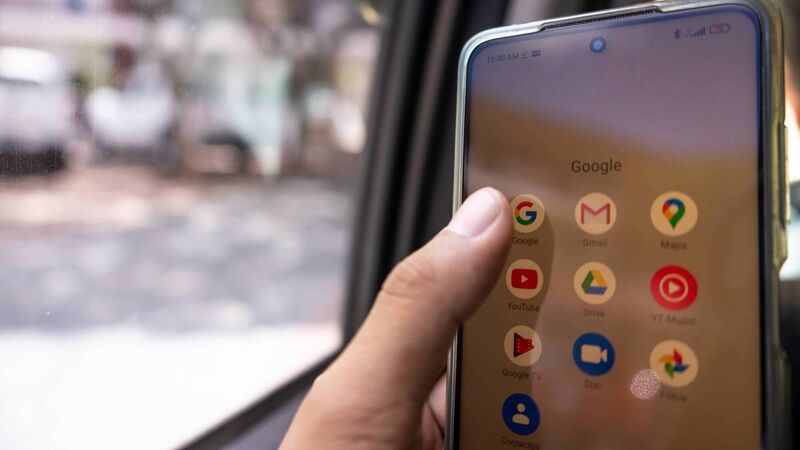
A new tool from Google means Gmail users can now change their email address in a few clicks, says Denise O'Donoghue
Life Hack: Embarrassed by your email? Now you can change it

Think you're stuck with a cringeworthy email address? Think again.

Many of us created our first email address in our youth and, rather than opting for something ‘boring’ like, I don’t know, our names, we chose something with a bit of flair, some personality, something that you’d absolutely hesitate now to write on a CV or share with another person.

Or was that just me and the dormant-ish Hotmail account I made when I was 13?

By the time we grow up and realise we should have been a tad more sensible, it’s too late — that account is now linked with so many subscriptions, social media accounts, etc, that the effort of unlinking it from every aspect of your life is more than you feel it’s worth. 

You might consider setting up a second email address, but realistically, are you actually going to remember to check it?

Until now, we lived with it, those addresses with cringy jokes and dated quotes. However, a new tool from Google means those Gmail users can now change their email address in a few clicks. 

Here’s what you need to know.

How to change a Gmail address

When you are signed into your Google account, tap ‘Personal info’ and under ‘Email’ select ‘Google Account email’. Next, click ‘Change Google Account email’.

If you can’t see this option, it might not yet be possible to change your Google Account email.

Enter the new username that you want to use; this must be one that isn’t being used by anyone else at the moment. It can also be one that was used by someone in the past and then deleted.

Some usernames are reserved by Google to prevent spam or abuse, and if the username you want is not available, you will be shown similar email addresses that are available as suggestions for an alternative.

Click ‘Change email’ and confirm. Follow the steps on the screen, and once completed, you’ll have a new Google Account email. Your old one will show as an alternate email.

What happens to my old email address?

Nothing — it will still be available to use as an alternative address, meaning any emails that are sent to that address will still land in your inbox. Both your new address and your old address will also be available to send emails.

You can always go back to your old Gmail address at any time, and you’ll still keep your new Gmail address.

The data saved under your original account will not be affected either, including photos and messages. You can sign in with your old or new email address on Google services, such as Gmail, Maps, YouTube, Google Play or Drive.

Will there be any post-change issues?

There may be a few hiccups after you change your email.

For example, if you use Sign in with Google for non-Google sites, some third-party apps and sites may not recognise your new email or that you are using the same account. You may need to change the email address to the new one in the settings of that app.

If you are still struggling to sign in, switch back to your old email address on Gmail and use the Sign in with Google button again on the third-party service or app. In the settings for the app or service, try to add a password, remove Google from the third-party settings, and update your email address.

Switch back to your new username and visit myaccount.google.com/connections. Select ‘Sign in with Google’ and remove your connection to the third-party app or service.

Use the ‘Sign in with Google’ button again and accept the permissions. This should allow you to access it with your new email address.

Can I make loads of alternative addresses?

No. You can only create a new Google Account email that ends in @gmail.com once every 12 months and three times in total. You can change back to your previous Google account email at any time.

More in this section

Cookie Policy Privacy Policy Brand Safety FAQ Help Contact Us Terms and Conditions

© Examiner Echo Group Limited