Remarkable Paper Pro review: The digital notebook that makes handwriting feel real — almost
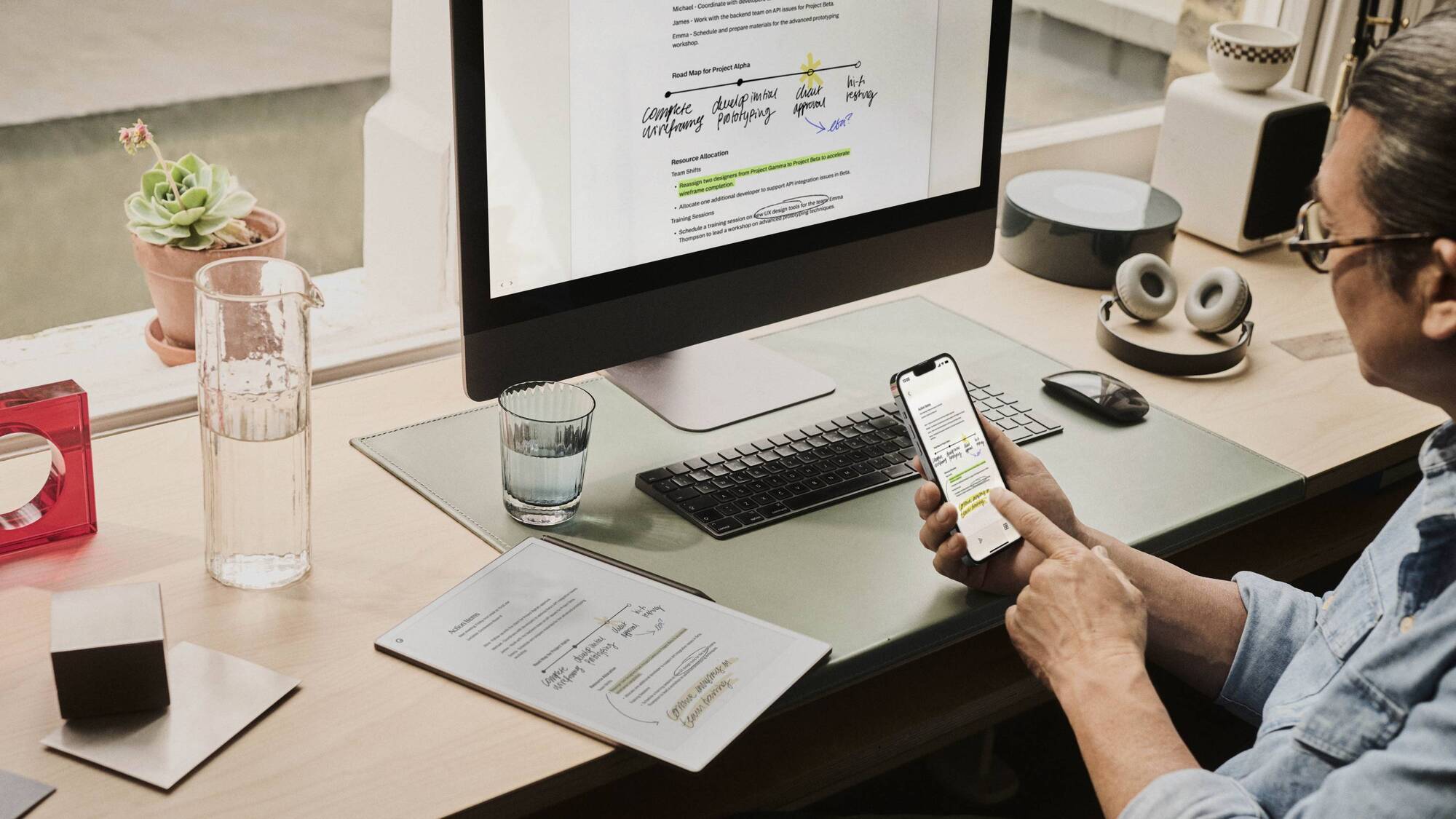
At only 6mm thin and 230g, the Paper Pro is light enough to slip into a bag without adding extra bulk. Picture: Remarkable
The scratch of ink on paper sticks in my brain better than typed words, and studies say it even makes you happier. I use mind maps to plan projects, jot down ideas in notebooks, and keep a goals journal. Since I got my first iPad Pro with the Apple Pencil, I’ve replaced physical paper with digital. The Remarkable Paper Pro is a note-taking tablet that keeps your handwritten notes organised without feeling like you're using a plastic tablet. Remarkable uses a paper-like e-ink display and a stylus that makes using it feel like real handwriting.

The Paper Pro is 6mm thin and weighs 230g, which is lighter than a standard A5 notebook, and it slips into my bag without adding bulk. The frame is aluminium, with rounded corners and four soft rubber pads around the back that stop it from sliding on my desk. Four pogo pins on the back support accessories like the Type Folio case, which I didn’t get to try, but I feel that goes against the Paper Pro's philosophy as a handwriting tablet. The display has a subtle texture that mimics paper's grain. When I write quickly, the pen glides without skipping or lagging.
My review unit came with the Marker Plus stylus, which snaps magnetically onto the tablet's side and charges there. It’s got a grippy, weighted feel, and the tip is soft enough to write fine lines (perfect for mind map details) but firm enough to bold important points. I tested it by drawing, and it’s amazing. It even supports tilt, and the stylus top doubles as a digital eraser. My only tiny gripe? The magnet that holds the stylus to the side of the tablet is weaker than I expected. However, my review unit came with the Folio Book cover, which has a flap that keeps the pen in place, so it was less likely to fall off when I slipped it into my backpack.
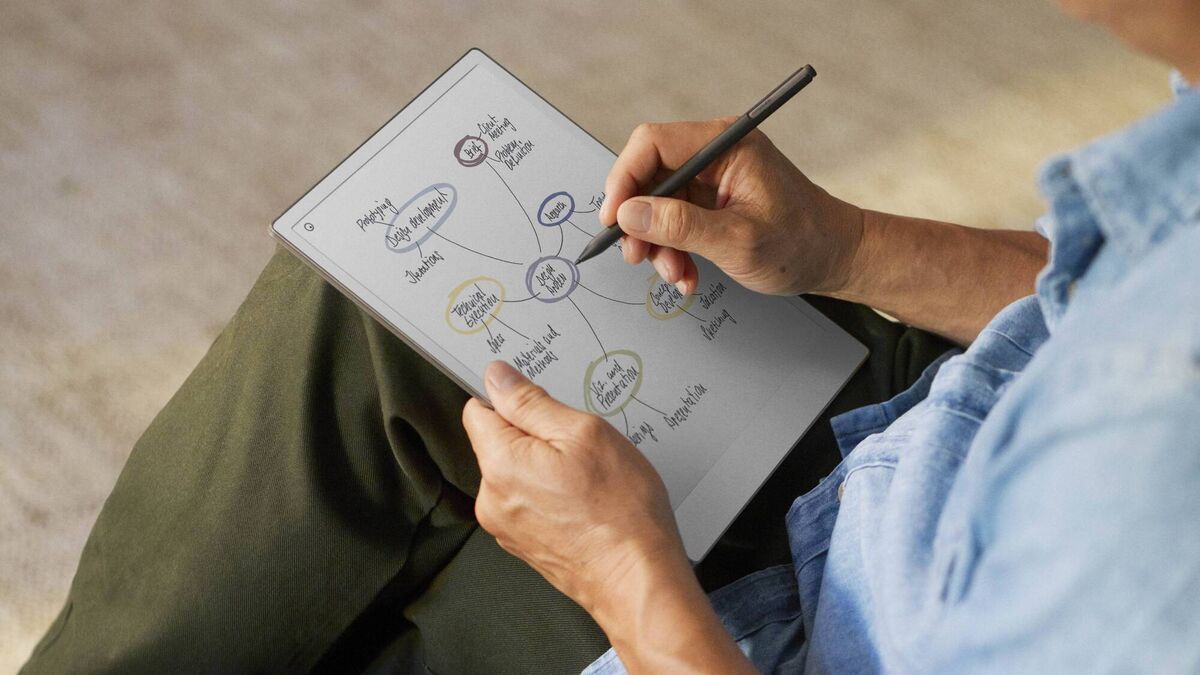
The Paper Pro has layers, a feature I didn’t know I needed until I used it. For example, you can draw a base map, then add a second layer for notes. Switching layers is a tap away, and it keeps notes neat – no more covering up ideas with messy crossings-out. The 11.8-inch display is colour, but e-ink technology can’t match the vibrant colours of an OLED panel. Still, colour is a nice feature for notes. Highlighting key points in yellow or orange makes my mind maps stand out. Again, it’s not vibrant like a smartphone, but it’s enough to make notes look more engaging.
You can send PDFs directly to the Paper Pro and annotate them, which is handy when using the stylus.
While the Paper Pro is an amazing digital notebook, it is intentionally limited. There’s no Google Play Store support, so you can't install apps like Kindle or Audible. The hardware would be excellent for reading books, but you have to treat it as a pure digital notebook. That said, you can read DRM-free EPUB files and standard PDFs, just not from a Kindle library.
If you love writing with a pen and just want a more digital way to take and organise notes, the Paper Pro is awesome. If you want something to read books or a digital notebook that also doubles as a tablet, look elsewhere.

The Connect subscription offers several features to help you organise your work for €3.99 per month. The biggest benefit is the cloud storage, which keeps your files synced indefinitely. Without it, your files stay in the cloud for only 50 days. You can also search your handwritten notes and use AI to convert your handwriting into editable text. You can even import Word documents or Google Docs directly into your notebooks. The subscription also helps you organise meetings by connecting to your calendar and lets you edit your notes on a desktop or mobile app. You can also access a library of templates and workbooks.
If you decide not to subscribe, the tablet is still a highly functional device. You can still write, read, and sketch offline. You can also sync files to your computer via USB or connect to basic services like Google Drive and Dropbox. Keep in mind that cloud sync is limited to a 50-day window per file without a subscription.
The Paper Pro uses e-ink, and writing, drawing, and swiping between pages feel instant. It’s smooth, responsive, and silent, with no fans or buzzing, just the soft scratch of the stylus.
Battery life is also excellent. The 5,030 mAh battery is rated for two weeks of regular use and up to 90 days in standby. When the charge ran low, it took about 90 minutes to charge from 0% to 90%.
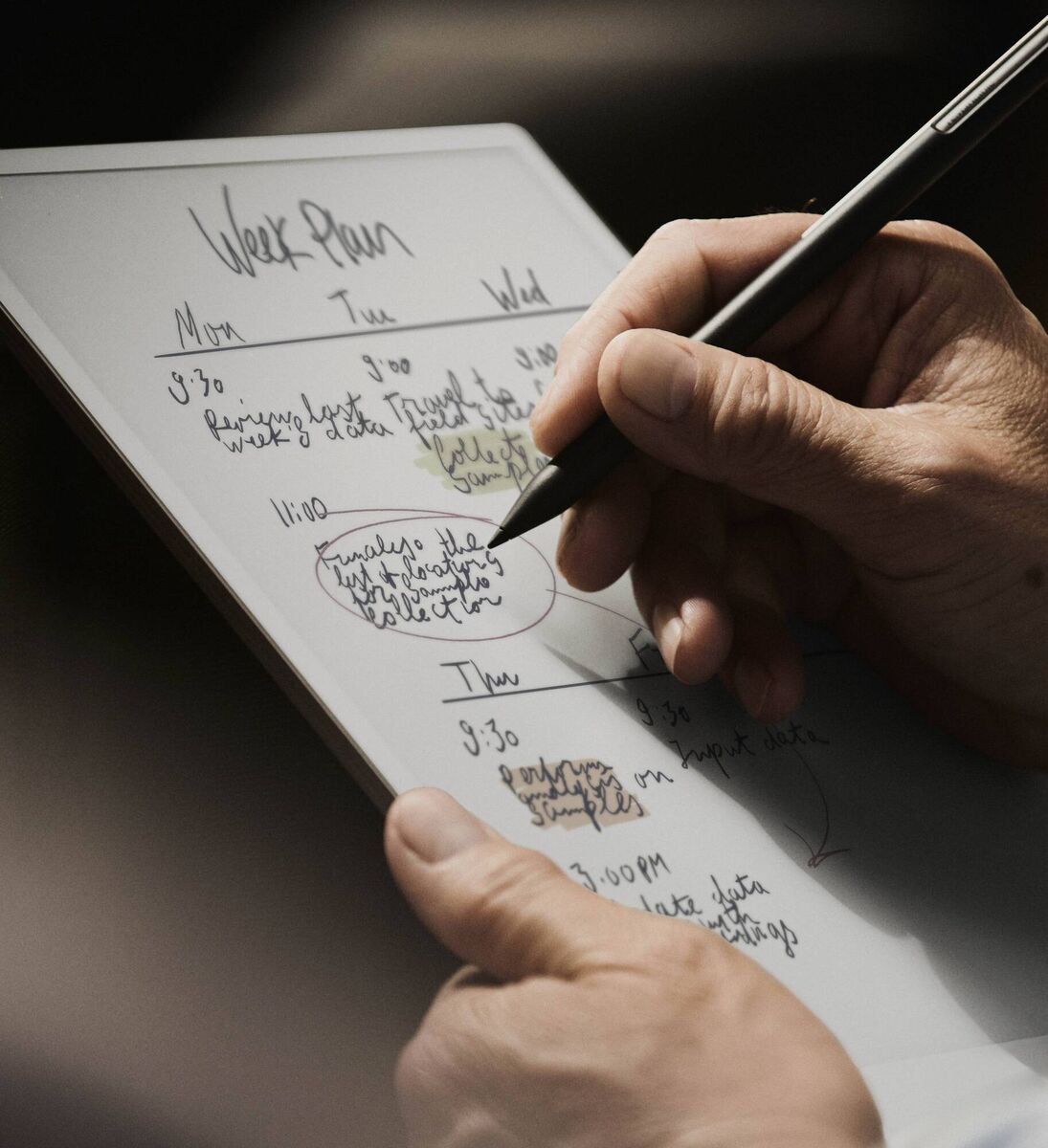
The Paper Pro is not a multipurpose tablet. It isn't meant for gaming or streaming. It is built specifically for writing and taking notes.
I often start with a central idea for a project launch and branch out into categories like budget, timeline, and staffing. I use colour to highlight priorities, using red for urgent tasks and yellow for things that can wait. Adding layers to organise my thoughts.
If you prefer writing to typing in meetings, you'll love the Paper Pro. The pen pressure is helpful too. Underlining a date in bold makes it easier to find later.
I’m also an artist, and while the Remarkable Paper Pro won’t replace Procreate on my iPad Pro for digital art, it is satisfying to use for quick sketches or doodles.
The Remarkable Paper Pro is brilliant for some people, and a waste of money for others. If you’re a pen lover first, tech person second. If handwriting makes you more productive, the Paper Pro is a great option. It’s expensive; it doesn't support e-book stores like Kindle, but it’s the closest thing I’ve found to digital paper that still feels organic. And for that? It’s worth every cent. Even the tiny, annoying flaws.
From €650 with standard marker

CONNECT WITH US TODAY



Be the first to know the latest news and updates