iFlytek Ainote 2 review: A slim, AI-driven digital notebook for smarter note-taking
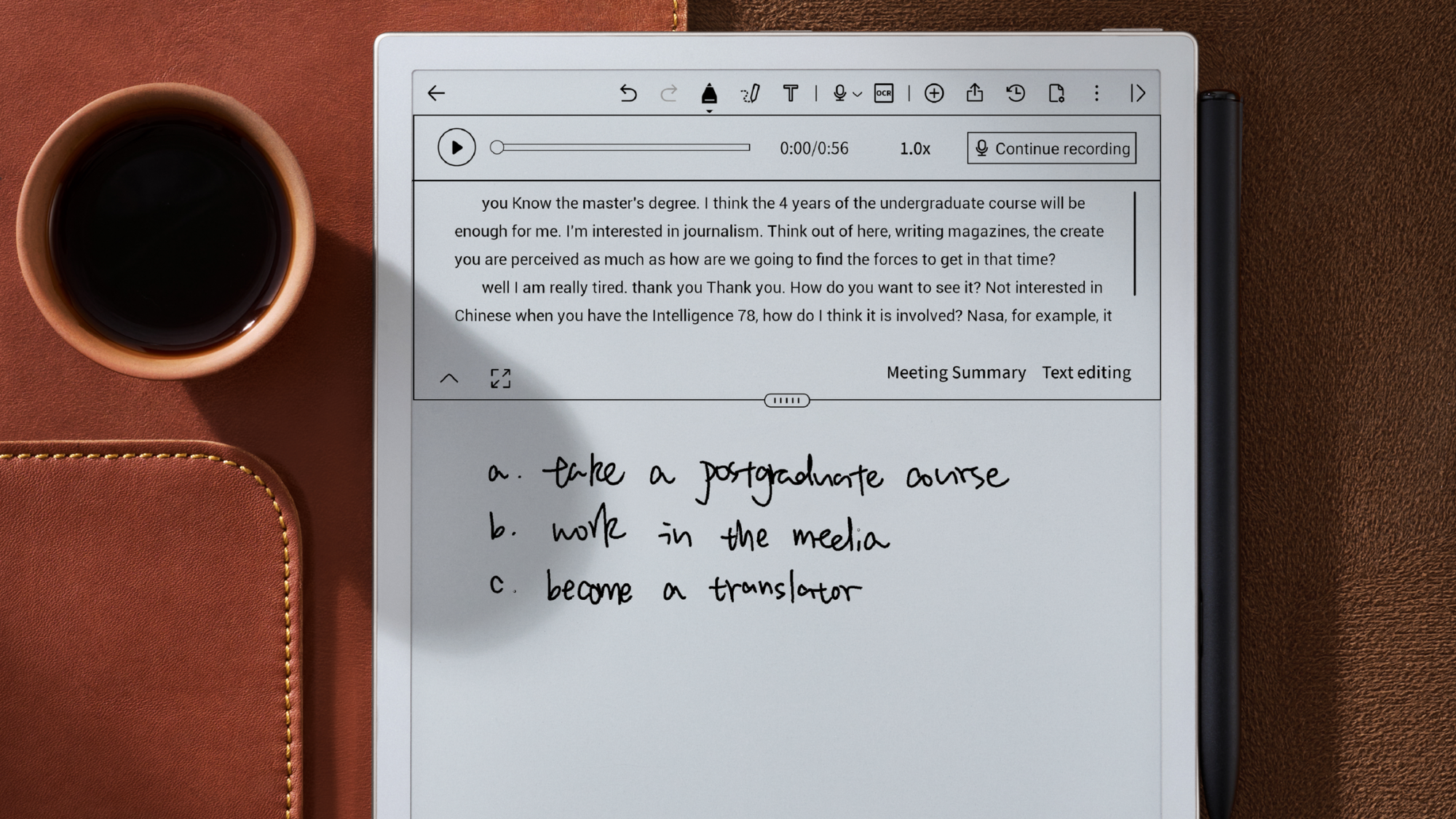
The iFlytek Ainote 2 is strikingly slender making it ideal as a digital notebook. Picture: iFytek
There is a specific kind of satisfaction that comes from carrying a slim notebook and a reliable pen. Even in an era dominated by tablets, the tactile nature of writing on paper remains hard to beat. However, the sheer volume of information we handle today makes traditional paper feel somewhat inadequate.
The iFlytek Ainote 2 e-ink screen can effectively mimic paper and offers a way to digitise thought without the eye strain or the constant distraction of notifications that plague a standard tablet. It’s a notebook-sized e-reader that provides the perfect middle ground, offering the focus of paper with the organisational power of a computer.
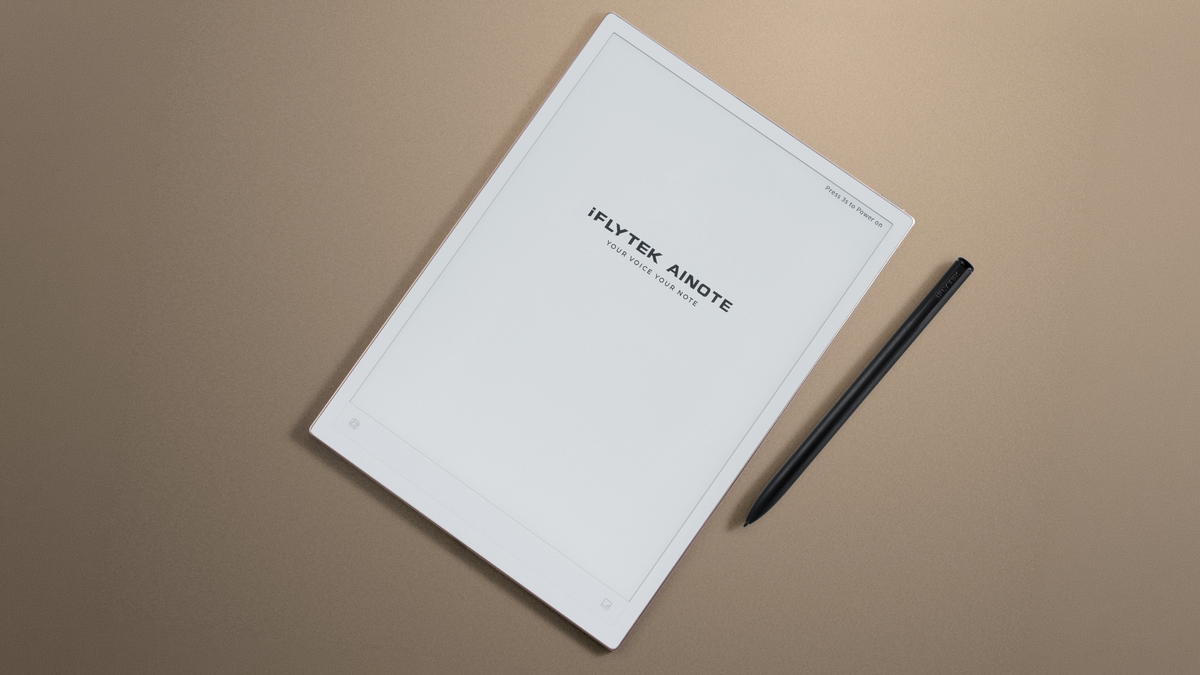
At just 4.2mm, the Ainote 2 is incredibly thin. It has a physical presence similar to a thick piece of card, making it easy to slide into a tight laptop sleeve without adding any noticeable bulk. At roughly 295g, it’s light enough that I didn't find it tiring on my wrist during long periods of note-taking. On the rear, each corner has a thin rubber pad that helps protect the tablet's back and prevents it from sliding around while in use.
My review unit didn't include a case, but iFlytek sells a standard cover and a keyboard case for those looking for extra utility.
The build quality feels solid, though its extreme thinness might make some worry about rigidity. In my testing, it held up well, but I would still be careful not to toss it loosely into a bag with heavy keys or metal objects.
The included pen uses Wacom technology, which means there is no battery to charge and no annoying pairing process every time you want to write. The pen's balance feels natural, and its diameter and weight are just right. I found that the textured finish gives the black a deeper, richer appearance, but more importantly, it makes it much easier to hold securely without it slipping. The pen attaches to the right side of the Ainote 2 with strong magnets and snaps into place with a satisfying click.
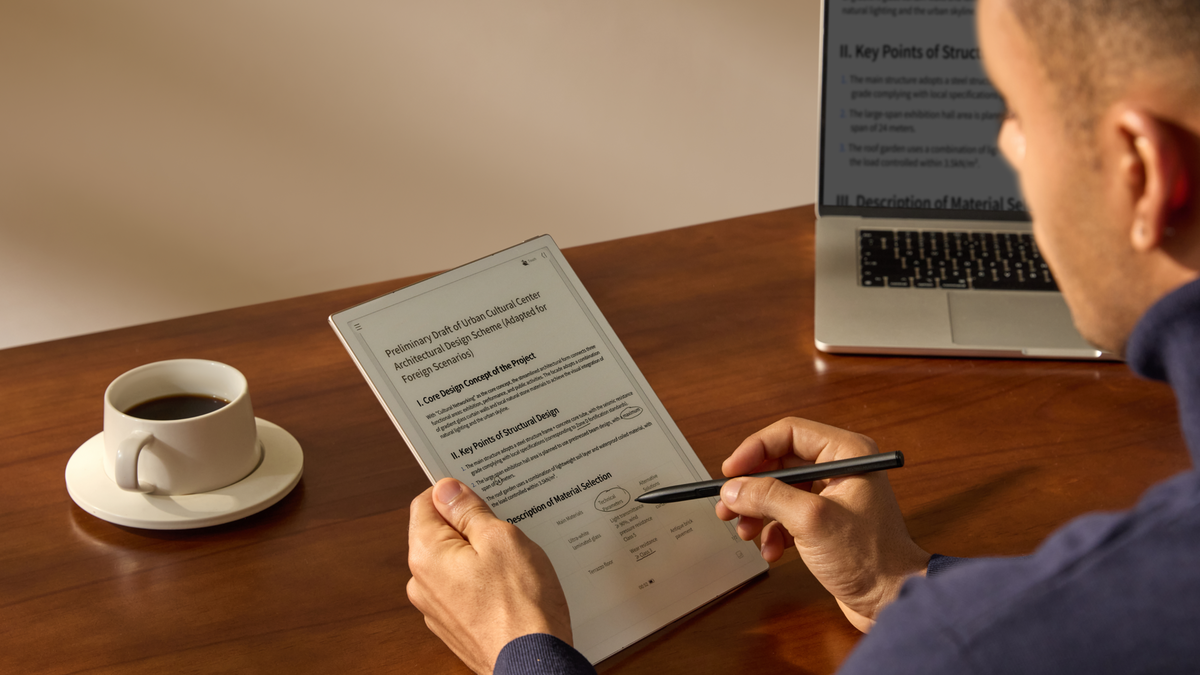
The 10.65-inch e-ink display has a resolution of 1920x2560 and a density of 300ppi. The text is incredibly sharp. When I was reviewing documents, the clarity was excellent, and the text looked as crisp as a printed page.
It is important to note that this screen is frontlight-free. This is a deliberate choice to enhance the paper-like experience and reduce eye fatigue. In a well-lit office or near a window, the display is easy to read and lacks the distracting glare found on glossy screens. However, if you find yourself working in a dimly lit room, you will definitely need an external light source. Like real paper, the screen can feel a bit too dark without one.
I found the native note-taking app excellent. I noticed almost no delay between the pen tip and the digital ink appearing on the screen. This makes sketching or jotting down quick thoughts feel very responsive and fluid. However, I also tried other apps like GoodNotes, and the pen lag here was terrible, making it unusable. To see if it was an outlier, I also tried Notability, which was much better but still not lag-free like the pre-installed note-taking app.
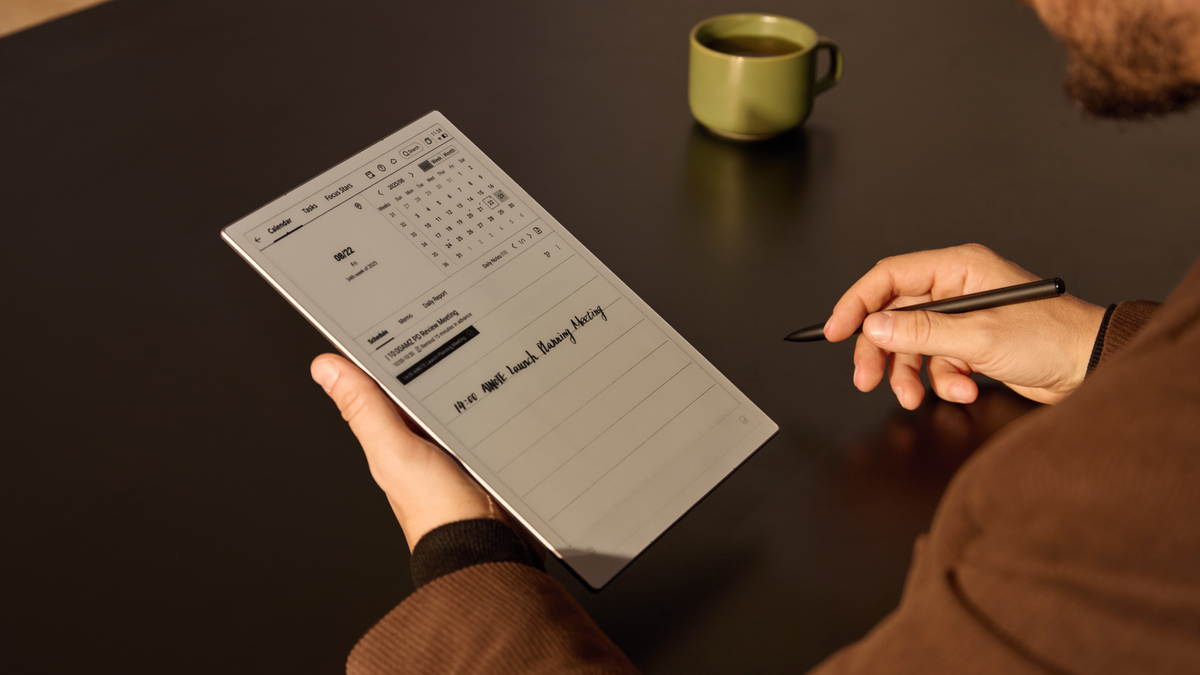
The Ainote 2 uses GPT-5 to provide summaries, which is surprisingly helpful. After a particularly long and rambling meeting, I was able to use the tool to extract key action items and insights without having to manually re-read my entire page of scribbles.
It can transcribe speech in 16 different languages and translate it into 11 others in real time.
Another clever feature is the "search by circle" tool. You can use this to circle a specific word or phrase on the screen to find related context. This reduces the need to jump between different apps and keeps your focus on the document you are currently studying.
Because the device runs on Android 14 and includes Google Play support, you aren't stuck in a closed loop. However, do not expect to run heavy apps here. The processor is an RK3576 Octa-core, which is perfectly fine for note-taking and reading, but it will struggle if you try to treat it like a high-performance tablet.

My favourite way to use it was via the split-screen mode. You can have a web browser open on one side and the notebook on the other. You can annotate documents and capture thoughts instantly, moving information from the source to the notes without ever leaving the screen.
The battery life has been consistent with my expectations for an e-ink device. Even with regular use of the transcription features and wireless connectivity, I didn't find myself hunting for a charger every night. A 4000mAh battery is plenty for several days of standard use.
There were some small annoyances, of course. The lack of a front light is a real drawback in certain environments, and the software can occasionally feel a bit heavy when switching between very large PDF files. There’s also no speaker, headphone jack or even Bluetooth, so there’s no way to listen to audio.
Ultimately, this isn't a device for everything or everyone. You won't be watching videos or browsing the web on it with any pleasure. But as a specialised tool for capturing ideas, summarising meetings, and reading documents, it provides a level of focus that is hard to find elsewhere.
The Ainote 2 excels as a specialised productivity tool. Its AI transcription and slim design make meeting management effortless, even if the processor isn't built for heavy multitasking or very high-speed app usage.
€613 iFlytek

CONNECT WITH US TODAY



Be the first to know the latest news and updates