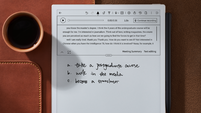
Boox Go 10.3 Gen II Lumi review: The best distraction-free tablet for focused reading

At just 4.8mm thin, the Boox Go 10.3 Gen II is incredibly sleek and easy to carry in any bag. Picture: Boox.
My iPad is one of my favourite pieces of tech, but sometimes, it’s nice to give your eyes a break and slow things down with an e-ink tablet. I have been using the Boox Go 10.3 Gen II Lumi for the last month or so, and while it doesn’t offer the same flexibility as my iPad, it does offer something quite unique. Instead of your typical display, the Go 10.3 Gen II uses millions of tiny microcapsules that make the screen look much more like real paper. Having a dedicated device with a precise stylus offers a way to escape digital chaos and find a bit of peace.
The Lumi version I received for this review is incredibly thin at just 4.8mm. I have been using it quite a lot while travelling lately, and it is very easy to carry around. I have been using the official Boox cover, which has a lovely fabric texture. It is not leather, but it feels premium and nice to hold. Sometimes the stylus can feel a bit loose in the holder if you do not seat it perfectly. It is a minor annoyance, but something to watch out for when you are on the move. The build quality feels very sturdy, and despite its thinness, it does not feel fragile.
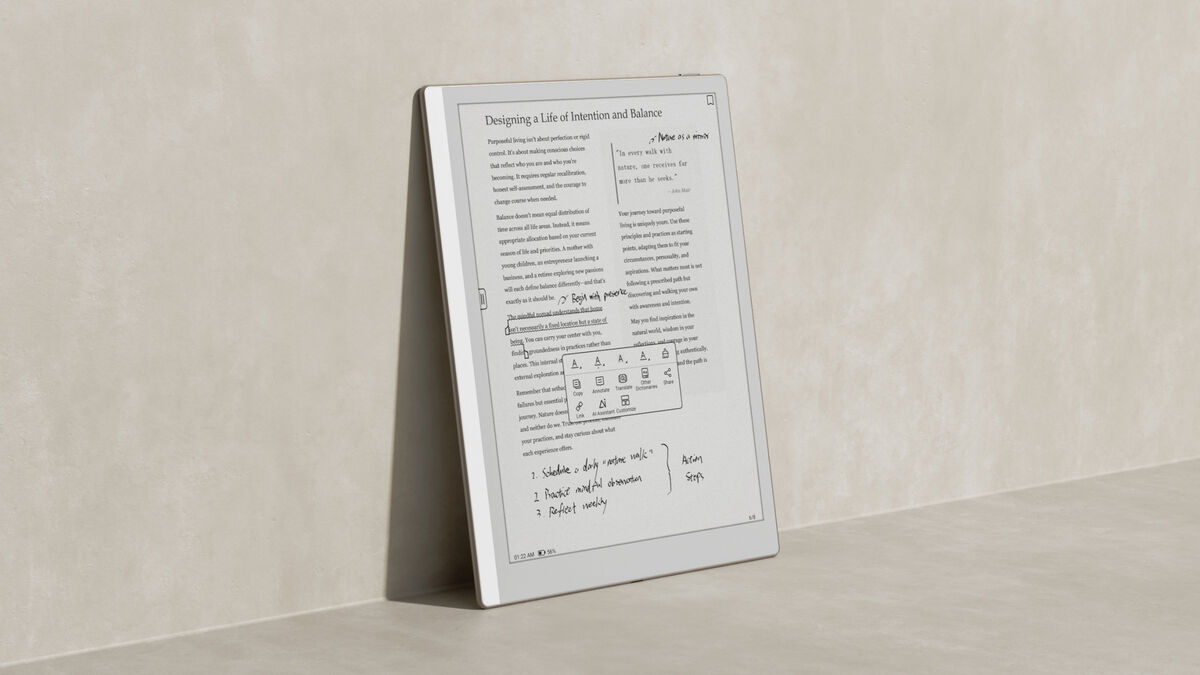
The 300 PPI monochrome screen is a joy to use. Because it is an e-ink display, it is incredibly clear even when sitting outside in the bright sun. Unlike my iPad, there are no nasty reflections to deal with when the light is strong.
The new dual-tone front light is a brilliant upgrade over the original. You can switch from a crisp daylight tone for morning reading to a warm amber glow in the evening. This makes it much easier on the eyes before you go to sleep. You do have to deal with some minor ghosting where parts of the previous page linger behind the display, which can be annoying for those not used to e-ink displays, but there is a quick refresh option you can use manually to get rid of this as you go. However, the auto-refresh feature handles this well enough, and the overall clarity remains excellent for reading.
The Lumi runs Android 15, so you can download apps from the Google Play Store. This means you can use the Kindle app alongside any other reading apps you like. It's much more flexible than a Kindle or a ReMarkable.
The storage is also quite generous, with 64GB of space. This allows for a huge library of books and documents without any worries.
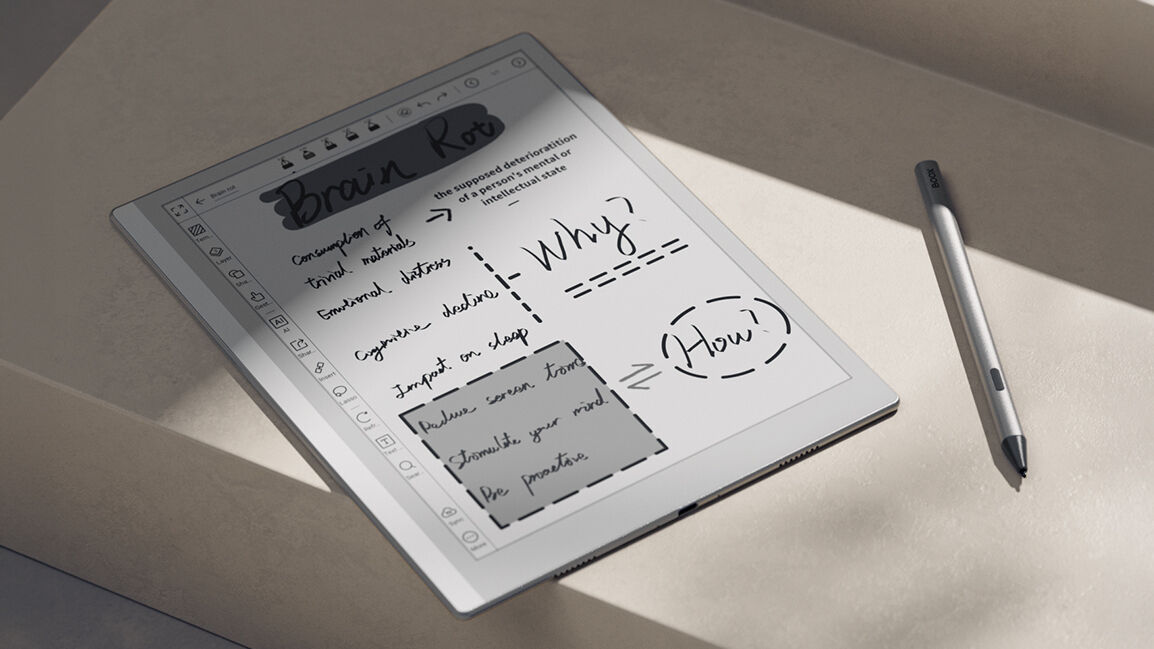
The stylus is one of my favourite things about the Lumi. It has 4,096 pressure levels, and when you write, it makes the sound of a real pen on paper. This makes note-taking feel much more authentic and satisfying.
I also found that the variety of tools included in the Boox Notes app makes the note-taking experience much more complete. There are seven pen and marker settings to choose from, and it also comes with 24 templates, including lined paper, grids, and even sheet music.
Being able to record audio alongside handwritten notes is incredibly useful during meetings when you want to capture the spoken word without writing every single detail down. To top it all off, the FreeMark feature is a brilliant addition because it lets you write anywhere on the screen, giving you total freedom to annotate or brainstorm without being restricted by the page layout.
The device also supports 26 different file formats, which is massive for anyone who works with various types of documents.
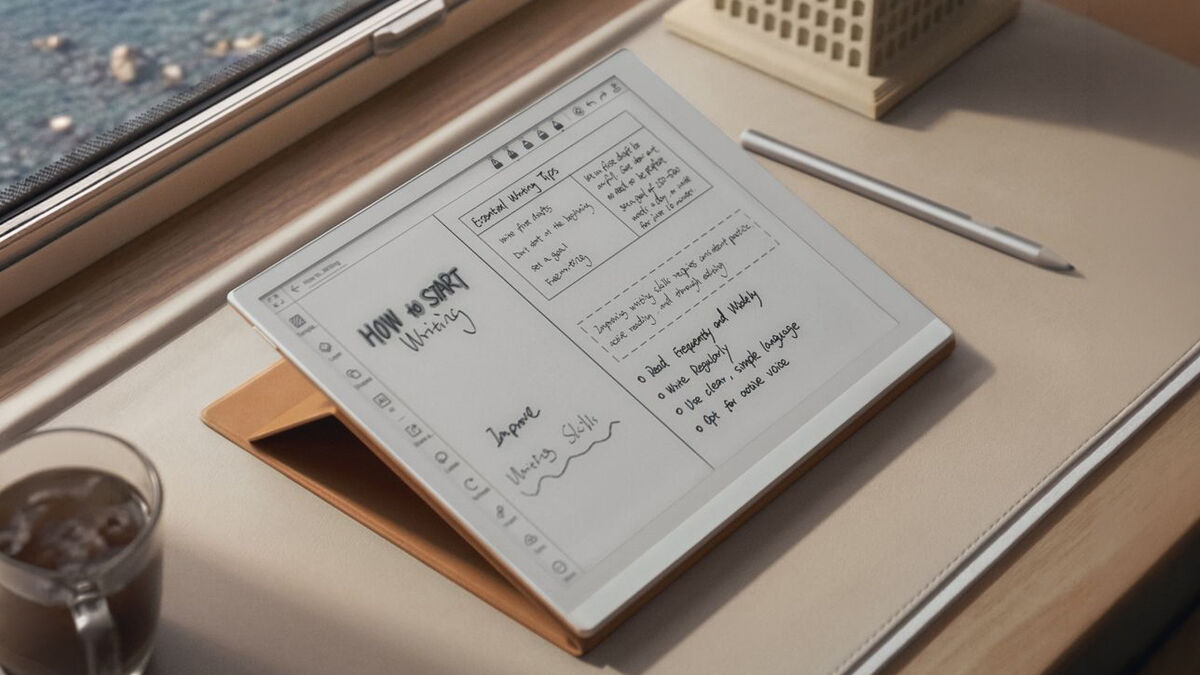
Unlike my iPad, the Lumi is not a device for media consumption, especially video. While you can, the display simply isn’t up to it. But if you use it for its intended purpose, it is a dream.
The battery life is another massive win for me. I can go for weeks without needing a charger as long as I am not constantly using the Bluetooth or Wi-Fi. It is a specialised tool, but for anyone who needs a quiet, paper-like space to read and write without distractions, the Go 10.3 Gen II is well worth the investment.
If you are strictly a fiction lover looking for a lightweight device to carry on your commute, the 10.3-inch screen might feel a bit much. For a standard novel, a smaller and more compact e-reader is often far more comfortable to hold with one hand for long periods. The sheer size of this screen can make it feel slightly awkward for a quick reading session when you are just trying to sink into a story.
However, when you move away from simple fiction and into the world of work, that extra space becomes a massive advantage. It really comes into its own when you are tackling large PDF documents or need plenty of room to annotate complex papers. I found it incredibly useful for jotting down sudden bursts of inspiration or reviewing important emails without the constant distraction of a full-sized tablet. It acts much more like a digital canvas for note-taking, sketching ideas, and general productivity tasks. If your goal is to stay organised while keeping things simple, the larger display is exactly what you need.
If you want to escape the constant noise of your smartphone and focus on reading or writing, the Boox Go 10.3 Gen II Lumi is a brilliant choice. It is expensive but offers a peaceful, focused digital experience.
€450 Boox
CONNECT WITH US TODAY



Be the first to know the latest news and updates