Huawei announce new wearables integrated with Strava
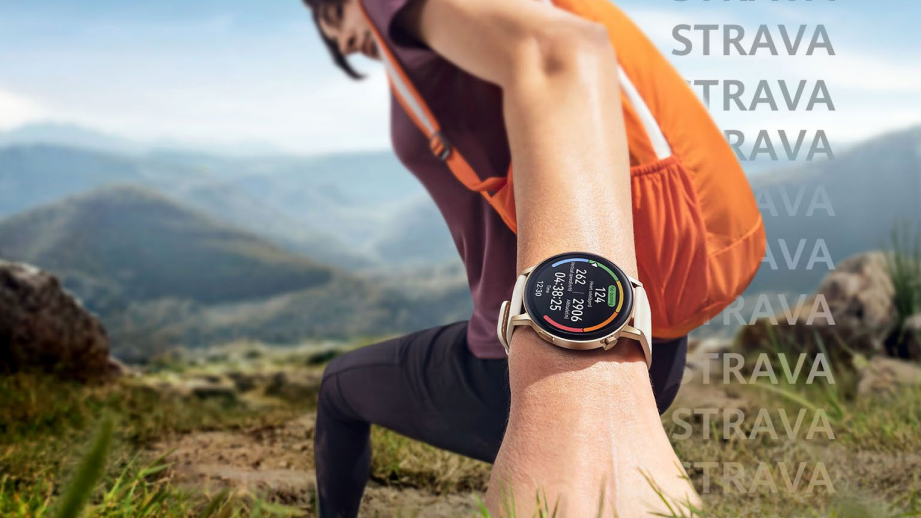
Huawei smartwatches offer incredible battery life and a plethora of workouts and features but the lack of third-party support has been a deal-breaker for some users. Hopefully, today sees the start of a new dawn for Huawei and their exciting news of support for the popular Strava app.
Today, Huawei announced that it is enabling data integration between Huawei Health and Strava. As a result, anyone using a Huawei wearable device may now export their data to a Strava account and benefit from the many activity tracking and social features of the programme.


Read

Listen

Watch

Play
CONNECT WITH US TODAY



Be the first to know the latest news and updates




The Business Hub
Newsletter

News and analysis on business, money and jobs from Munster and beyond by our expert team of business writers.
The Business Hub
Newsletter
News and analysis on business, money and jobs from Munster and beyond by our expert team of business writers.

Lunchtime News
Newsletter
Get a lunch briefing straight to your inbox at noon daily. Also be the first to know with our occasional Breaking News emails.
Revoiced
Newsletter
Had a busy week? Sign up for some of the best reads from the week gone by. Selected just for you.
Most Read
Thursday, May 21, 2026 - 7:00 PM
Thursday, May 21, 2026 - 7:00 PM
Thursday, May 21, 2026 - 7:00 PM