Vissles V84 wireless mechanical keyboard ideal for work and play
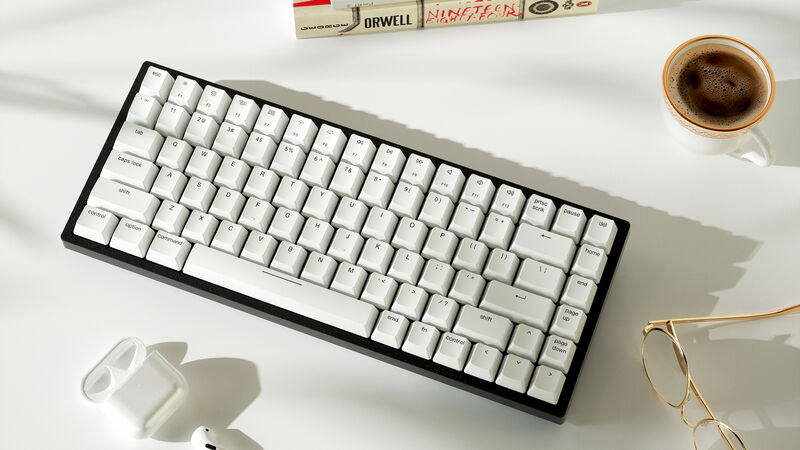
Vissles V84 wireless keyboard. Pic: Vissles.
For many of us, a keyboard is an essential tool for productivity but there are so many to choose from. A lot of keyboards are very cheap and more than adequate for general office work. I’ve been testing the Vissles V84 wireless mechanical keyboard for the last few weeks to see if it can fulfil all my needs for work and play.
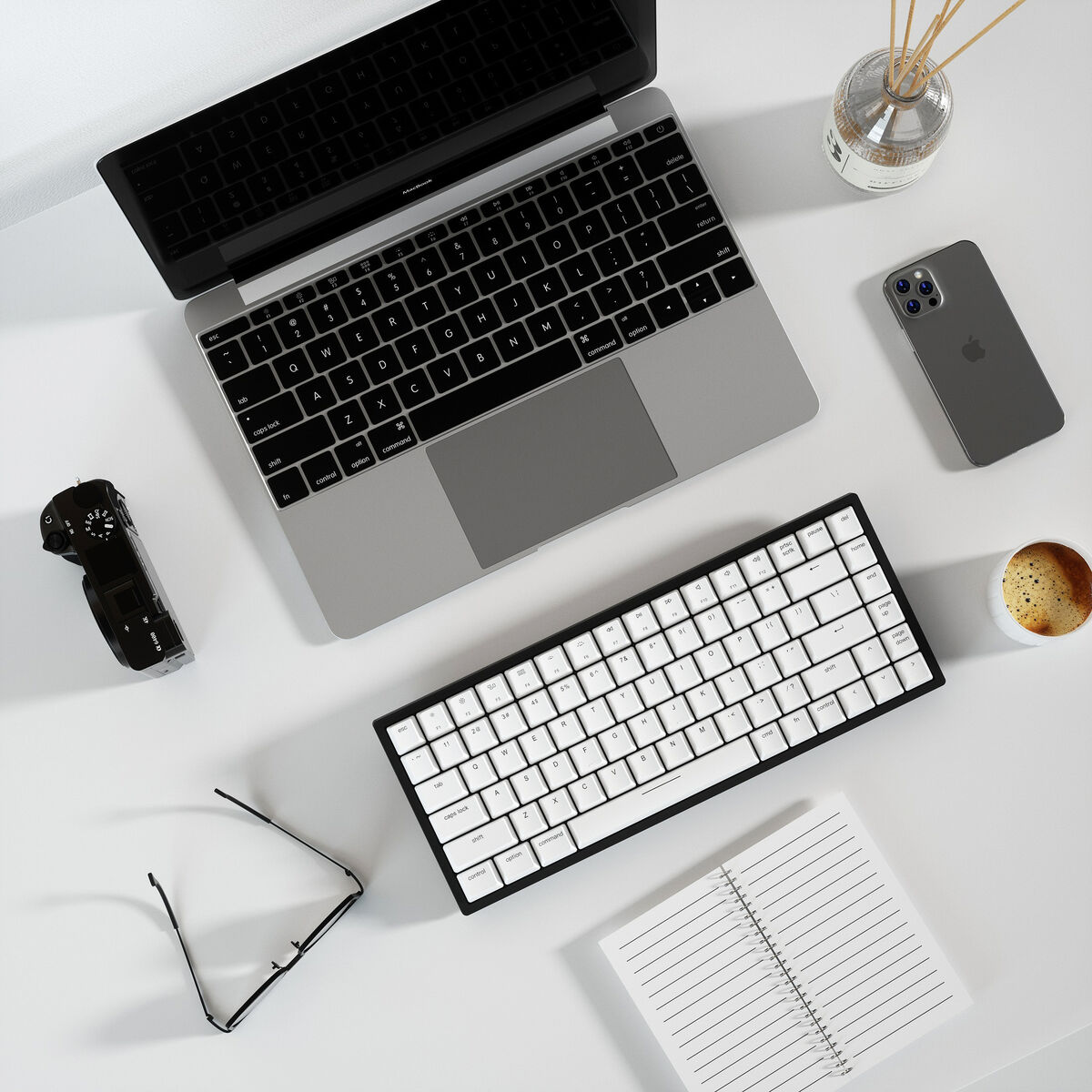
The V84 has a 75% ANSI layout with a compact form factor although there’s no dedicated Numpad and while that may be a dealbreaker for some, others will prefer the extra desk space.
Despite the compact size (316mm by 125mm), the V84 features dedicated arrow keys, number row, function key row and home navigation keys.
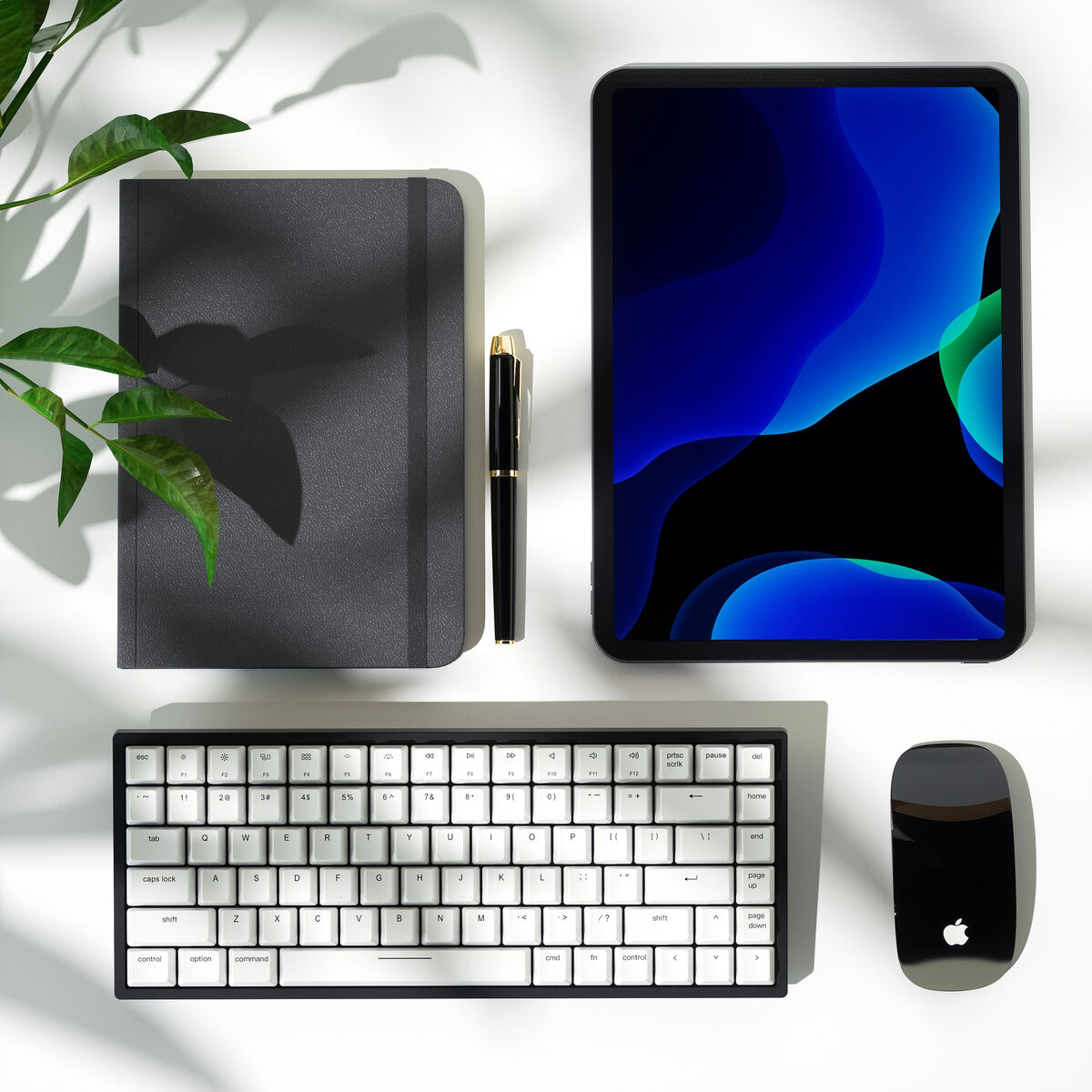
The V84 is available in two different colour options including a white model with VSII switches. It’s also available with red, blue, or brown switches and black keycaps. My review V84 came with the VS-II switches and white keycaps. All the keys and switches are hot-swappable and the keyboard will work with Mac and PC — it comes with spare keycaps for use with either system. The V84 can also be used with iPad or Android-based devices too via Bluetooth.
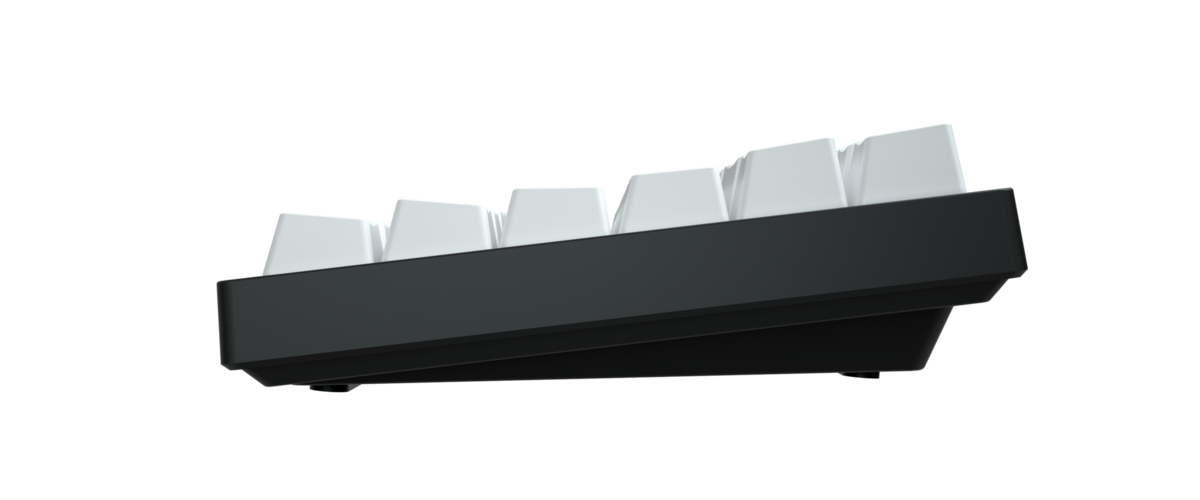
At 824g the V84 is heavy but solidly built with a metal frame. The extra weight makes it rigid with no flexing but does make it less than ideal if you want to lug it around.
The keyboard comes with two risers that clip onto the base with magnets. You don’t have to use them but they do help ergonomics by raising the back.
A super-soft and comfortable palm rest is also included. On the back edge is a USB-C port which you can use with the supplied cable to connect to a PC or Mac. This is also how you charge the internal battery.
While you can choose to use the V84 in Bluetooth mode, you have to connect it in wired mode to configure lighting via the Vissles software. The power switch is on the base but you don’t need to switch it on in wired mode since it’s powered via the USB-C cable.
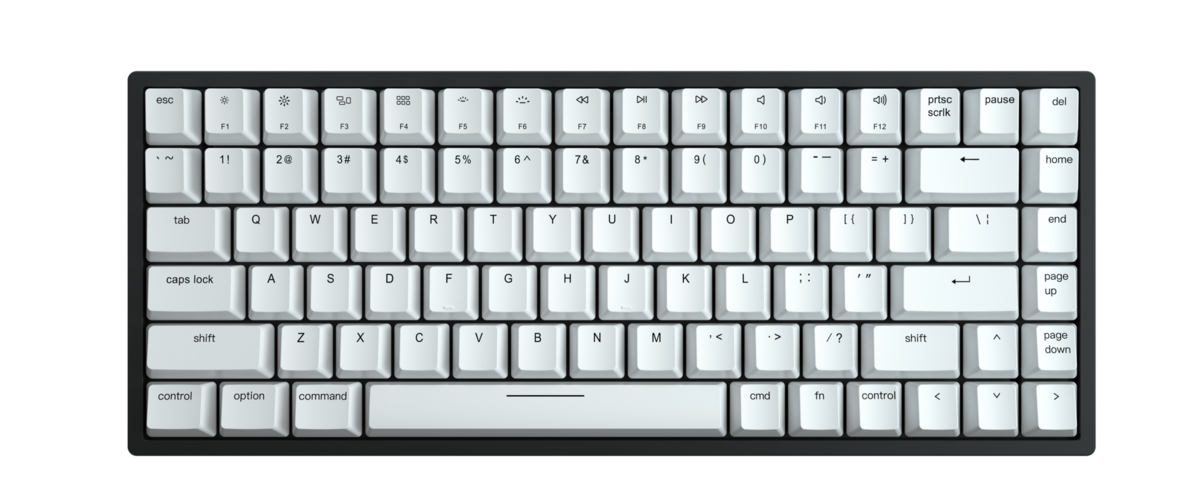
The keys are individually backlit, but unfortunately, the light doesn’t shine through the key characters. There are four levels of brightness that can be controlled via keyboard shortcuts. You can also control the built-in light effects via keyboard shortcuts but the Vissles software is required to create custom lighting. There are 19 RGB dynamic light effects and a macro program (users can still record Macros with Fn+ Z/X/C key to perform 3 sets of tasks without a software program).
I’ve used the V84 for several weeks using it extensively for work as well gaming. The switches are relatively quiet, responsive and tactile. The typing experience is excellent and I found that I was able to get up to my full typing speed in no time while maintaining my usual level of accuracy. The keys feel soft to the touch while providing a decent amount of feedback.
The Vissles VS-II linear switches are mechanical and provide 4mm of total travel with 45g of actuation force making them a good option for those who like to game. I couldn’t feel any difference between Bluetooth and wired mode but I’m not a pro-gamer so your mileage may vary.
The V84 provides a solid Bluetooth 5.1 connection when in wireless mode. One of my favourite features is that it can be paired with up to five devices. This is awesome because I was able to use it on my Galaxy Tab S7+ as well as my iPad and PC. Switching between paired devices is done by short pressing Fn plus Q, W, E, R or T. Each letter represents a paired device — a long press on Fn plus Q, W, E, R or T will enable pairing to that letter.
Vissles claims that the built-in battery is good for up to 180 hours on a single charge and I have no reason to disbelieve them. To save power, the keyboard will go into sleep mode after its been inactive for five minutes.
The compact form factor, individually lit RGB keys, wireless and wired connectivity and a solid build are all great features. Added to this are the superb typing experience and fast key response for gaming that combine to make the V84 a great option for those who like a tidy desk and want a keyboard that’s great for both office work and gaming.
Available for €96 ($109) at Vissles
CONNECT WITH US TODAY



Be the first to know the latest news and updates