Apple MacBook Pro 14 with M2: more power, longer battery life
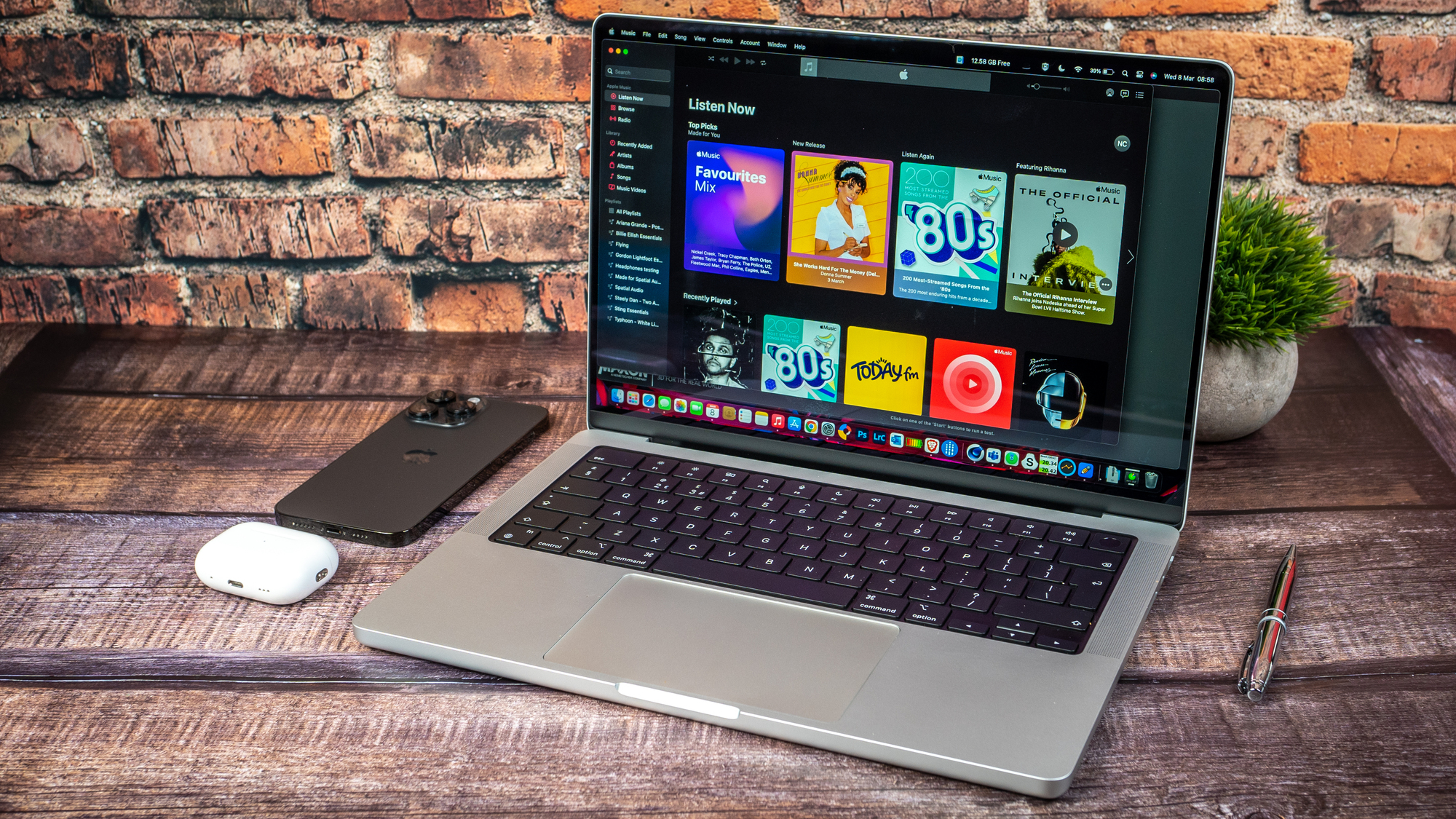
Apple MacBook Pro 14 M2. Picture: Noel Campion.
Over the last month, I’ve been testing the Apple MacBook Pro 14, which sports Apple’s latest M2 SoC silicon. I use a MacBook Pro 16 M1 and while I love the bigger display, there’s a lot to be said for the smaller form factor of the 14-inch MacBook Pro, especially for those who need a powerful laptop on the go.
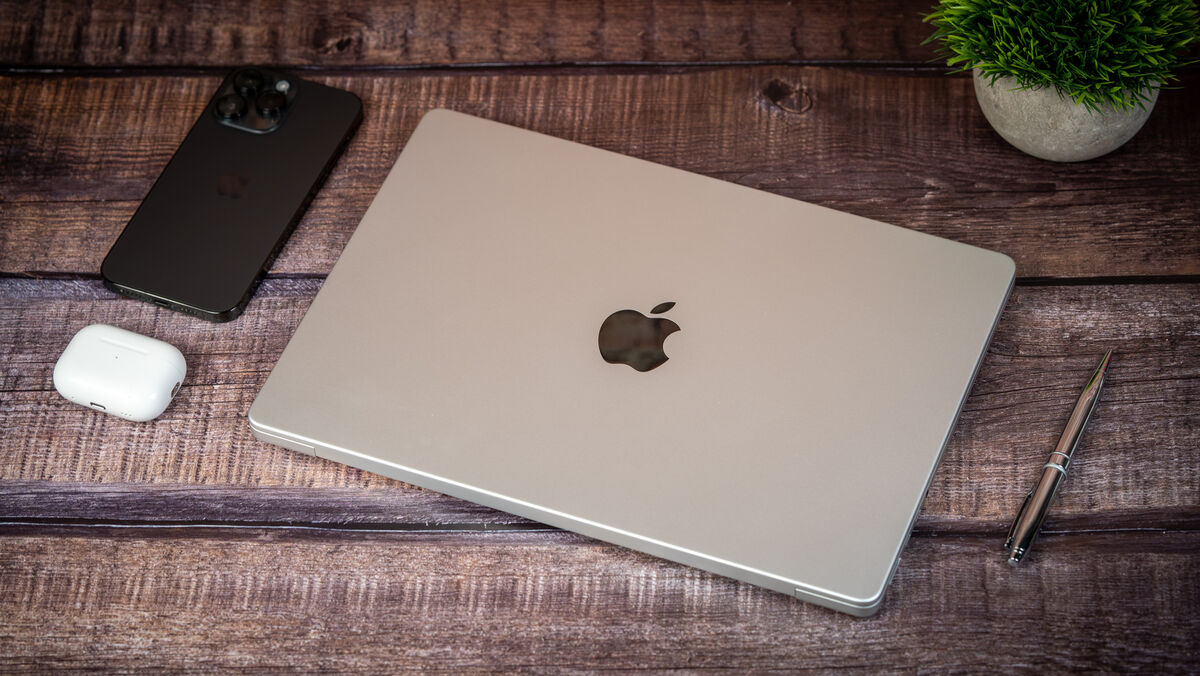
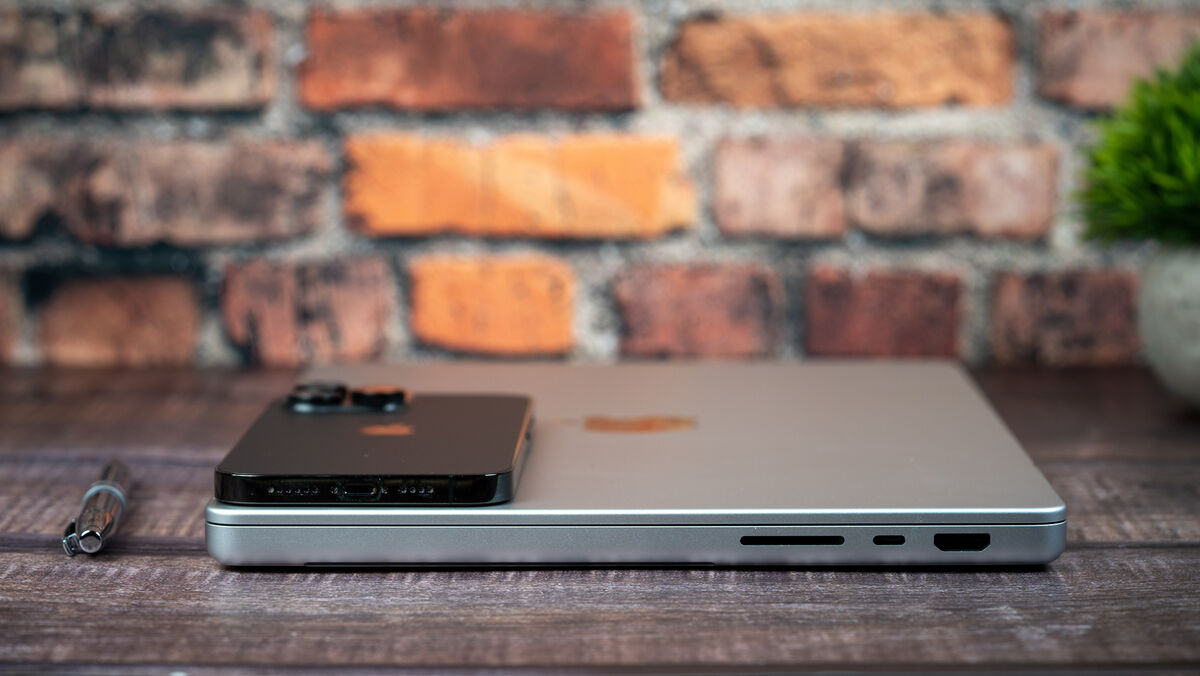
When I first opened the 14-inch MacBook Pro box, I was immediately struck by how small it is in comparison to my 16-inch laptop. Despite the smaller size, it still has the same ports including an SD card reader, a 3.5mm headphone jack, a MagSafe 3 charging connection and three USB-4/Thunderbolt 4 ports. It also includes a new HDMI port that now supports 8K TVs with up to 60Hz or TVs with a 4K resolution at up to 240Hz. Moreover, HDMI variable refresh rate is supported (VRR).
The keyboard on the MacBook Pro is one of my favourites of any laptop I’ve used and while the touchpad isn’t as massive as the one on my Macbook 16 Pro, it’s still a joy to use. The perfectly placed fingerprint reader can be found on the top right of the keyboard and it works flawlessly. However, the excellent 1080p FaceTime camera doesn’t support FaceID despite the large notch in the middle top of the display.
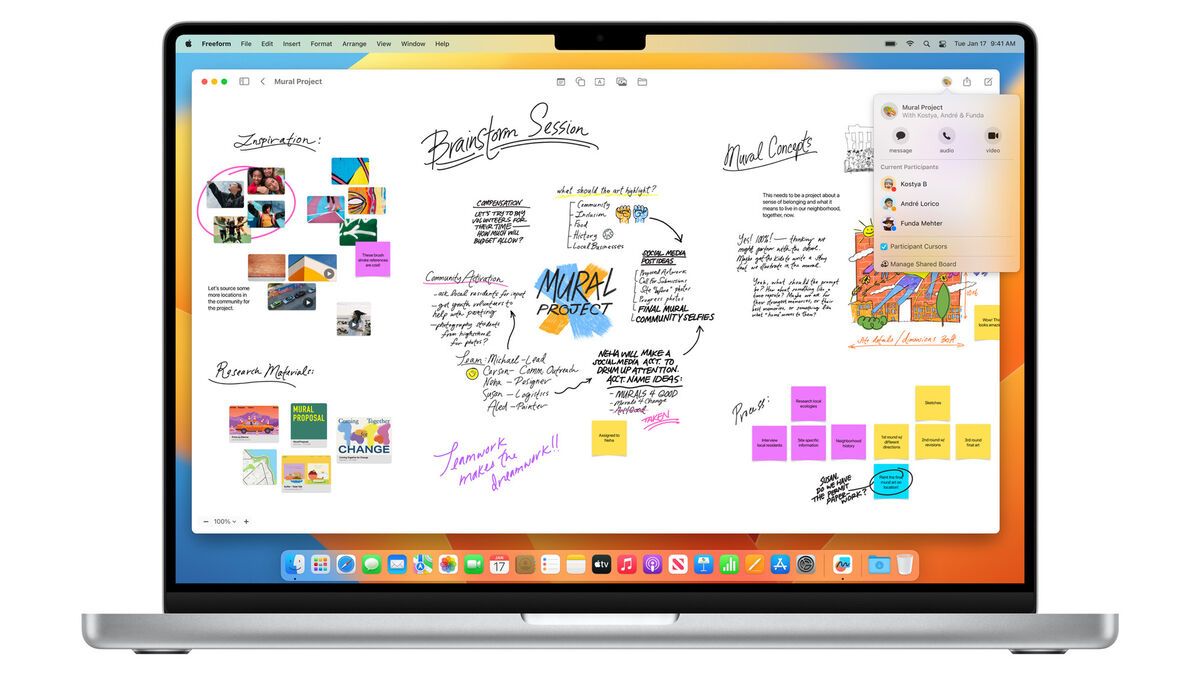
The ‘Pro’ versions of the MacBooks feature the latest and greatest in LCD technology with a mini-LED array. The result is a display that has a peak brightness of 1,600 nits that produces HDR content with stunning detail in the highlights and shadows in images and video content that supports the format.
The display is fantastic for consuming content but it’s also colour-accurate for creative professionals who have colour-critical workflows. With a contrast ratio of 1,000,000:1, you can see deeper blacks, brighter whites and colours that are vibrant. I particularly love the option in Mac OS under display settings where you can choose from a variety of colour presets depending on what you’re doing. So, if you’re editing photos you can pick ‘Photography (P3-D65)’ or if you’re watching an HDR movie change it to ‘Apple XDR Display (P3-1600 nits)’.
Using my Spyder Elite colourimeter I measured 100% RGB, 100% P3 and 88% Adobe RGB coverage so Apple's claims that this is a colour-accurate display are true.
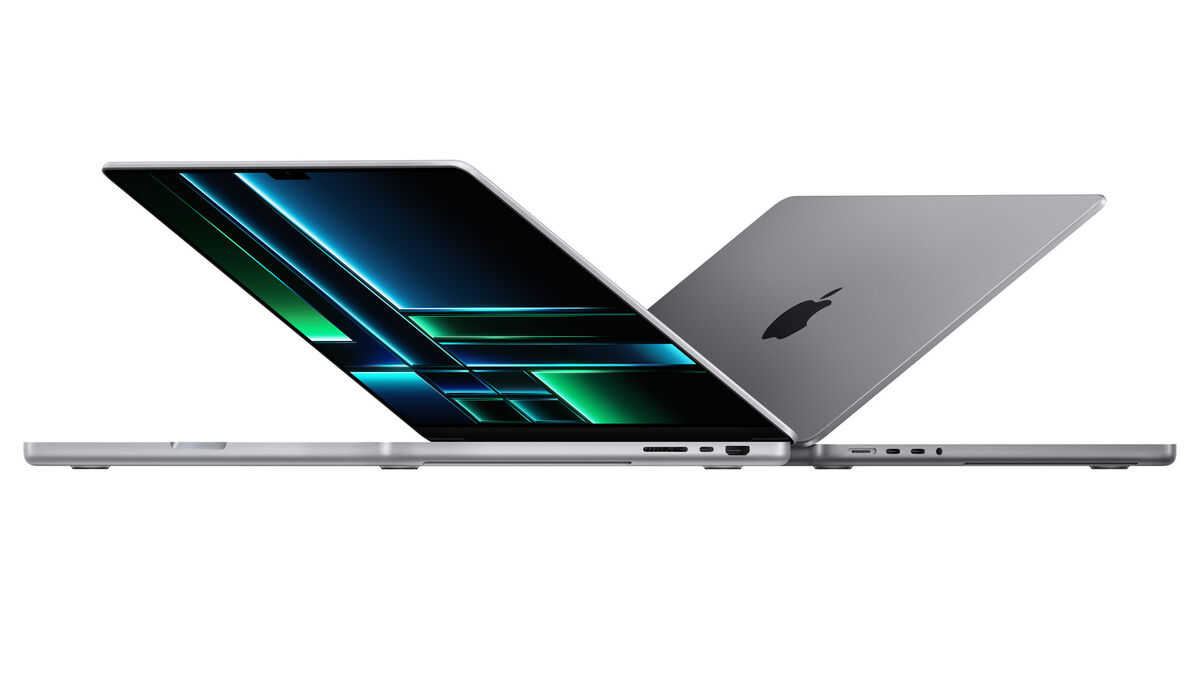
The Pro’s mini-LED display also supports a 120Hz refresh rate, which makes everything feel a little smoother and zippier. Apple calls this ProMotion and it can adapt the refresh rate to match the motion of the content on-screen. This translates to faster scrolling, more responsiveness and smoother motion in content. It also means reduced refresh rates when the display material is static, resulting in significantly lower power usage.
The six-speaker sound system on the MacBook Pro has two tweeters and four force-cancelling woofers. Vocals sound crisp, full and natural thanks to the tweeters' pristine mids and highs and the bass lines' power, intensity and depth. Watching movies on this laptop is shockingly good — the soundstage is expansive with spatial audio in effect and the system also supports Dolby Atmos.
M2 Pro features either six or eight high-performance cores and four high-efficiency Cores to deliver up to 20 per cent faster CPU performance than M1 Pro. All while maintaining Apple’s best-in-class performance per watt.
The 16 or 19-core GPU delivers up to 6.8 teraflops of graphics performance and is up to 30 per cent faster than M1 Pro.
The 16GB or 32GB of unified memory has a dramatically wider and faster-unified memory architecture that delivers 200GB/s of memory bandwidth — twice the bandwidth of M2.
All of my performance tests were done using a loan MacBook Pro M2 with 16GB of RAM and 1TB of SSD storage. This is important as other configurations may have different results. The most expensive MacBook M2 Pro 14 can be configured with 32GB of RAM and up to 8TB of SSD storage. The MacBook M2 Max has the option for up to 96GB of RAM and 8TB of SSD storage.
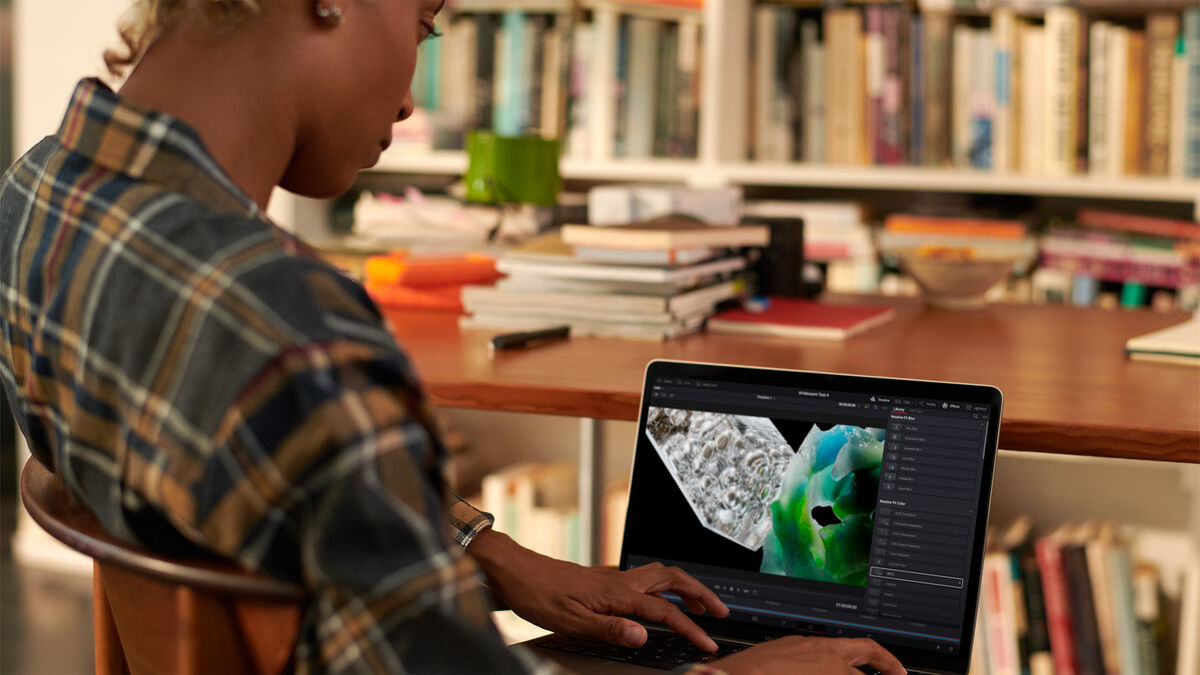
I’m a heavy Lightroom and PhotoShop user, so I did a lot of real-world testing on those apps using Neural filters, lots of layers, masks etc. I used a test Lightroom catalogue of 500 Sony A7RIV 61MP RAW files saved on a 1TB external Thunderbolt SSD. As a practical test, I exported all 500 files to full-resolution jpegs which took 9:21 minutes. I then did the same test again and each time the export took a little longer. The fifth and last export took 10:56 minutes to complete. In all that time I never heard the fans and the case was quick to cool down. For reference, my 2019 MacBook Pro M1 did the same test and took 10:10 minutes on the first export.
Using Lightroom on the MacBook Pro M2 is a joy. Everything feels smooth and slick from scrolling through my images to using the spot removal tool. I also use apps such as Topaz Denoise, Sharpen and Gigapixel which are incredibly demanding on the CPU and GPU. Compared to my two-year-old desktop gaming PC with an Nvidia 3080, the MacBook Pro M2 ran circles around it. Even on battery power, the M2 was able to create previews and process images much faster. There was also a noticeable speed improvement in these apps on the M2 Pro compared to my MacBook Pro M1 16.
Cinebench R23 results were also very impressive for CPU (Multi Core) 14,720 points and CPU (Single Core) 1,651 points — for comparison the MacBook Pro M1 CPU (Multi Core) 12,258 points and CPU (Single Core) 1,651 points.
You can charge the MacBook Pro 14 M2 using any of the USB-C ports but it comes with a 96W power adaptor and USB-C to MagSafe cable. Just 30 minutes on the charger will provide 50% of battery power.
It comes with a 70-watt-hour battery that will give you up to 18 hours of video playback and up to 12 hours of wireless web browsing. What makes the MacBook Pro 14 M2 stand out from other laptops is that it can deliver the same power regardless of whether is plugged in or on battery power. That being said, with intensive usage I was able to drain it in just over four hours. In typical use, I was able to get anything from eight to 11 hours.
I don’t feel the need to upgrade from my MacBook M1 Pro 16, because I love the larger screen and don’t feel it’s lacking in performance for my needs. While the MacBook 14 Pro is more portable than the 16, it’s still bigger and heavier than the excellent MacBook Air M2.
The MacBook Pro 14 M2 is an amazing laptop with an outstanding build quality, a stunning, colour-accurate display, incredible sound quality for laptop speakers and performance that doesn’t drop when you disconnect the power. Power users who are looking to upgrade from an Intel Mac will love the outstanding battery life and performance on tap with this new MacBook Pro 14.
Apple MacBook Pro 14 from €2,499

CONNECT WITH US TODAY



Be the first to know the latest news and updates