Philips Hue Tap Dial — the easy way to control your smart lights
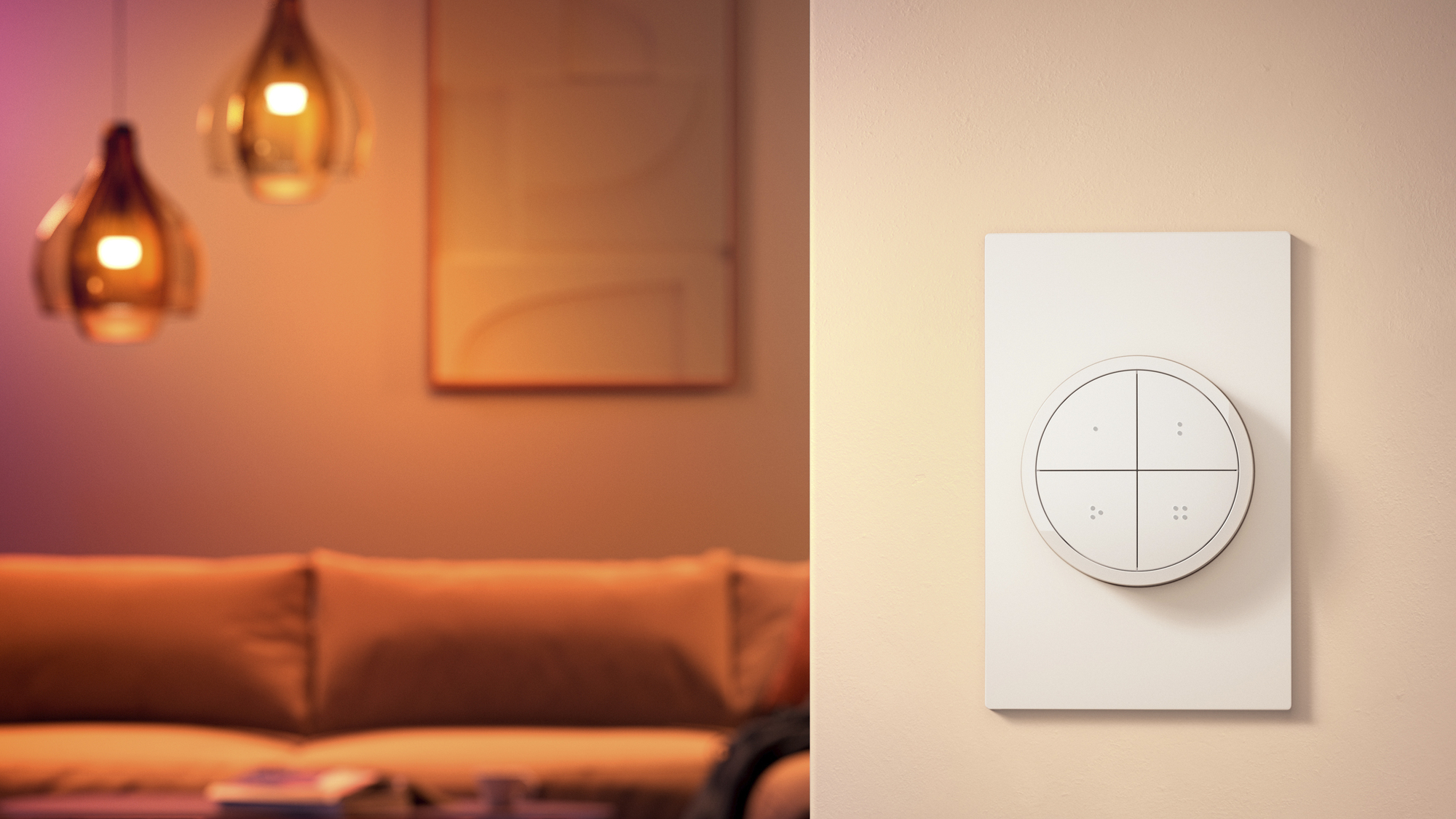
Philips Hue Tap Dial smart switch. Picture: Philips.
One of the biggest problems with smart lighting is getting those in your home to come on board with changing a lifetime of habits. When you install a new smart bulb you need to ensure the light switch stays on and powered or it won’t work with voice assistants like Alexa or Google Home. You won’t be able to set schedules and if you create routines, they will fail if the power to the light is switched off. One of the simplest and easiest ways to get around this is to use a smart switch to control the lights and this way you get the best of both worlds.
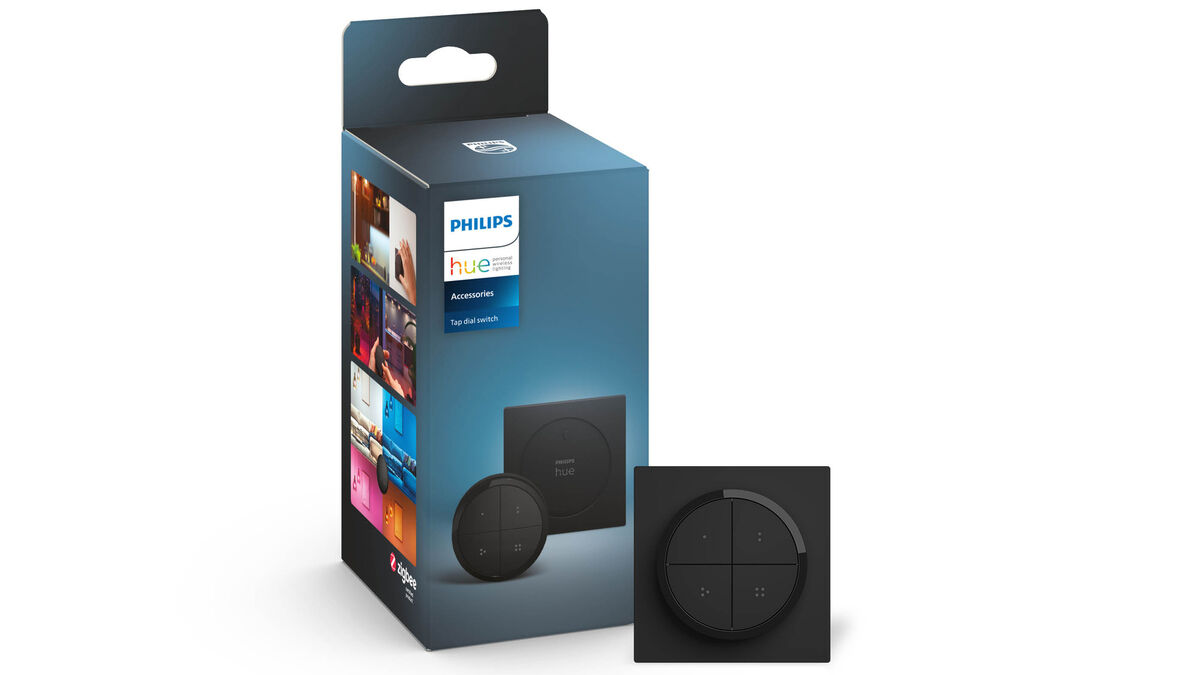
The new Philips Hue Tap Dial is a battery-powered device that runs on a single CR2052 cell that should last for two years. The dial comes in two parts; a mount that can be stuck to the wall and the tap dial switch that has four buttons and a dial that surrounds them. With each separate button on the Tap Dial switch, you can control up to three rooms or a zone.
The square mounting plate is about the size of a standard light switch plate and can be stuck to a surface using the preinstalled sticky foam pads or screw-mounted using the supplied hardware. The Tap Dial can be used as a remote control or just left in the mounting plate beside the existing wall switch or somewhere else for convenience. I’ve been using it in my home office and while the mounting plate is on my wall beside the light switch, I usually use the Tap Dial on my desk to control all the lights in the room.
To use the Tap Dial you’ll need a Philips Hue bridge and Hue lights. Adding it to the bridge is as easy as adding a new bulb and once installed you’ll get lots of options and features in the Hue app.
I have found the Tap Dial incredibly useful in my office where I have four different lights to control. At different stages in the day and depending on what I’m doing, it gives me granular control over each individual light. I also use Alexa to control my lights but using the Tap Dial is far more convenient when you need to control multiple devices at once.
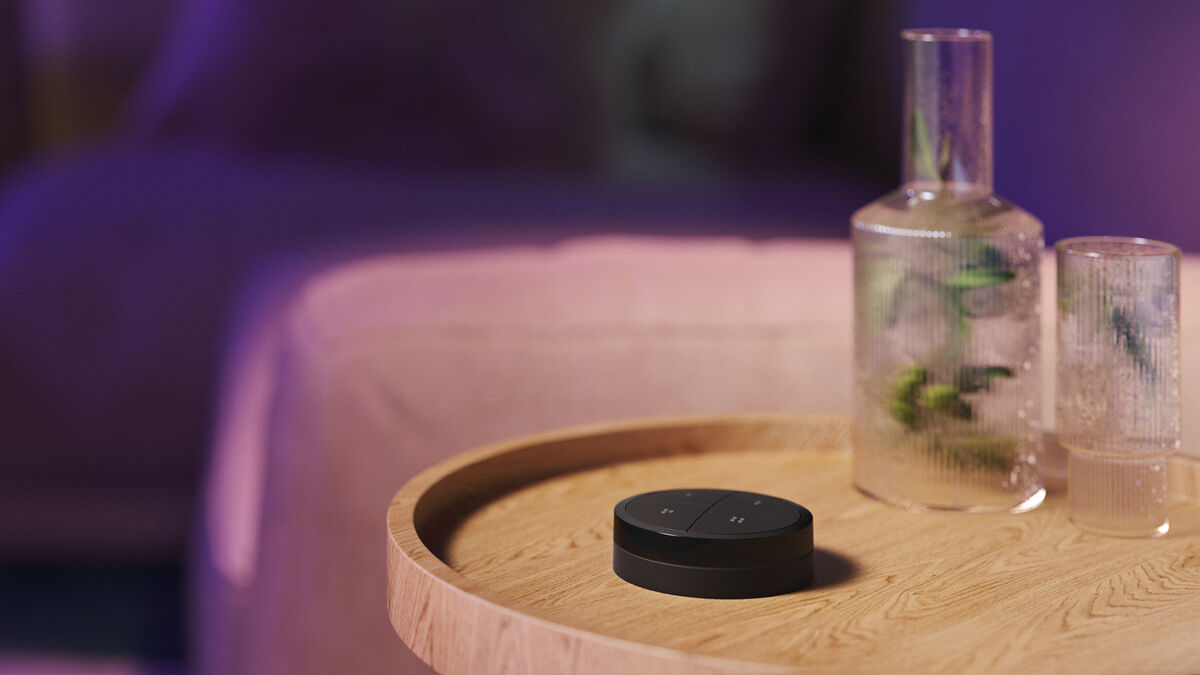
The same options can be customised independently for each of the four buttons. A button can be used to cycle through a choice of five scenes or to select a single scene. The connected rooms or zone are turned off by pressing and holding a button.
If you have a lot of lights in a room such as spotlights in a kitchen, you can set up zones to control different areas of the room — a bright zone for over the worktop area and then a softer light over the dining table.
You can also set a button to a time-based light setting. For example, with this enabled the light will be bright and white during the day, dimmed with a warm glow in the evening and then very dim for nighttime. You can customise the time slots for each of the three behaviours.
The large dial that surrounds the four buttons offers incredible flexibility. If the lights are off and you turn the dial up it will gradually increase the brightness of all the lights associated with the four buttons to predetermined scenes such as bright, relax or read. You can set the dial to control all the Hue lights in your home or select individual ones into a group. If the lights or an individual light is on, the dial can be set to dim but not turned off or keep dimming until the lights are off.
I love using the Philips Hue Tap Dial to control the lights in my office and I will be getting more for other rooms in my home. However, if you only want to control a single light in a room, you only need to get a single switch like the Hue Smart Button or the Dimmer Switch. The Tap Dials offer advanced smart controls that are easy for everyone to use and the addition of the rotary dial is ingenious and it looks great too.
Philips Hue Tap Dial switch €59.99 very.ie

CONNECT WITH US TODAY



Be the first to know the latest news and updates