Huawei MateBook D16 — a serious workhouse for college or work
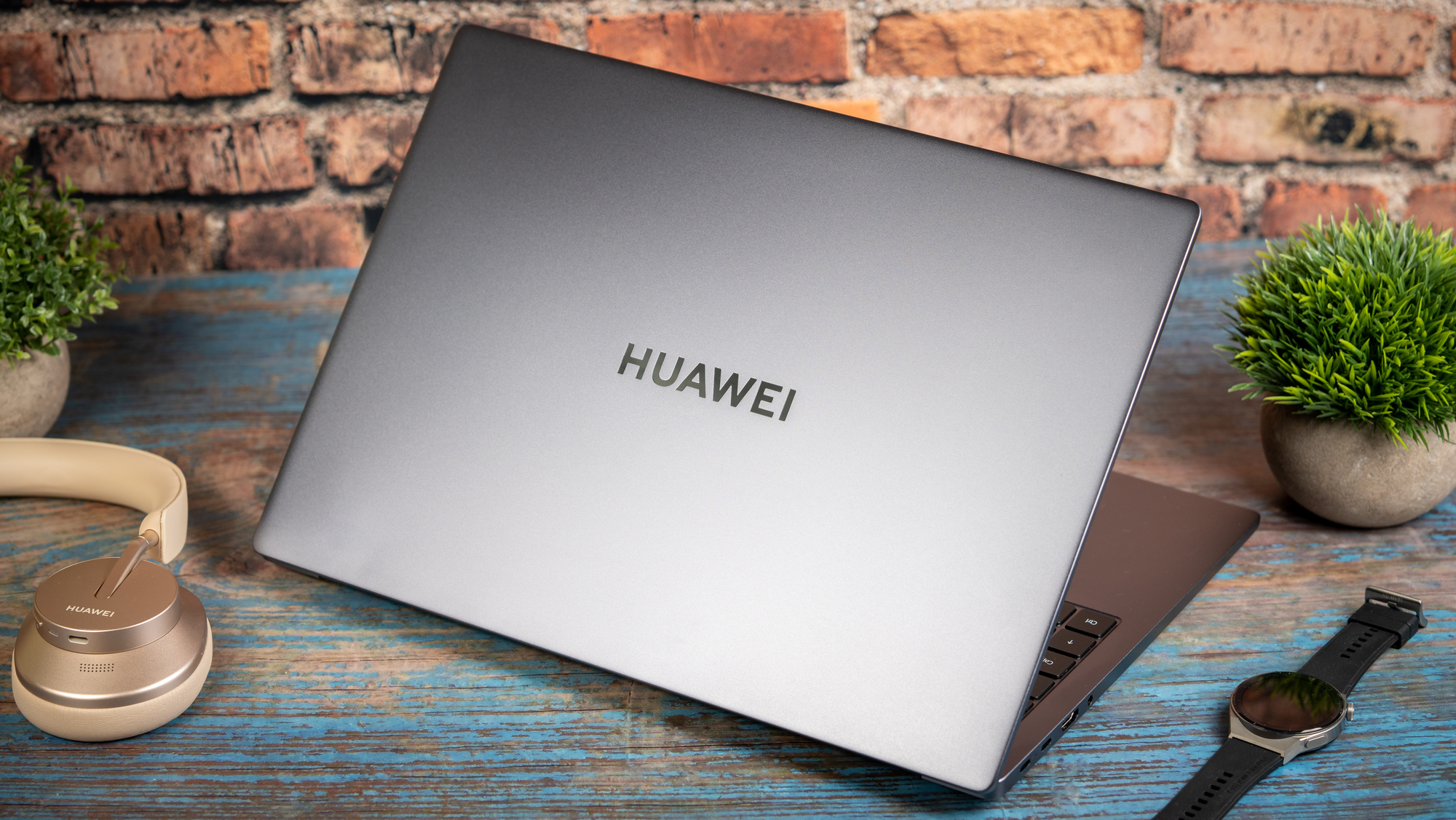
Huawei MateBook D16. Picture: Noel Campion.
I’ve always been a fan of laptops with large displays, especially when I know I’m not going to be lugging it around and need something that’s ultra-portable. 15-6-inch displays have become the default screen size for laptops but the slightly larger 16-ich display of the Huawei MateBook D16 is an excellent combination of size and portability.
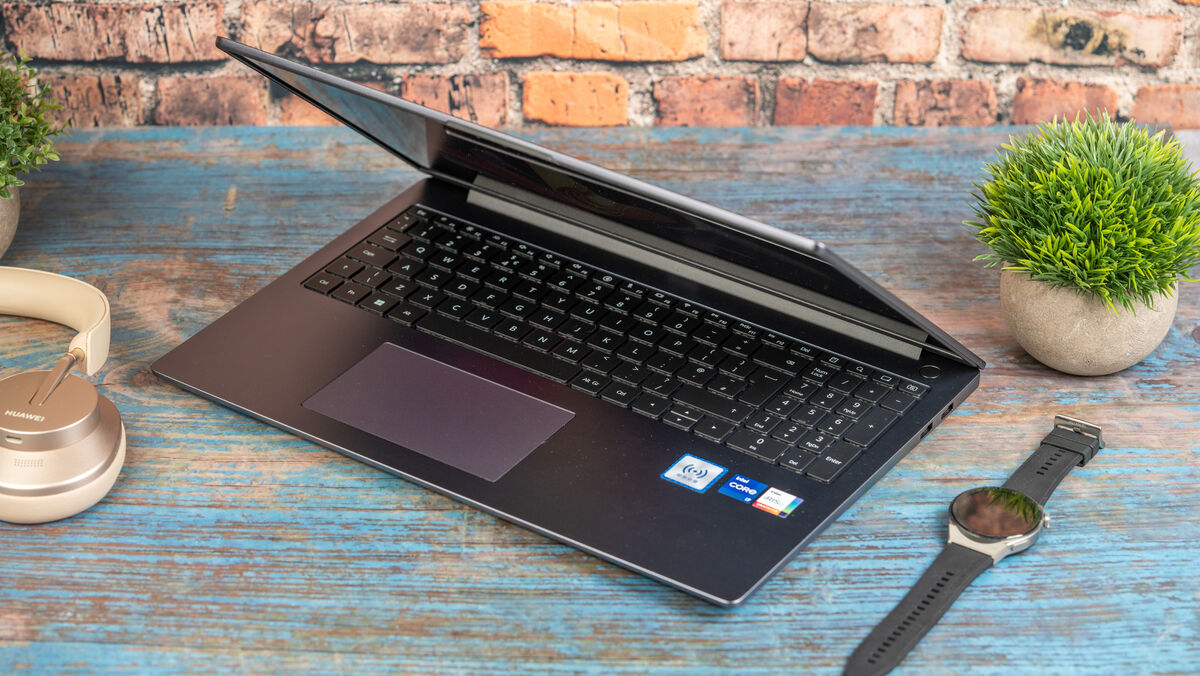
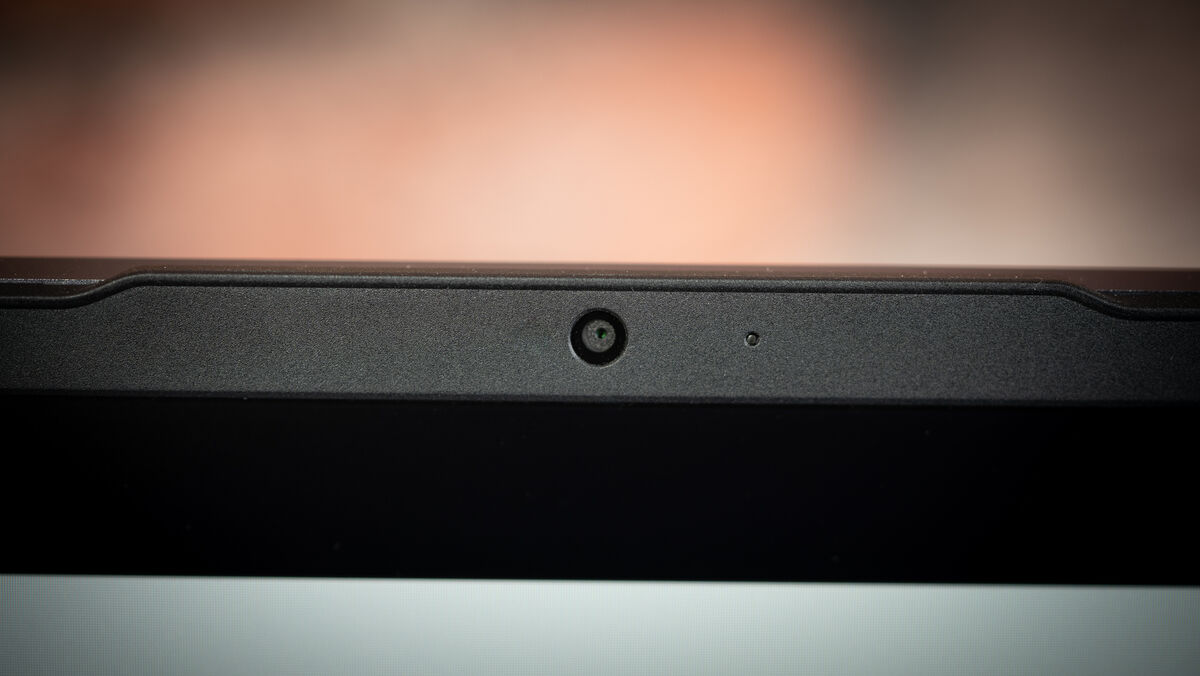
The MateBook D16 has small bezels on either side of the display with a slightly larger one on the top that houses the 1080p webcam — no more secret webcam is hidden under a key like on previous models. The bottom bezel is larger than the top and sports a small Huawei logo in the middle.
The lid is not as thin as the one found on Huawei’s flagship MateBook X Pro and although it has a certain amount of flex, it does feel robust with a solid and robust hinge. So solid in fact, unlike a MacBook, you won’t be able to open the lid one-handed.
The aluminium chassis is rigid and well-built with only a tiny amount of flex. On the base is a long venting strip for the cooling fans which is flanked on either side by two grills for the stereo speakers.
At 1.7kg, the MateBook D16 is relatively light for a 16-inch laptop. For reference, my MacBook Pro 16 is a hefty 2.1kg. Also, the supplied 65-watt charger is relatively small and light.
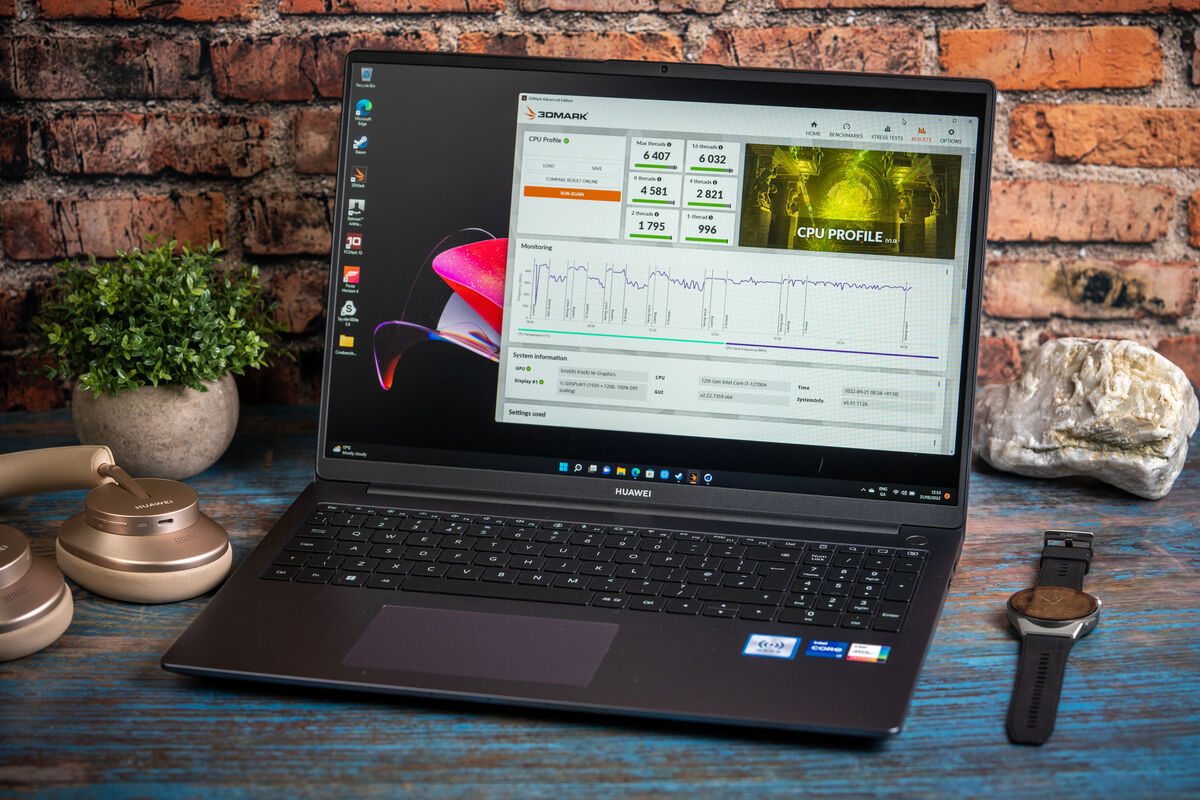
The 16-inch display has a resolution of 1920 x 1200 pixels with an aspect ratio of 16:9 and features a matte anti-glare coating which is great for cutting down glare but also reduces clarity and contrast compared to a glossy display. I didn’t think the text was as sharp as others I’ve seen with similar pixel densities even at the default recommended native resolution.
There’s everything to love about the screen size including the stylish 90% screen-to-body ratio that gives the laptop a contemporary and premium look. I find the extra screen real estate excellent for everything from productivity to media consumption.
Screen size isn’t the only positive aspect of this screen which features impressive contrast for an IPS panel and good viewing angles. My colour tests using the Spyder Elite X provided good results with 99% sRGB which is perfect for viewing content in apps and on the web.
It’s also suitable for watching moves, TV shows, YouTube and for general media consumption. Unfortunately, while the picture looks great, the down-firing stereo speakers are not so great. They suffice for general audio but lack any real bass or volume so I’d recommend using headphones or separate speakers.
My test results in the other colour spaces weren’t as encouraging with 75% of Adobe RGB and 75% of the DCI-P3, which means this isn’t a particularly accurate display for creative professionals who do any kind of colour-sensitive work for either print or video.
Huawei is conservative about the brightness of the display claiming a peak of 300 nits but in my tests, I recorded a peak of 325 nits.
The screen is rigid when open and doesn’t wobble when you touch it which is a pity since it isn’t a touchscreen.
In terms of port selection, you get two USB-C ports on the left side and both can be used to charge the laptop but neither supports Thunderbolt. You also get a full-size HDMI 2.0 port and a 3.5mm headphone/microphone jack.
The right side has a USB-A (USB 3.2 Gen1) and USB-A (USB 2.0) which is always handy since most peripherals still come with USB-A connections.
For connectivity, there’s support for WiFi 6 but not 6E or Ethernet, but of course, you can use a dongle to provide the latter. There’s also Bluetooth 5.1 for connecting audio devices like headphones as well as external keyboards and mice.
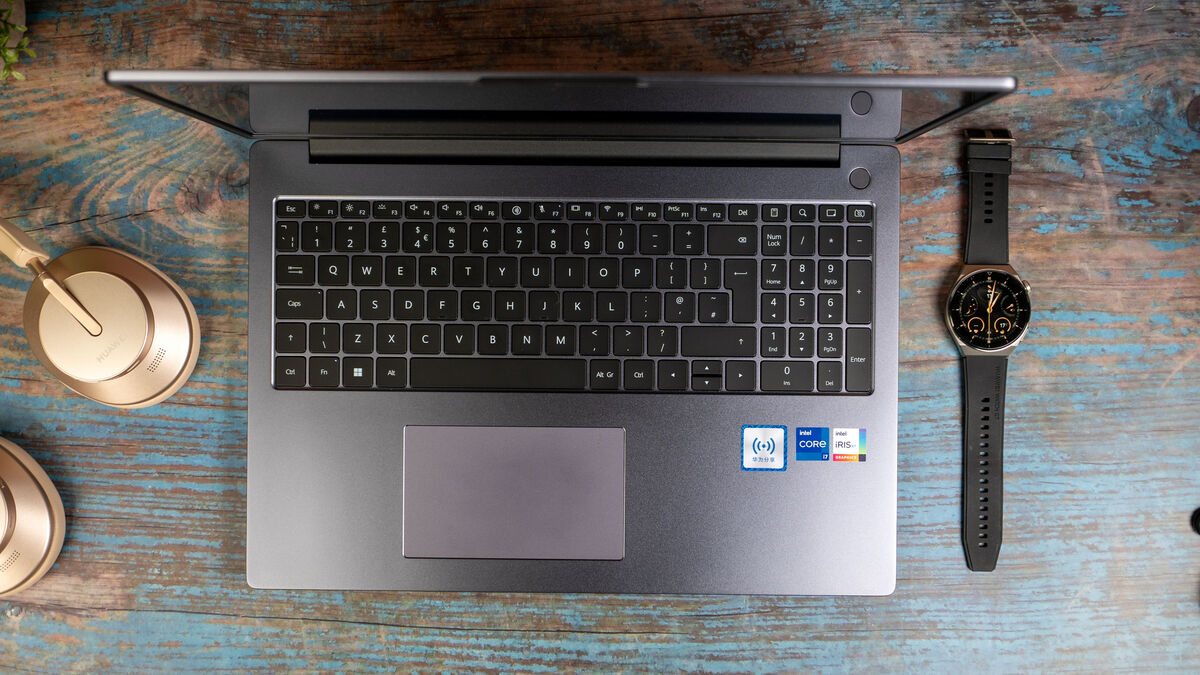
The keyboard is really excellent for typing and the keys have a 1.5mm of travel for positive tactile feedback and reasonable quiet sound. It is a full-size keyboard with Numpad, but the off-centre main keys messed with my typing muscle memory and I kept hitting the wrong keys. In particular, I would hit ‘0’ on the Numpad instead of the right arrow. It took me ages to get used to this but if this is the only keyboard you type on it won’t be a problem as you’ll build new muscle memory.
The trackpad is also off-centre with a much larger palm rest to the right. It’s placed to the right of the space bar and it too takes getting used to. It does work well and has a positive click but I prefer using a tap and Windows gestures for navigation.
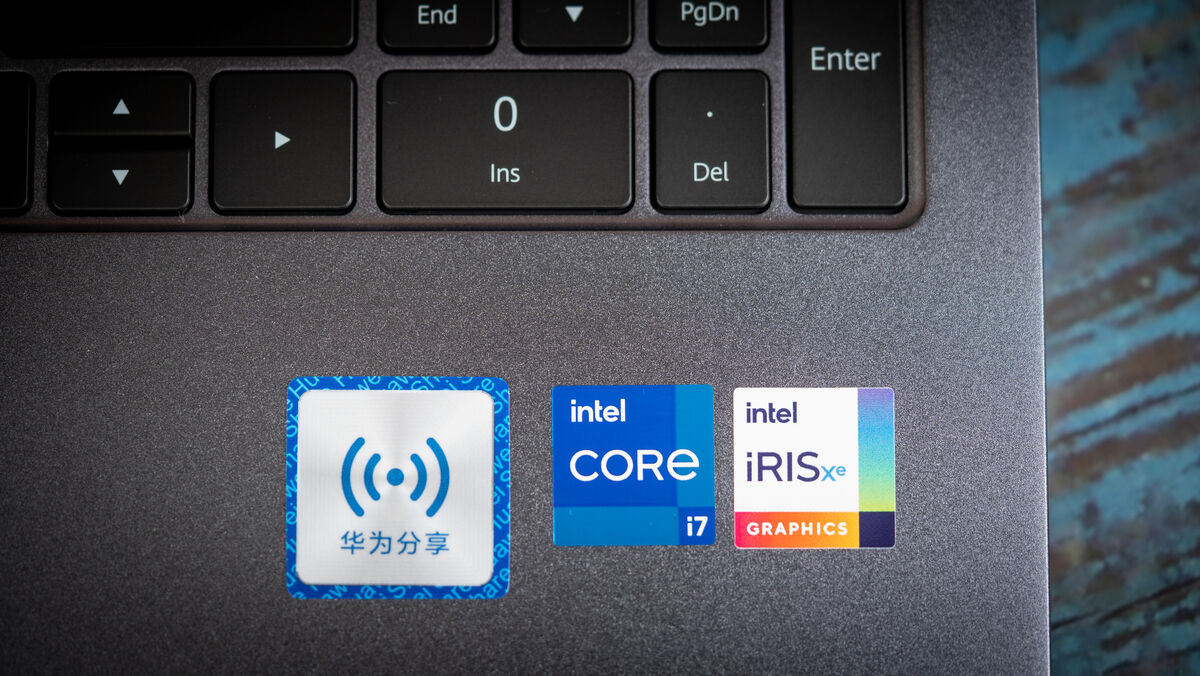
The Huawei MateBook D16 I received for this review was the Intel i7-12700H with 512GB of NVMe PCIe SSD storage and 16GB of RAM. Overall performance is excellent with good thermals that do a good job of keeping the heat down and performance consistent.
It scored well in Geekbench 5 with a single core result of 1810 and a multicore score of 11011. For context, my MacBook Pro 16 M1 Pro had a score of 1772 (single-core) and 12575 (multi-core).
PC Mark is a real-world benchmark that tests all aspects of the system and the MateBook D16 had an impressive score of 5973.
What’s even more impressive is that the laptop runs cool and is relatively quiet. Of course, when you put an intense load on the CPU it will spin up the fans, but in general use, you don’t really hear them and even at full tilt they don’t get annoyingly loud.
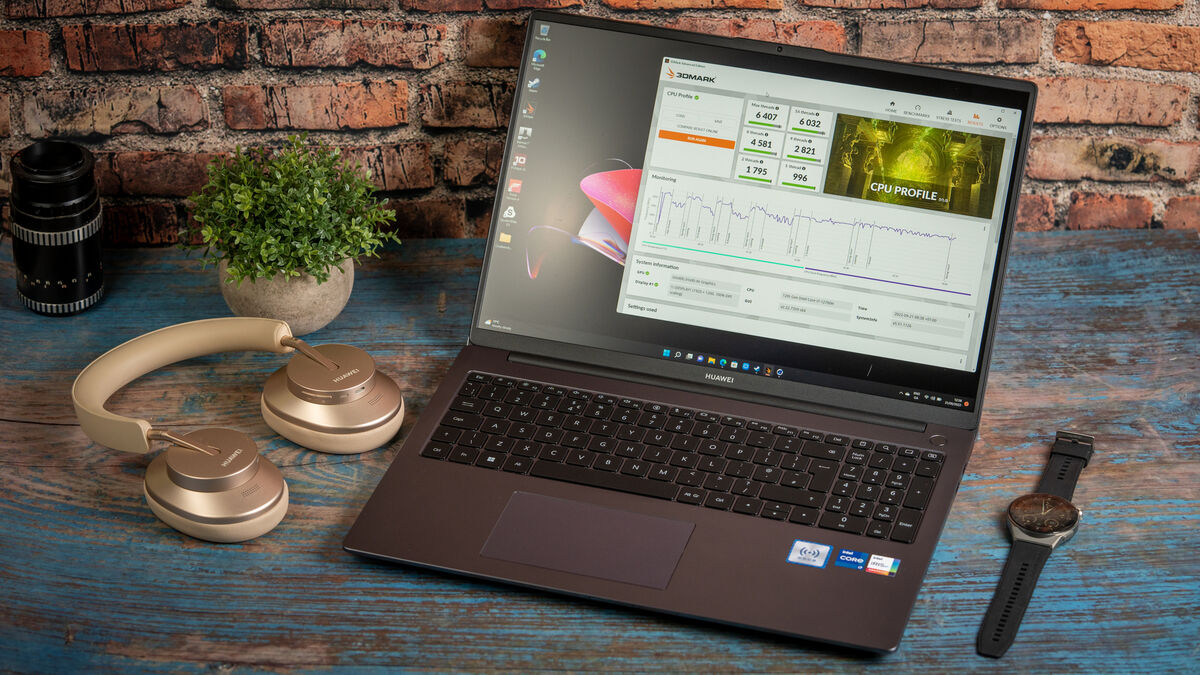
All of these results were achieved with the power plugged in and you can expect lower results on battery power. Also, the 60Wh battery doesn't provide an all-day battery life, especially when working on CPU-intensive tasks for long periods. Editing photos from my Lightroom catalogue was a serious battery drain test that was able to take the D16 down to 20% in a few hours. With lighter loads and with some battery management tweaks like dimming the screen and putting it into low power mode you should expect to get up to six hours.
The internal 512GB SSD on my loan unit was partitioned into a main C and storage D drive configuration. Using the Blackmagic speed test, I read speeds of 3009mb/s and write speeds of 1169 mb/s. For context my MacBook Pro 16 M1 Pro had peak write speeds of 4579mb/s and read speeds of 5178mb/s.
The Huawei MateBook D16 is a solid laptop with excellent performance and a large screen. While I wasn’t a fan of the keyboard and trackpad layout, both were a joy to use once I got used to them. The D16 is a real workhorse that performs well at everything bar serious gaming due to the lack of a discrete graphics card. Battery life isn’t amazing and that’s down to the 60Wh battery — as a result, the D16 is lighter and more portable.
Huawei MateBook D16 from RRP €899 Huawei
CONNECT WITH US TODAY



Be the first to know the latest news and updates