Focusrite Vocaster One — getting the sound right out of the box
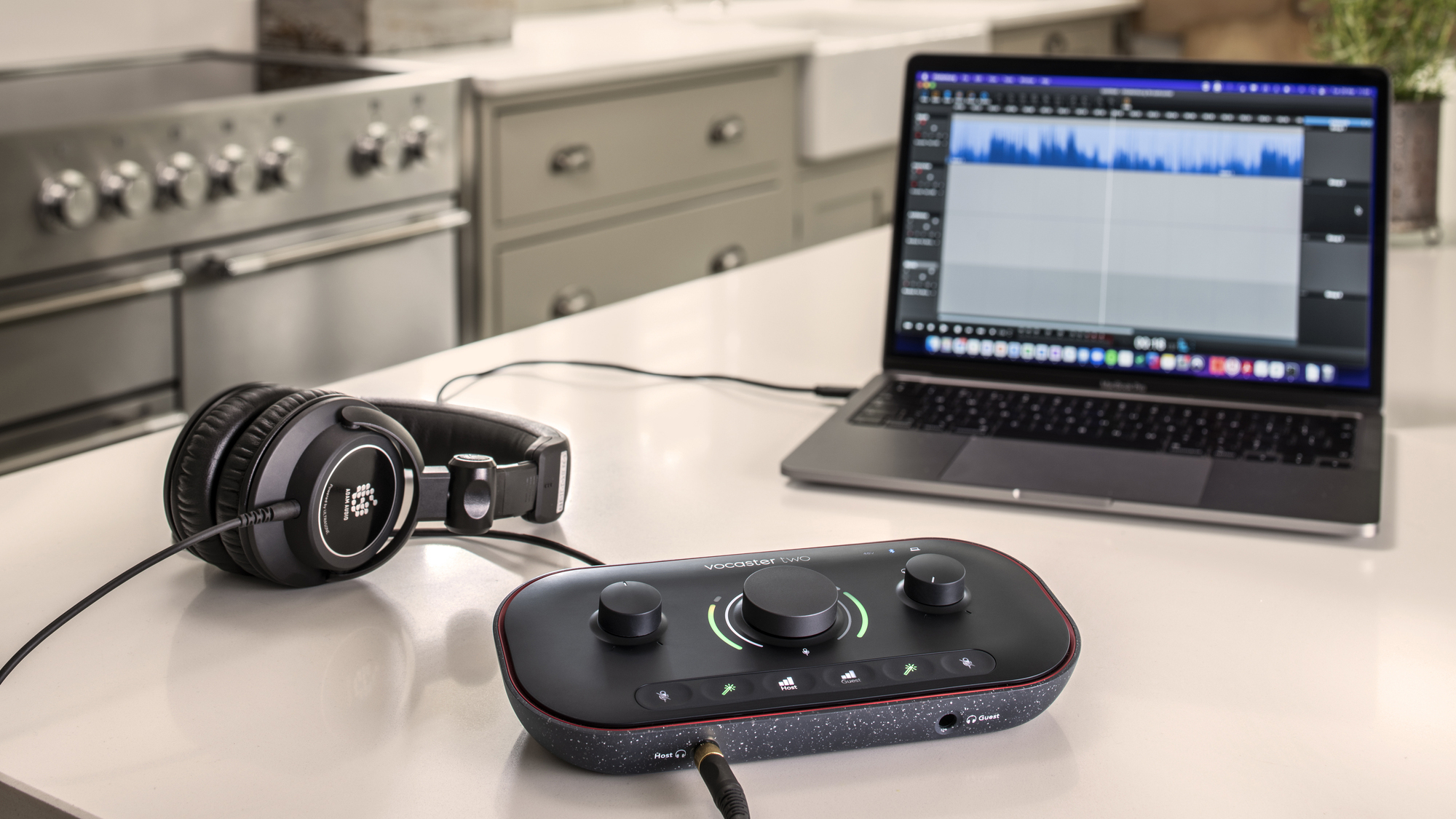
Focusrite Vocaster One studio bundle. Picture: Focusrite.
It’s never been as easy or relatively inexpensive to get set up for podcasting. I’ve been testing the Focusrite Vocaster One Solo Studio for the last couple of months to see if it’s a good solution for someone starting out on their podcast journey.
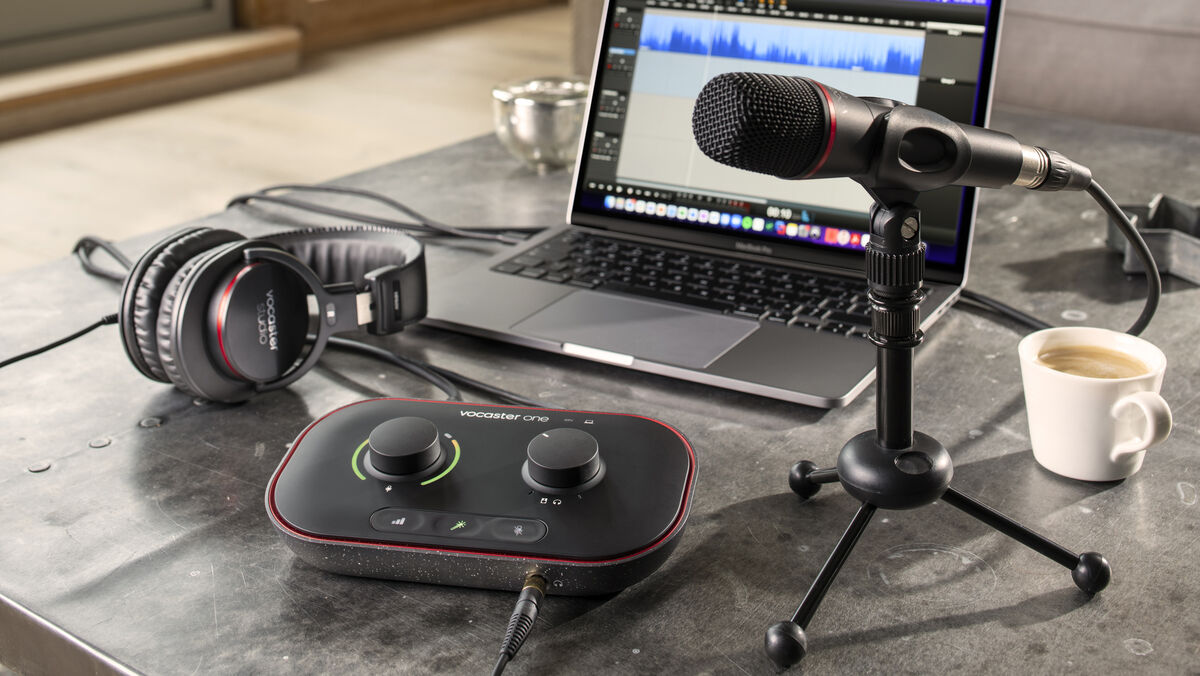
The Vocaster One is an audio interface that’s designed to make it easy for anyone to use.
The control unit has a matte black finish with red accents surrounding the top. It has a wedge-shaped design that tilts the top of the unit forward making it easier to access and use controls.
There are two large dials — one controls the mic levels with an LED audio meter that surrounds the left and right sides along with a red LED clipping indicator at the top of each arc. If you start speaking too loud, you’ll see the indicators graduate upwards from green to orange and then red if it starts to clip. This is really helpful for solo creators who can get their levels in the ballpark with a quick visual check on the Vocaster.
The second dial is for the volume — headphone or audio line out to speakers.
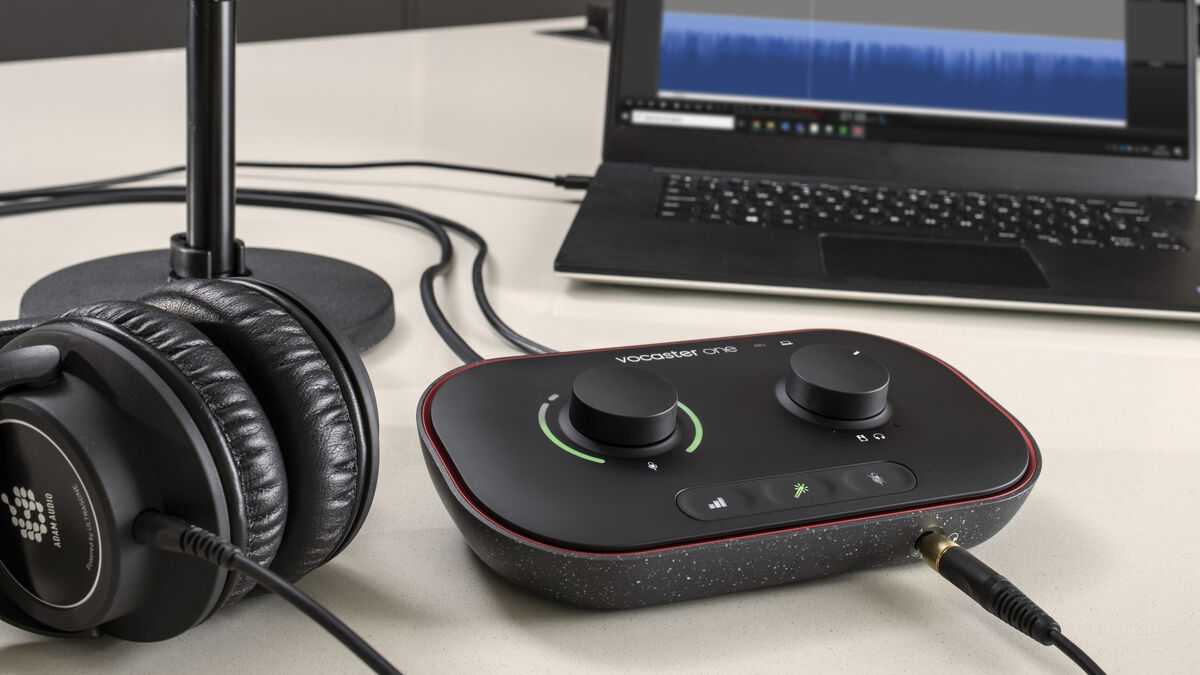
There are also back-lit rubberised buttons for auto gain, vocal FX enhancement and a quick mic mute feature.
Around the back of the unit, you’ll find the USB-C port for connecting it to a PC, Mac or iPad. This also powers the Vocaster but there’s a dedicated power button to turn it on and off. Here you’ll also find an XLR microphone input, left and right 6.5mm balanced speaker outputs, a 3.5mm TRRS phone connection and a 3.5mm TRS camera out connection. You can use the phone connection to play music and other high-quality sounds directly from your smartphone onto your show or use it to record the entire chat.
There’s also a Kensington lock port as well as a 48v phantom power button. The latter can provide phantom power (48 volts) at the XLR input if you’re using a condenser microphone.
Around the front is a standard 6.5mm headphone jack for easy access.
There’s a rubber stripe around the base of the unit to ensure it doesn’t slide all over your desk and the bottom half looks like it’s made from recycled materials which is always a welcome feature.
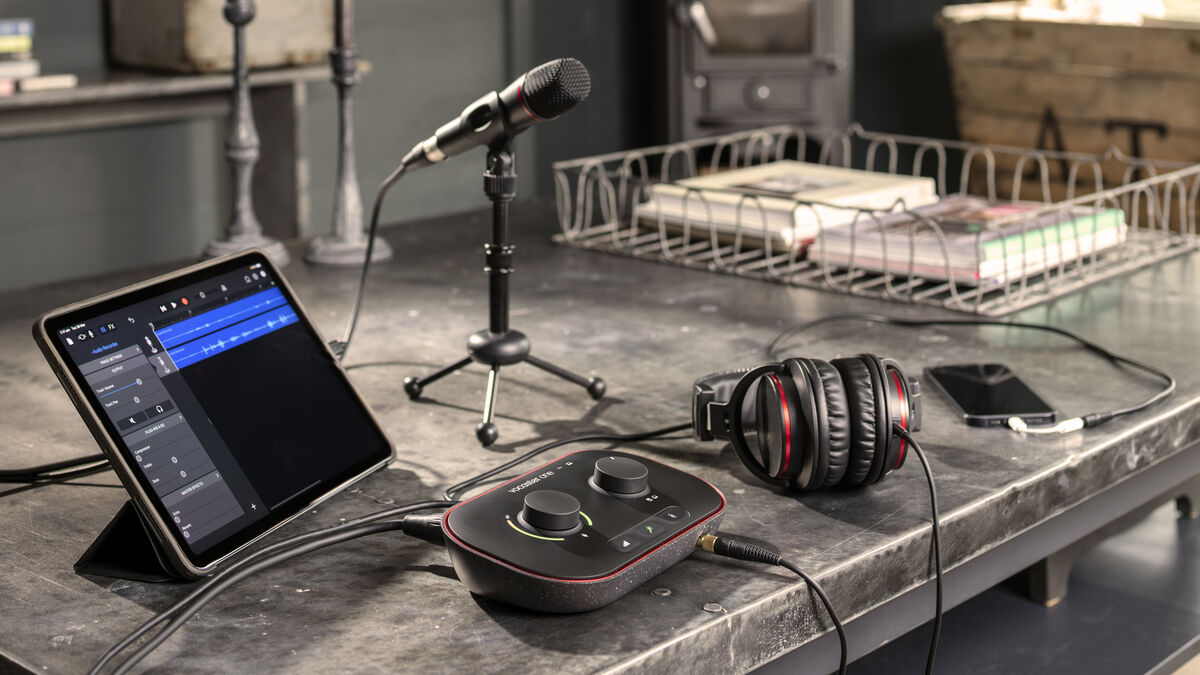
I tested the Vocaster One Studio edition on a Mac. When you first connect it to your computer it will pop up with a message that asks you to register the hardware. Also, a Vocaster icon will appear on the desktop — double click on this to reveal the Vocaster Hub app which you’ll need to drag to your Applications folder. There’s a similar setup for Windows users.
The Vocaster Hub app provides additional functionality such as software control over the hardware dials and buttons. You can also select which FX preset you want on the mic input (Radio, Clean, Warm, or Bright). The app is where you can control the volume of the stereo loopback channels — a convenient feature for streaming music, intros, or even calls from your Mac or PC.
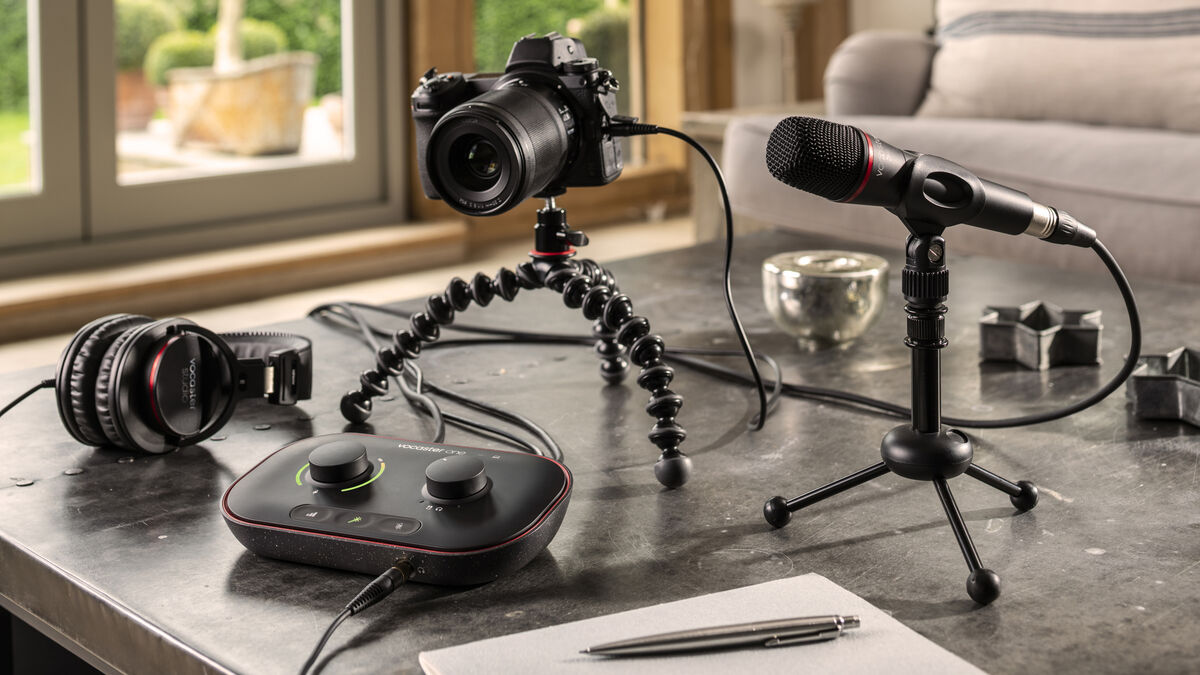
You can purchase the Vocaster One on its own or in a bundle. The combo kit comes with the Vocaster One interface as well as a condenser mic (Vocaster DM1), a quality XLR cable for the mic, closed-back Vocaster Studio headphones (HP60V) and some additional cables. You also get a mic holder that features a standard thread for a mic stand. For those starting out for the first time, it would have been nice to see a few extras including a small table-top mic stand and a pop-filter for the mic although these are relatively inexpensive to buy later if you don’t have them already.
The audio quality of the mic is excellent considering this is bunded in the Studio edition. The headphones sound great too but I didn’t find them incredibly comfortable for long sessions. The padding on the ear muffs could be thicker and I found they got warm and sweaty. Perhaps, this was down to the recent hot weather.
I’m not a recording engineer but Focusrite designed the Vocaster for people like me who just want to get a quality sound recording out of the box without the need for too much expertise in post-production. I was astounded at how well everything worked with little knowledge or experience.
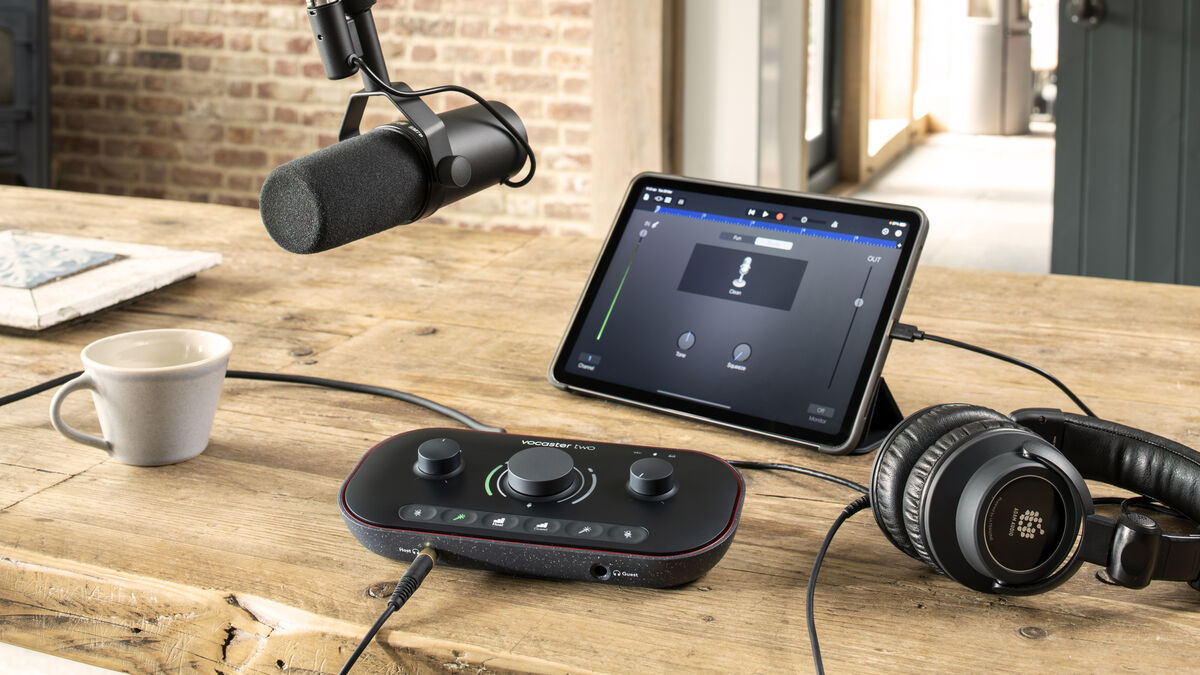
So, if you’re a solo creator looking to get up and running and don’t want to spend hours and tons of money on an audio setup the Vocaster One Studio is an ideal way to get started. If you need more than a single mic input then the Vocaster Two is also worth considering.
Focusrite Vocaster One Studio €329 from Focusrite
CONNECT WITH US TODAY



Be the first to know the latest news and updates