Take your videography to the next level with ShiftCam ProGrip
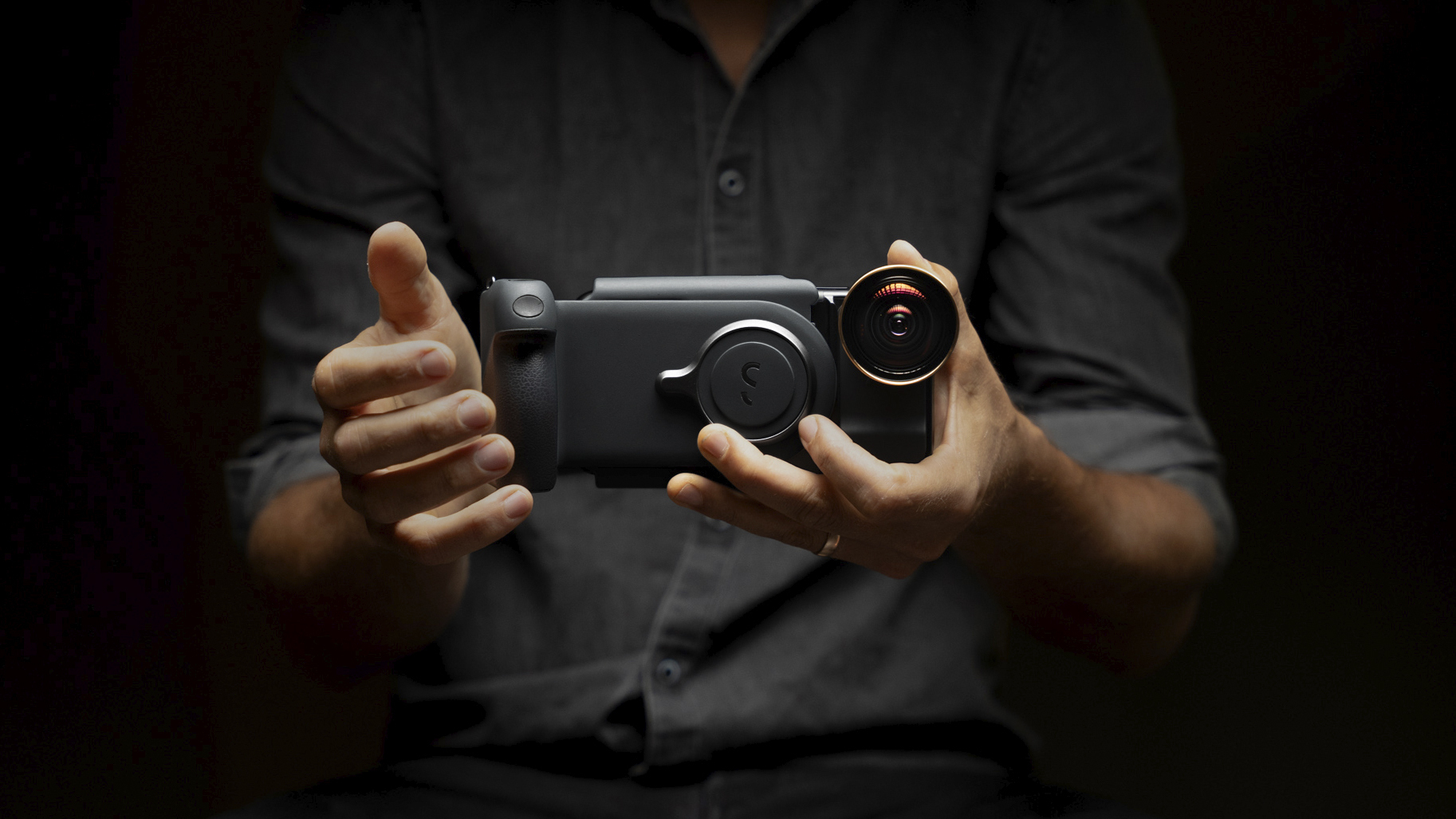
ShiftCam ProGrip. Picture: ShiftCam.
The ShiftCam ProGrip is definitely not for everyone, but for those who love taking photos and videos with their phone, the results may be the difference between amateur and pro.
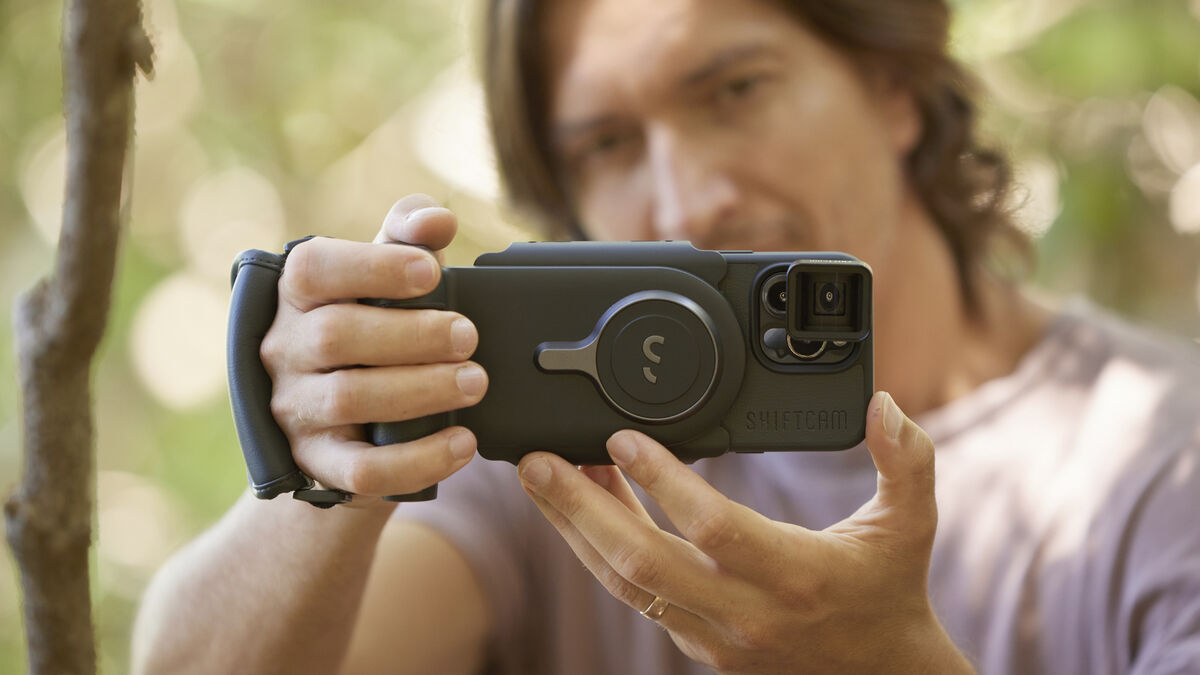
The ShiftCam ProGrip is a beautifully designed and built device with a lot of useful technology. For many, our smartphones have become our primary photo and video-taking devices and yet, they’re not ergonomically designed for this purpose. Few phones come with a dedicated camera shutter button and I often cringe when I see people holding their phones in precarious positions when trying to take that killer photo or video. On a recent trip to the Saltee Islands, I watched in dread as one person hung over the side with their phone in one hand as the waves crashed against the boat.
The ShiftCam Pro has an adjustable strap like those you’d find on an old camcorder to ensure there’s no chance of it falling out of your hand. This is attached to a grip that’s been ergonomically shaped to comfortably fit your hand around. Your fingers wrap around the front of the grip and there’s even an indent on the top of the grip to rest your thumb. Behind where your index finger rests is a physical shutter button. The front of the grip has a texture rubber finish for added grip.
Around the back of the grip are holes that have bright LED lights that indicate charging, battery levels and Bluetooth.
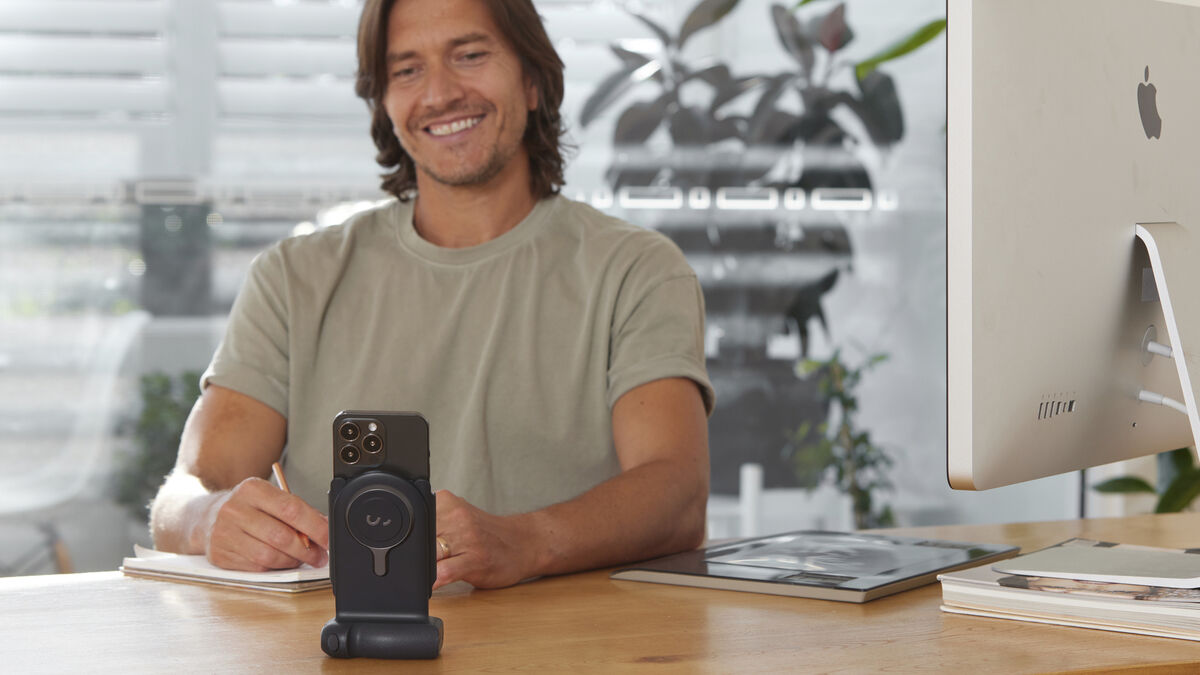
You can place the grip on a desk and use the ShiftCam ProGrip as a stand. It comes with a built-in battery and features wireless charging so you can use it to charge your phone while on the stand. On the bottom of the grip is the USB-C port that’s used to charge the ProGrip. I found this really useful as a wireless charging stand but also to make hands-free video calls.
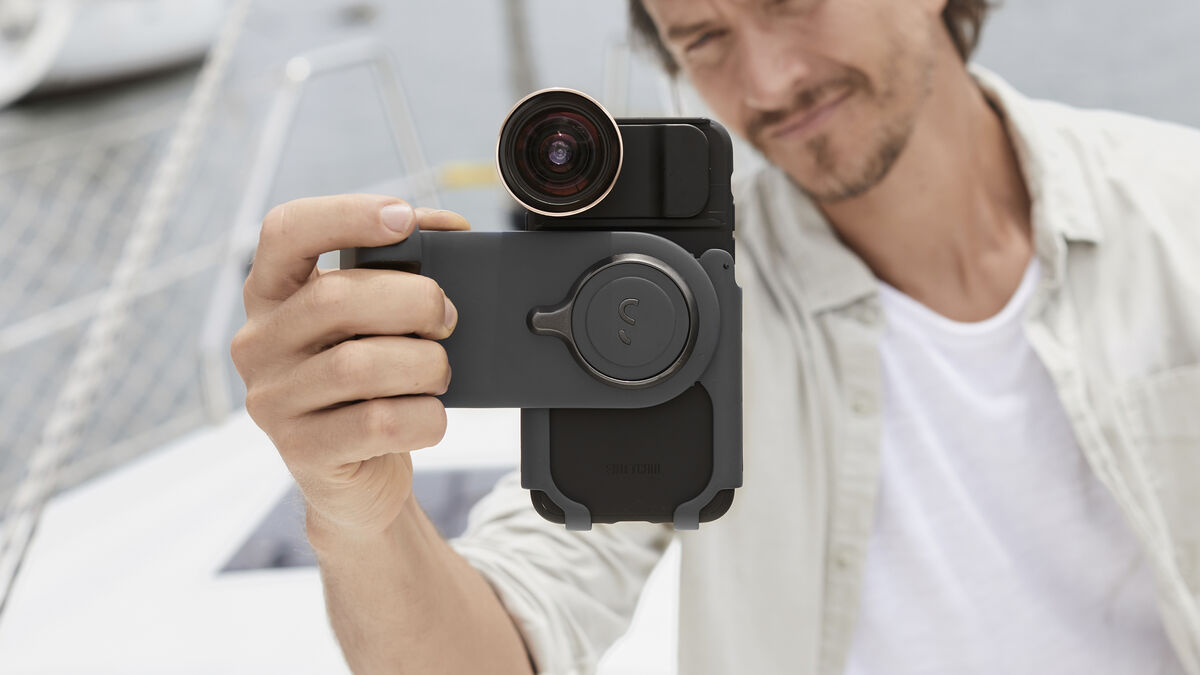
The adjustable stand section of the ProGrip can accommodate most phones — including Android and iPhone. It has four levels of rotation but I only really used it in either portrait or landscape modes.
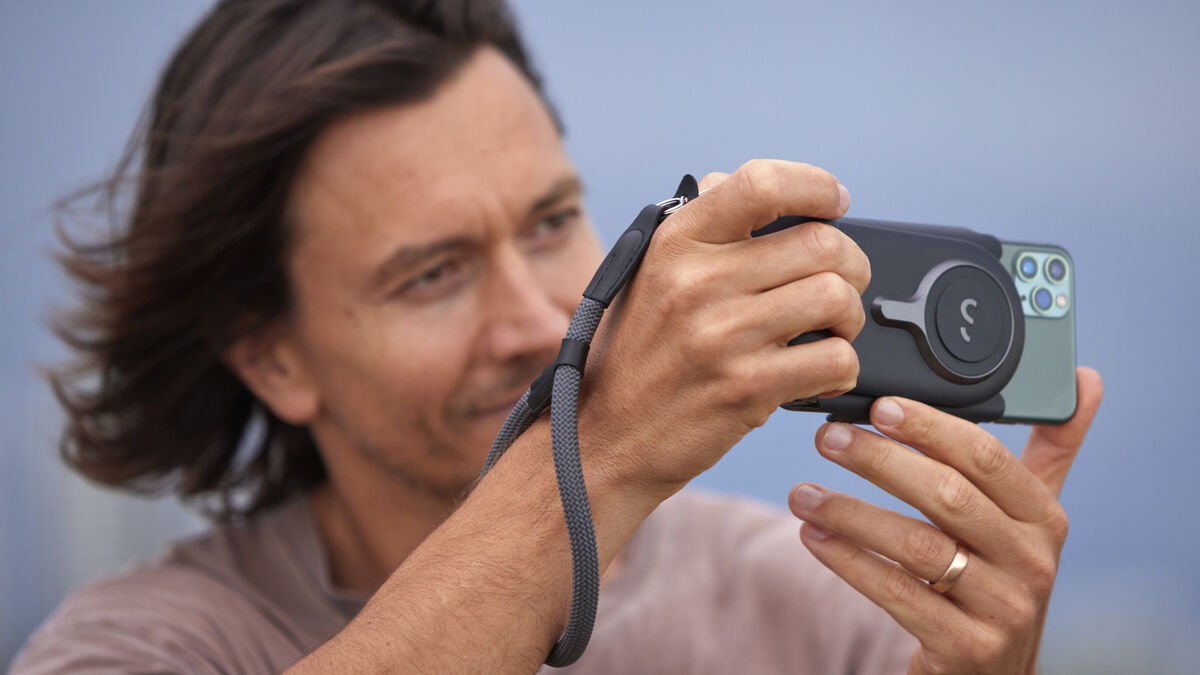
I love that there’s no need for any app. You simply pair your phone with the ProGrip and then it acts like a selfie stick. Once paired, you can use the shutter button on the grip to take photos or start recording a video. The stand has two small buttons — one to turn it on and the other to put it into Bluetooth pairing mode.
There isn’t any stabilisation built into the ProGrip but it does help to hold your phone steadier. This is in part down to the grip as well as the extra weight, which helps to keep everything steadier. I also found I was holding the other side as well as I would with my mirrorless camera.
After using the ProGrip for the last few months I can say that going out to take photos or capture videos was a more enjoyable experience. I found there was more purpose to my photography and that it put me in a slightly different frame of mind to slow down and take more care about the process of capturing the world around me rather than just taking snaps. I feel the same when I take photos with my mirrorless camera — the process is often more important than the results. The ability to quickly and securely switch between horizontal and vertical orientations is amazing. I found it much easier to keep my horizon lines level too which is a massive bonus.
Going out for the day and taking video is an easy way to drain your battery but the ProGrip’s built-in battery will keep you topped up. Additionally, you can also use the USB-C port to charge other devices thanks to its 20W PD power capabilities.
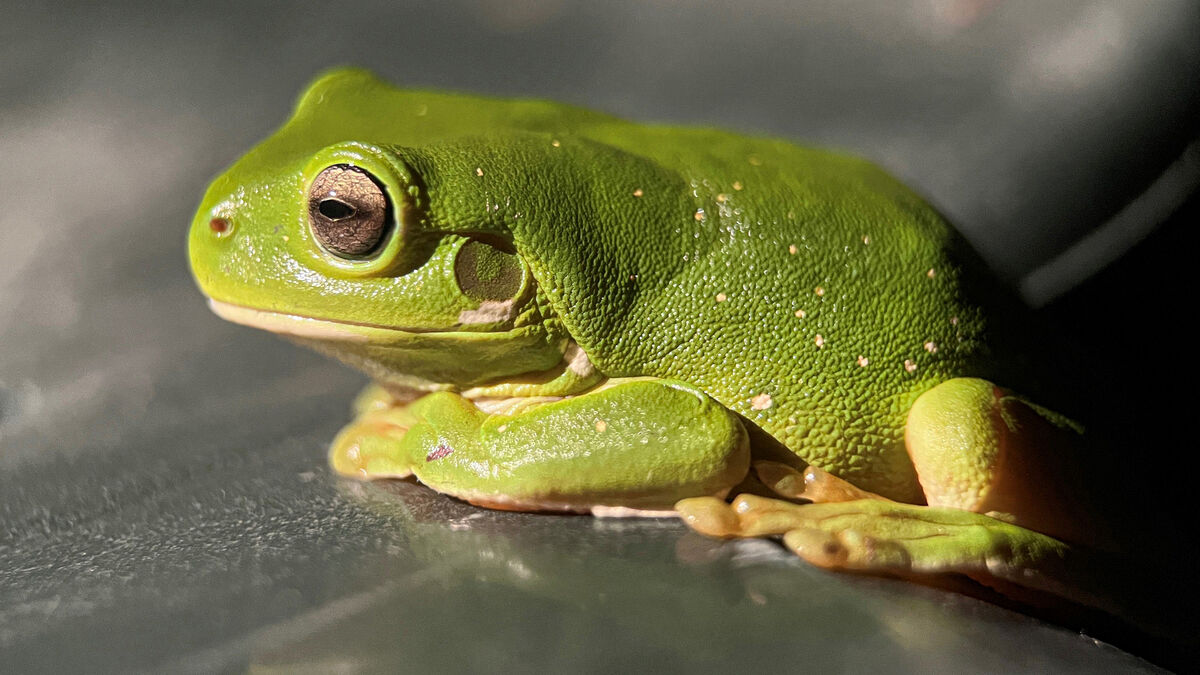
ShiftCam sent me the ProGrip with some of their accessories including one of their cases for the iPhone 13. This allows you to screw in their ShiftCam ProLens. I love their 75mm long-range macro lens for both videos and stills photography and the 230-degree fisheye lens allows you to capture truly unique photos.
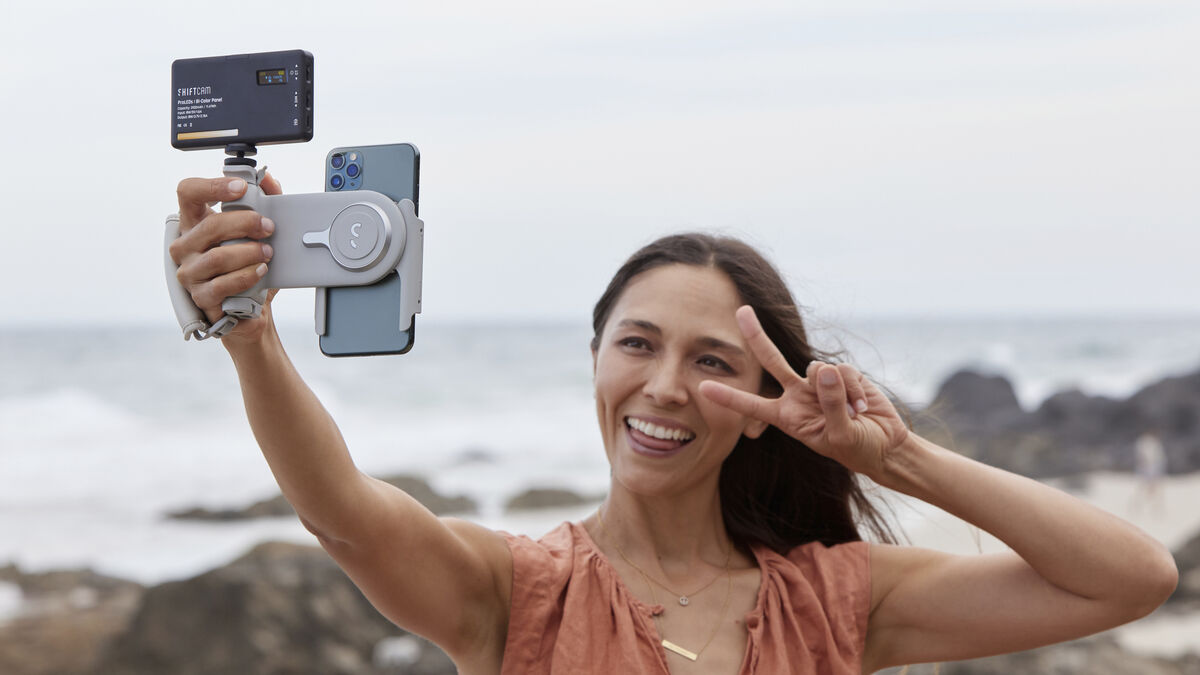
They also sell ProLED lights. These are ideal for video and can be mounted on the ProGrip via a built-in threaded expansion mount. There’s also a standard thread to mount a tripod on the grip.
The ShiftCam ProGrip is a fantastic companion that will aid your smartphone videography and photography. Is it an essential accessory? No, for most people. While I found it great to have a dedicated shutter button for taking photos, I think the ProGrip helped me improve my videography. The additional accessories allow you to further enhance the useability of the ProGrip and the additional charging capabilities make it a gift on holidays.
Shiftcam.com for more information

BLACK FRIDAY
Already a subscriber? Sign in

CONNECT WITH US TODAY



Be the first to know the latest news and updates