Loupedeck CT — a game-changer for creative professionals
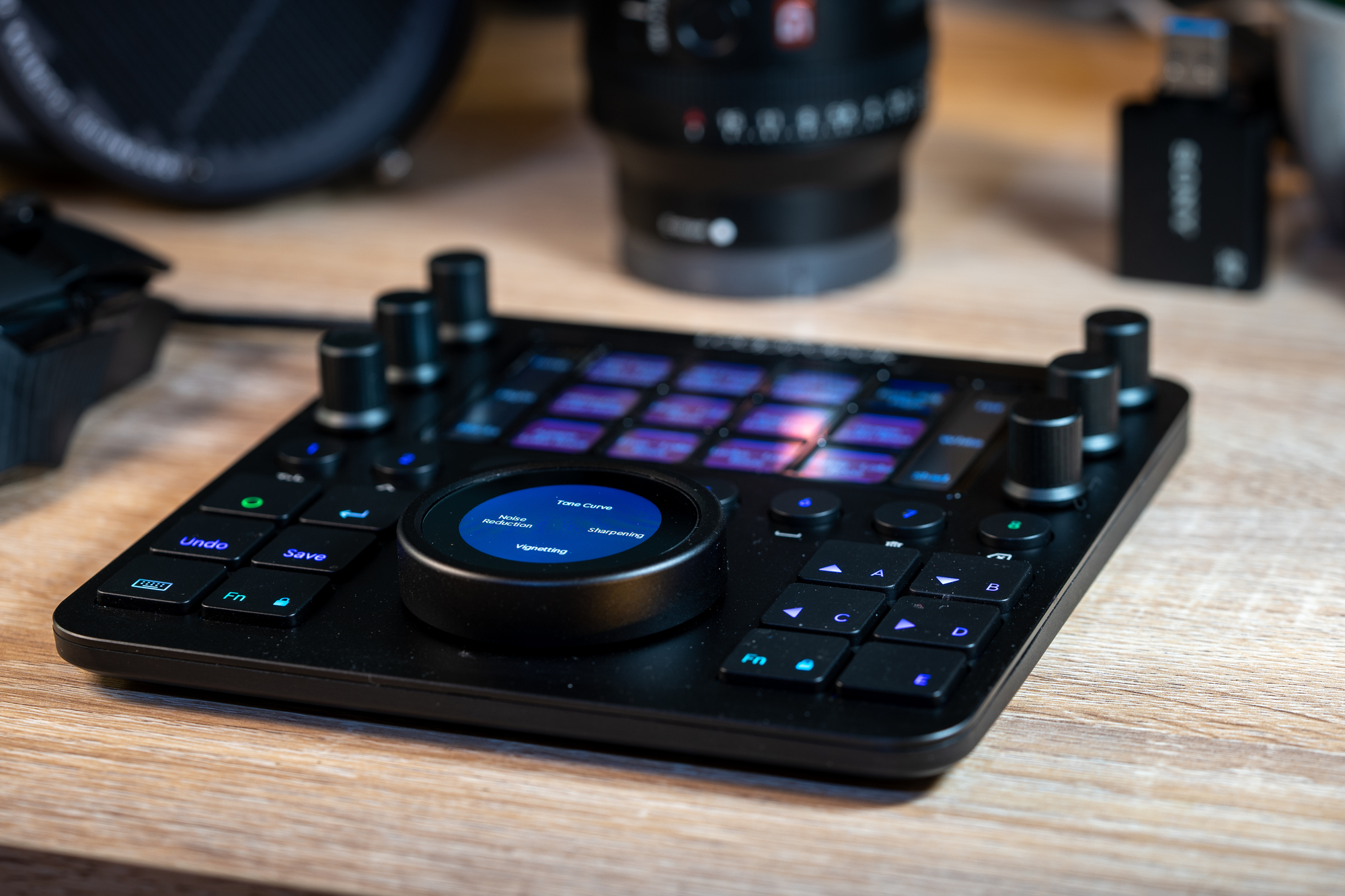
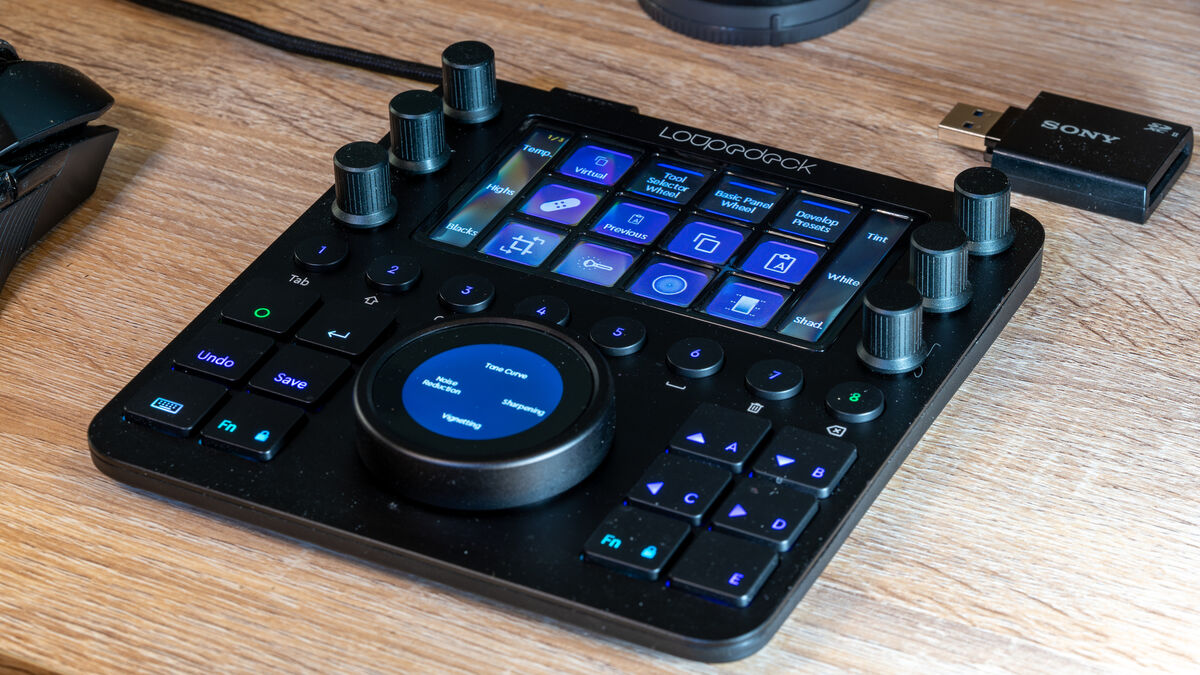
Loupedeck CT customisable control deck for creative professionals. Pic: Noel Campion.
As an avid photographer, I’ve been a big fan of the Loupedeck + so I was excited to test the Loupedeck CT which features a touchscreen interface with fully customisable virtual buttons, knobs, and keys.
The Loupedeck CT offers incredible versatility for all sorts of creative applications for content creators, but in particular, those who specialise in video and photo editing.
Although the CT has been around for over two years, it’s still Loupedecks flagship product which they fully supported with regular firmware and software updates. In the six months, I’ve been using it, there have been lots of improvements to performance, stability, and features. One of the more recent updates provided a huge update for Capture One users.
I rarely refer to packaging, but the Loupedeck CT comes in such a stylish box that you won’t want to throw it away. It also comes in very useful as a means of storing and protecting the CT when I need to travel with it.
Inside the gorgeous packaging, you’ll find the Loupedeck CT along with a braided cable that has a 90-degree USB-C connection on one end and a USB-A on the other. The cable is a little short at 1m, but since it’s a standard cable you can replace it with a longer one if required.
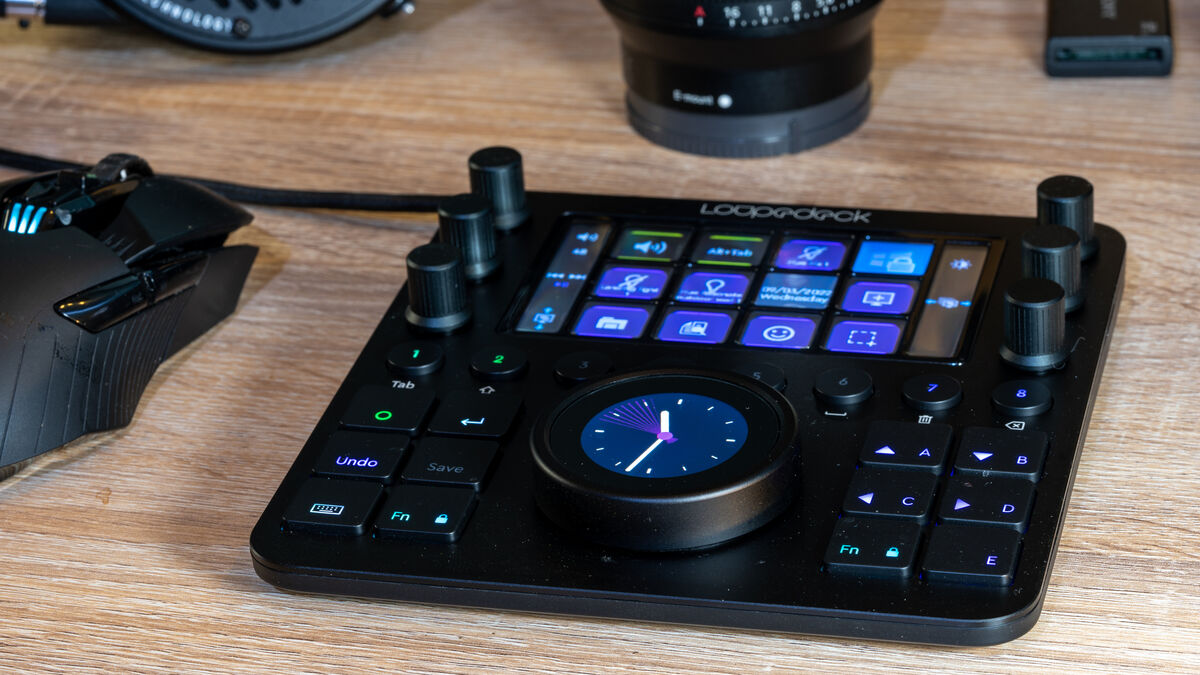
The CT is much smaller than the full keyboard-sized Loupedeck + measuring 156mm x 162mm and the build quality and attention to detail is exceptional. I have a large desk and yet finding space for two keyboards isn’t easy. My solution was to use a tablet stand in front of my keyboard to hold the Loupedeck +.
Thanks to the smaller form factor of the CT, I don’t need to use the stand anymore. I keep it to the right of my mouse making it always ready to use. This is a huge advantage for me and those with smaller desk setups. I find I can quickly and intuitively switch between the mouse and the controls on the CT without thinking.
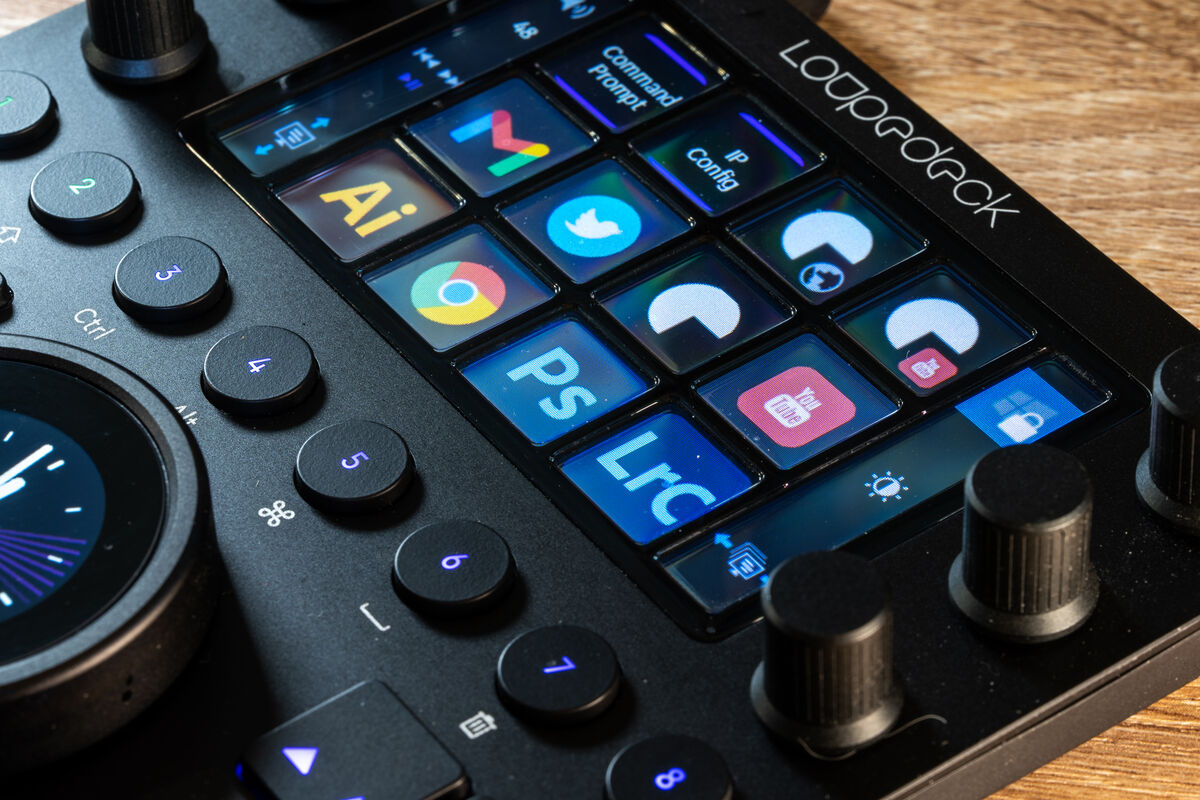
The CT is a beautifully crafted piece of hardware that features six knobs with a set of small touch panels, a row of eight buttons and twelve keys. Between the keys is a large wheel dial with a touch-sensitive screen in the middle.
All of the keys are backlit which is both practical and functional. Although not intentional on my part, it matches my black RGB keyboard beautifully.
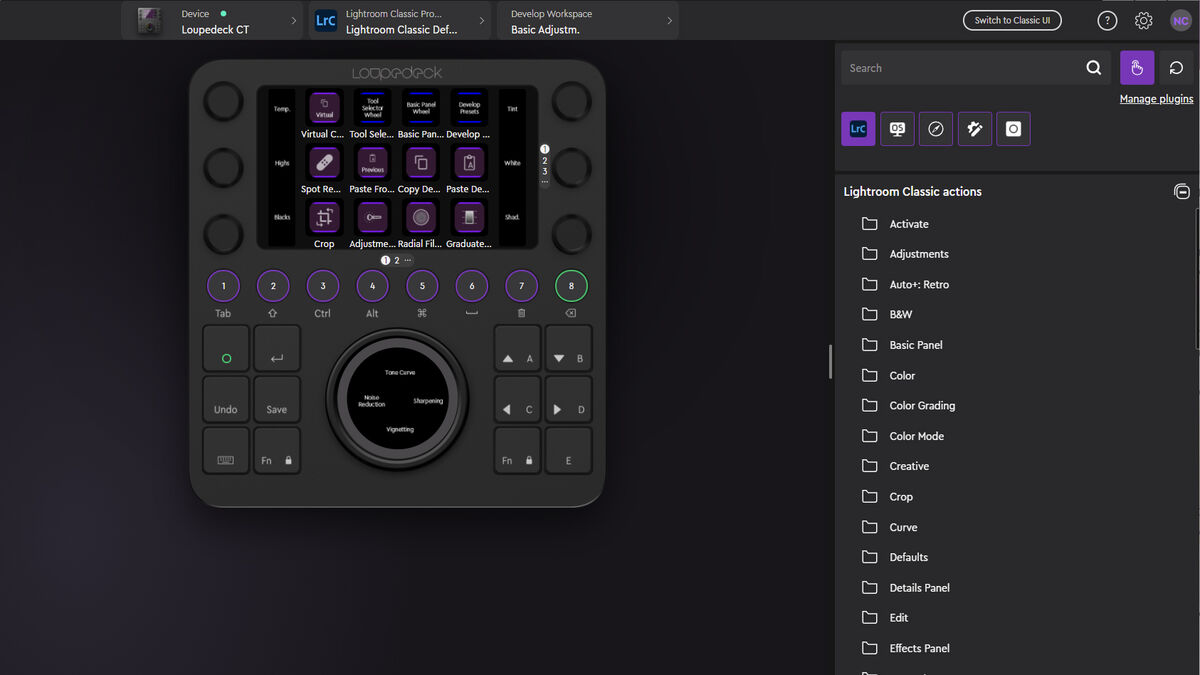
The initial setup is straightforward. Just plug in the device, it will be automatically recognised by Windows and then download and install the free Loupedeck software. Each of the supported applications come with a default profile that can be customised. The app displays a virtual version of the Loupedeck CT which makes using it all the easier.
All you have to do is select an action of feature from a list and then drag and drop it onto one of the virtual controls. All of the controls can be configured but it takes a lot of time to figure out the best layout. It’s a matter of trial and error but once you get it nailed, it’s hard to go back to using a keyboard and mouse.
My main interest in using the Loupedeck CT is for PhotoShop and Lightroom but its versatility goes way beyond just those two apps. It can be set to auto-switch between profiles when changing from one app to another. I recently moved to Microsoft Outlook for work and I was able to download a profile that makes doing all the basic tasks so much easier than having to dig for them in the UI.
While on the desktop I get media controls and many other options including shortcuts for apps. I also used the CT to control certain Hue lights in my office rather than having to call upon Alexa each time I want to turn on or off a light or scene.
Profiles that are native to the Loupedeck and don’t require downloading from their site include Ableton, After Effects, Audition, Capture One, Final Cut, Illustrator, Lightroom Classic, Photoshop, Premiere Pro and vMmix. There are over 35 custom profiles available on the site to download. These come with default controls but can be customised plus you can add your own apps if you really want to.
While the ability to use the Loupedeck CT in other apps is great, for me the real time-saving use case is in Lightroom. Firstly, you have to be committed to spending lots of time customising the controls and then practising and tweaking the setup. It can be a game-changer if you’re willing to invest the time getting to know the controls.
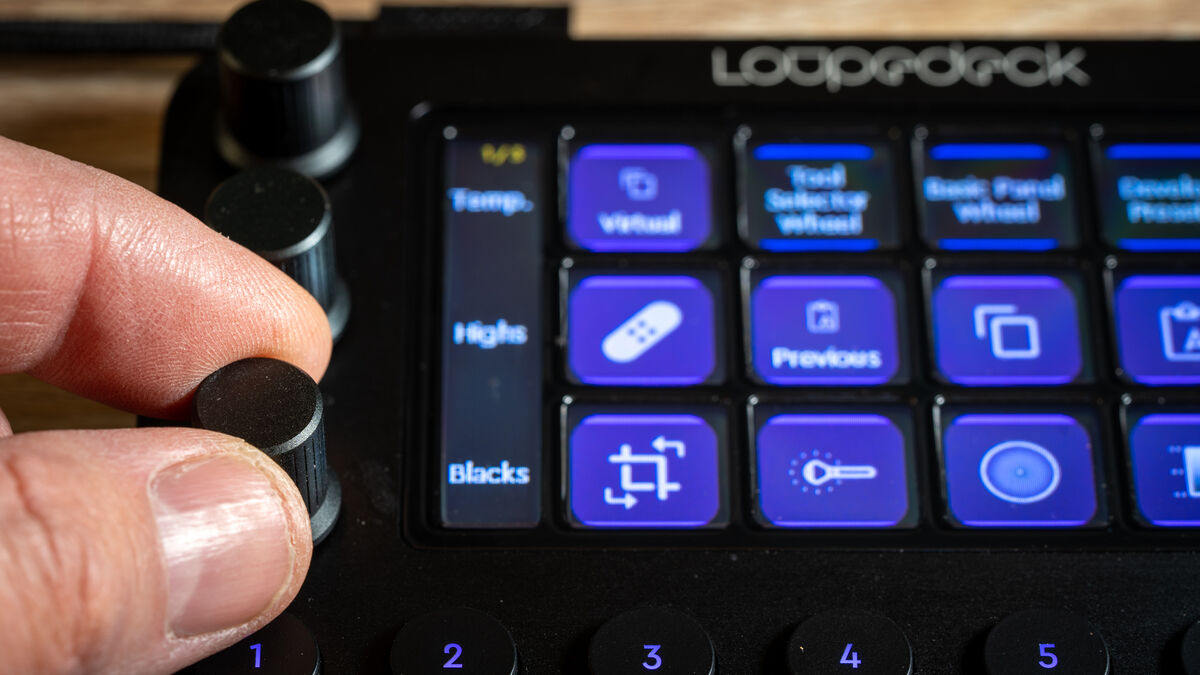
I can now rate, edit and export my photos much quicker. It’s become such a big part of my workflow that I find it too slow and physically painful to edit with a mouse now. That being said, the Loupedeck CT isn’t essential or perhaps even practical if you only edit a few photos every now and again.
I’ve often come back from a weekend with hundreds of photos to go through. I’ve gone to places like the Saltee islands and taken over a thousand photos. I’ve shot weddings and captured thousands of photos so using the Loupedeck CT was a joy compared to the torture of using a keyboard and mouse.
It’s not just about a streamlined workflow either. I love the tactile control you get when using the knobs and dial. It also means I can concentrate on the effects on the screen while I tweak the settings rather than looking at sliders and values.
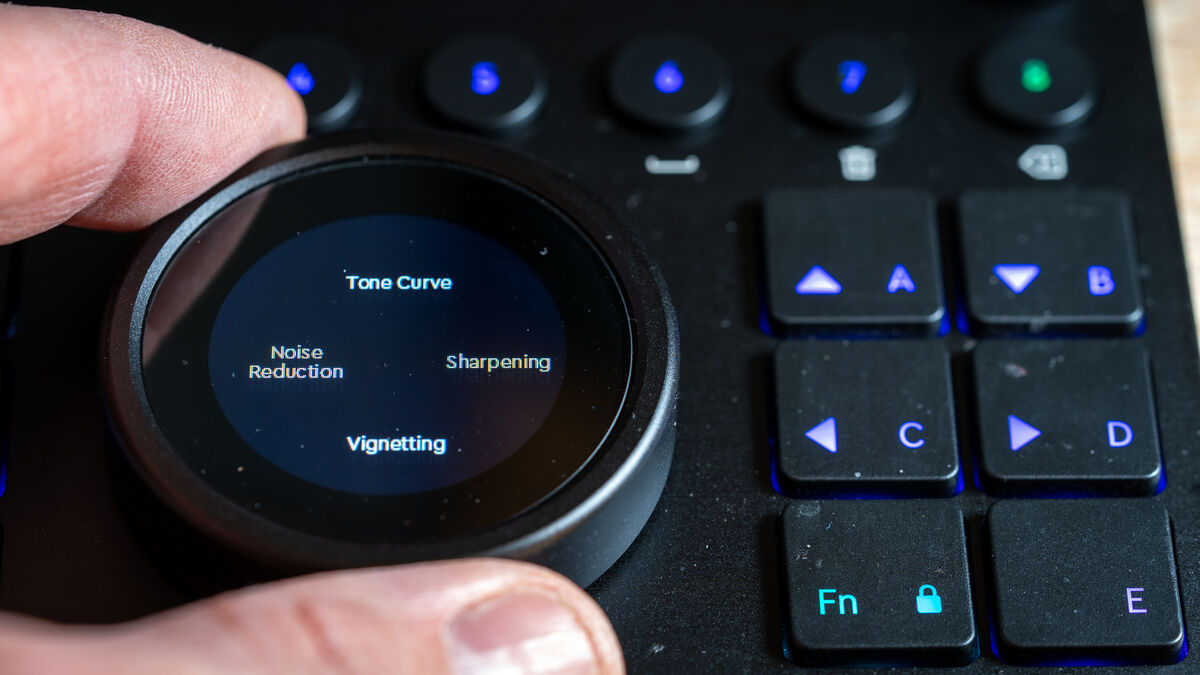
I love the big wheel in the middle that displays an analogue clock by default. When you’re in Lightroom, if you swipe up/down, left/right you’ll gain access to loads of actions like rotating a crop or changing exposure. My favourite feature is the list option, which allows you to swipe through a list of actions and then control the selected action using the wheel.
I use the eight control knobs to do all the basic editing like the shadow, white, temperature and tint sliders. Press down on a knob and it will reset the value back to its default.
The Loupedeck CT is an astonishing piece of hardware with an innate ability to streamline your workflow and productivity, as long as you’re willing to invest the time practising and customising the profiles. It’s expensive and you won’t get the most from it unless you use it a lot. For creative professionals who do a lot of video or photo editing, the Loupedeck CT is a game-changer. If you think the Loupedeck CT is too expensive you should consider the Loupedeck Live or Loupedeck +.
Priced €499 at Loupedeck

CONNECT WITH US TODAY



Be the first to know the latest news and updates