Airthings View Plus: You are what you breathe
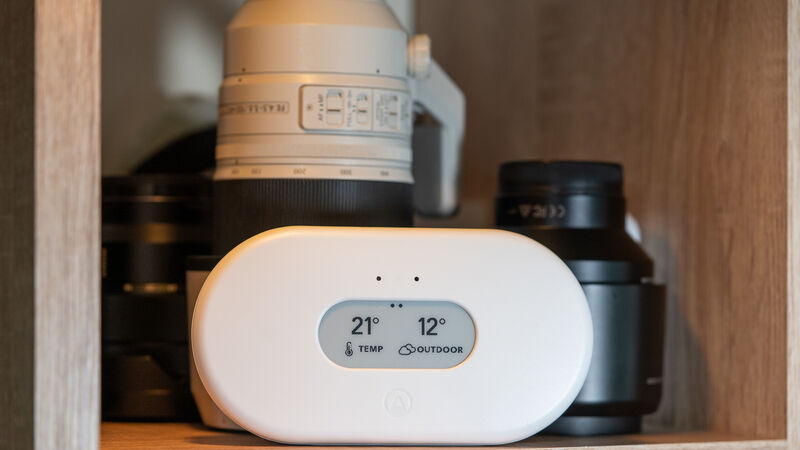
Airthings View Plus, breathe better, live better. Photo: Noel Campion.
The quality of the air we breathe is essential to our health and quality of life. I’m fortunate that I don’t suffer from asthma or other breathing conditions but now that I spend so many hours a day in the same room, I am more conscious of air quality. I’ve been testing the Airthings View Plus for the last month or so and have been a little unsettled by some of its reading which has spurred me on to change and improve my living and working conditions.
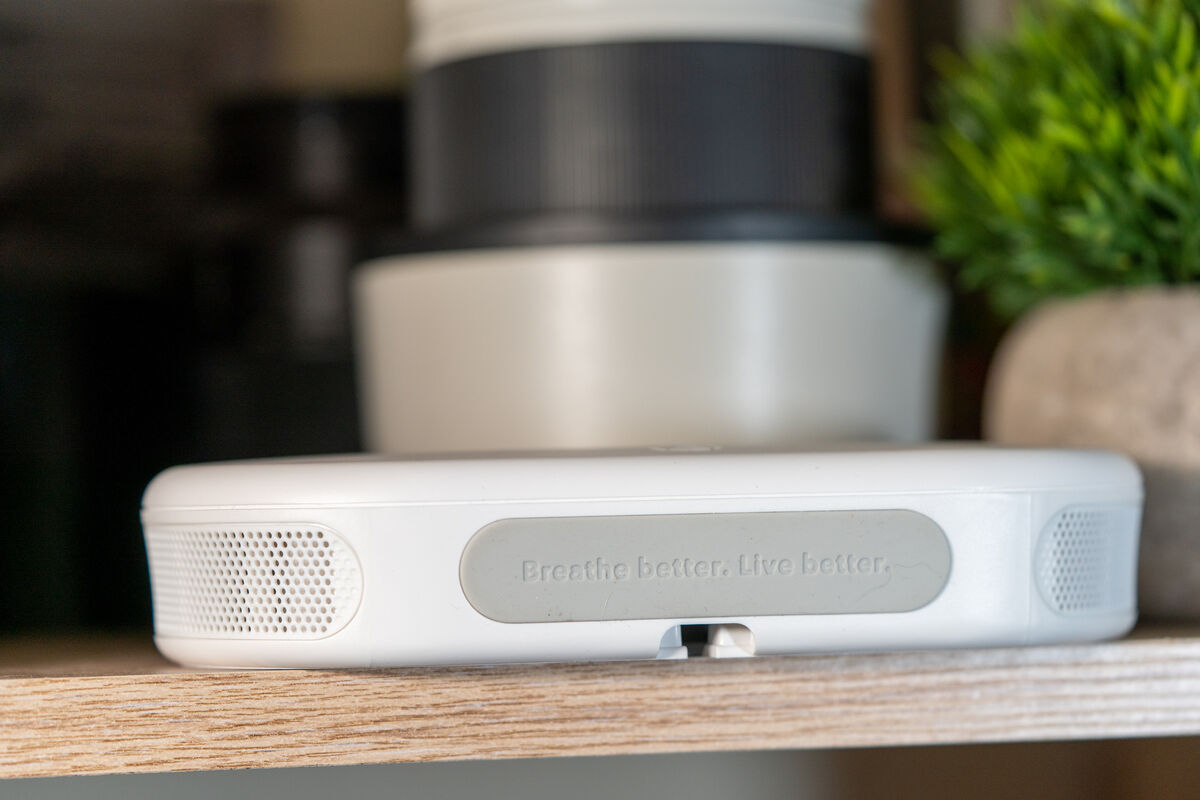
Designed in Norway, Airthings View Plus is a simple device similar to the Airthings Plus but with a large E ink display that provides feedback on the indoor air quality. It can be hung on a wall or sat on a shelf, depending on if you want to keep it in the same location or move it around to different rooms.
The all-white design will look good no matter what room you place it in. One quirk is the display will slowly flicker periodically which is distracting if the View Plus is in your peripheral vision. The display has large text and icons that make it easy to read from a distance.
The Vew Plus can be powered via 6 AA batteries that come supplied in the box or a USB-C cable with 5v. Airthings says that you should get up to two years from the batteries in power save mode. I’m sure this is down to the E-ink display which has a minimal drain on the batteries.
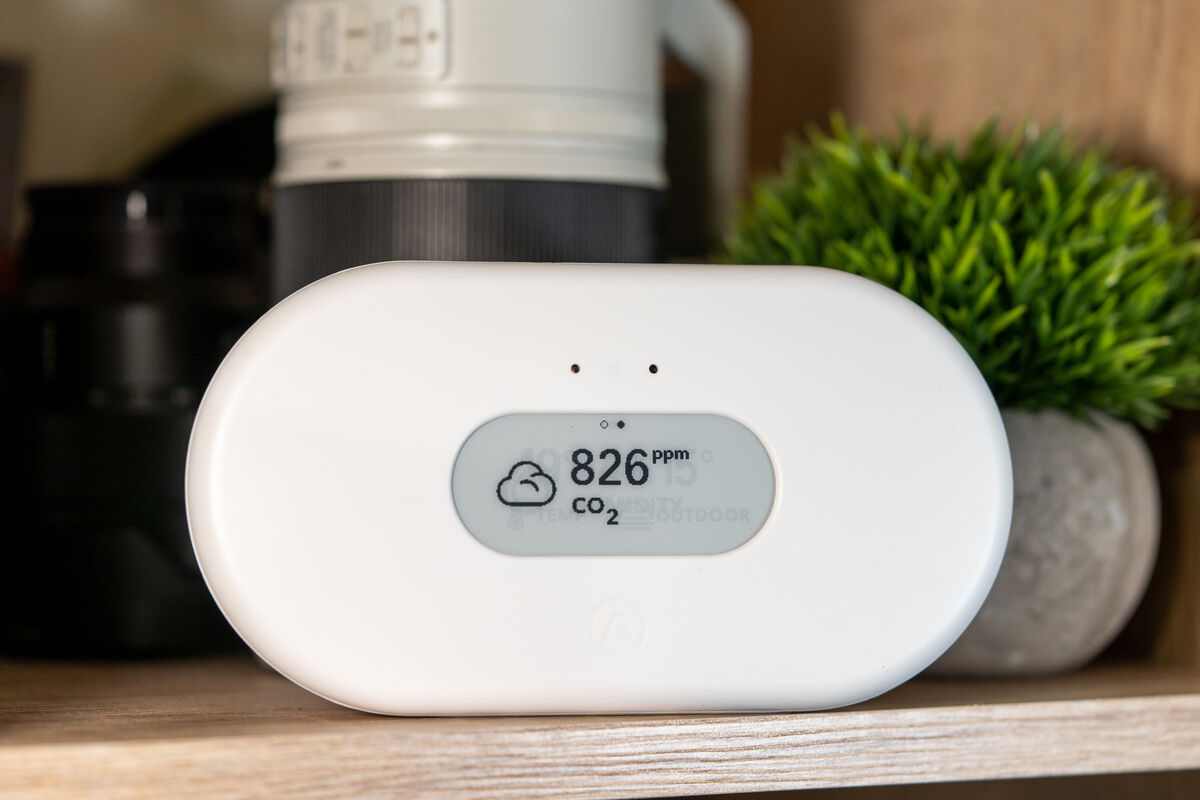
The Airthings View Plus takes up to seven days to fully calibrate all of the sensors built into the unit. These include Radon, PM2.5/PM1 (particulate matter of fewer than 2.5 microns or 1 micron), CO2 (Carbon Dioxide), Humidity, Temperative, VOCs (volatile compound compounds), and Air Pressure. That’s an impressive array of measurements considering the size of this unit and the PM2.5 sensor is not in the Airthings Wave Plus which I reviewed at the end of 2019.
The resulting data from all of these sensors provide an accurate measurement of the overall air quality of the living space they’re placed in.
What you do with that information is up to you but the app provides excellent and practical suggestions for you to act upon. However, unlike air purifying devices from the likes of Dyson, they can’t cleanse the air of dangerous gases or particles.
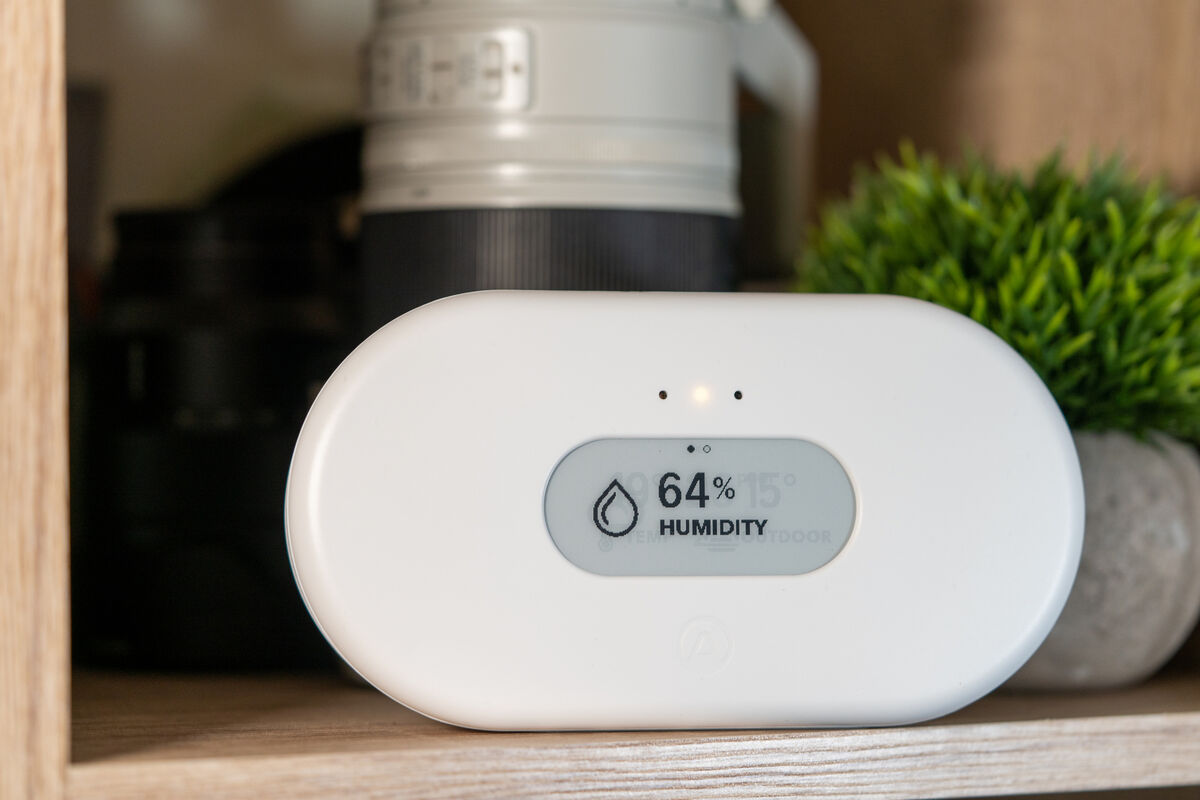
For those who live in an area known to have Radon gas, the inclusion of a Radon sensor is a major plus. This will track the levels of Radon which can be extremely harmful. I was comforted by the fact that the levels in my home were negligible but it was interesting to see that it was able to detect Radon and the levels did fluctuate.
I mostly used the View Plus in my home office but if you place it in a kitchen you’ll soon discover that things like toast or cooking can create incredibly harmful levels of pollutants. This is just a warning to make sure you use the extractor fans while cooking and that you have fresh air circulating to reduce the effects. You may find that your extractor fan isn’t effective enough because it’s too small or requires a filter change.
The display is excellent but it can only show two data points at once. If you wave your hand in front of it, the display will change to the next reading. You can select what two sensor measurements are to be displayed in the Airthings app. I set mine to display the inside and outside temperature and these will stay on permanently. However, when you wave your hand over the unit it will display for example the CO2 levels and again for the PM2.5 count. If the levels are high, you’ll see a red LED light-up above the display and if it’s low the LED will light up green for good or orange for poor air quality.
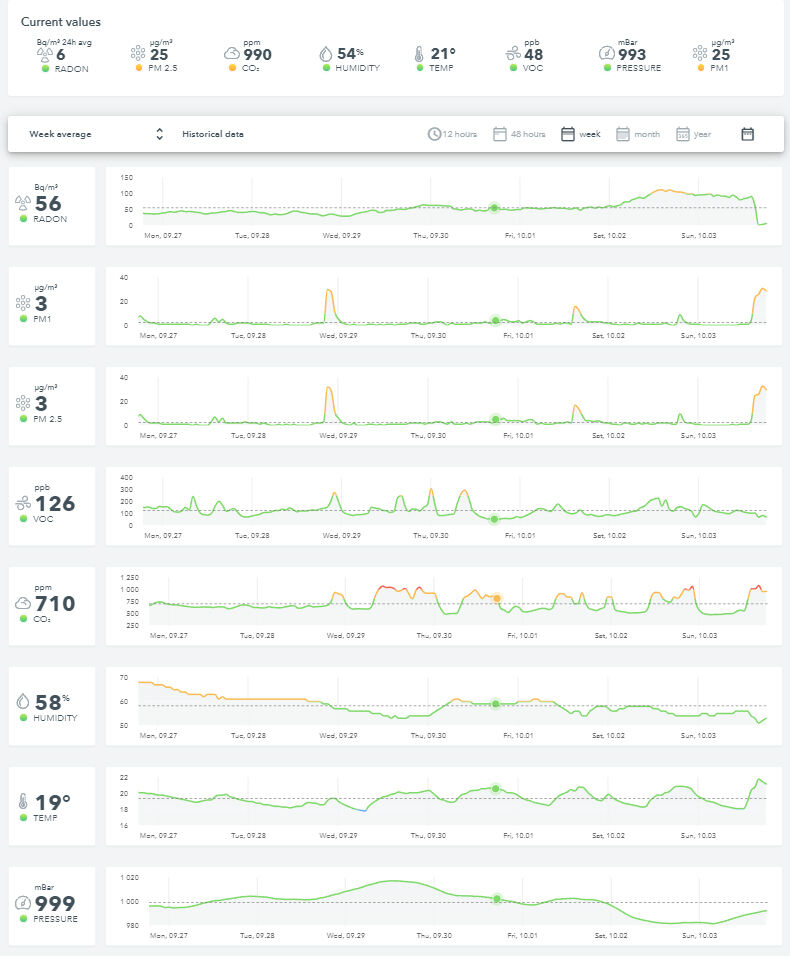
If you want to dig a little deeper into the measurements the app can provide historical data for the last 48 hours, week, month or year. The software also includes tooltips that lead to further in-depth explanations of each measurement.
On the home screen of the app, you’ll see a quick summary of the current state of each sensor. You can view this information remotely on the iOS or Android app or via the web dashboard interface using a browser. One strange inconsistency between the app and web dashboard is that you will see the PM2.5 and PM1.0 data in the latter but not the former.
If a sensor reading exceeds a default threshold you’ll get a notification on your phone, assuming you have it enabled.
Unlike the Wave Plus, the View Plus does not need a Hub to be fully functional. In fact, it has a hub built-in and can be used as a hub for other Airthings devices. Setup takes minutes but you have to wait up to seven days for all the sensors to fully calibrate.
A major plus is that the app is easy to use and there’s no subscription required to create a free account.
In as much as you are what you eat, you are also what you breathe. The Airthings View Plus is an attractive device that looks good anywhere and provides essential information to help you make positive changes to your environment for healthier living.
CONNECT WITH US TODAY



Be the first to know the latest news and updates