The best tablet is still an iPad
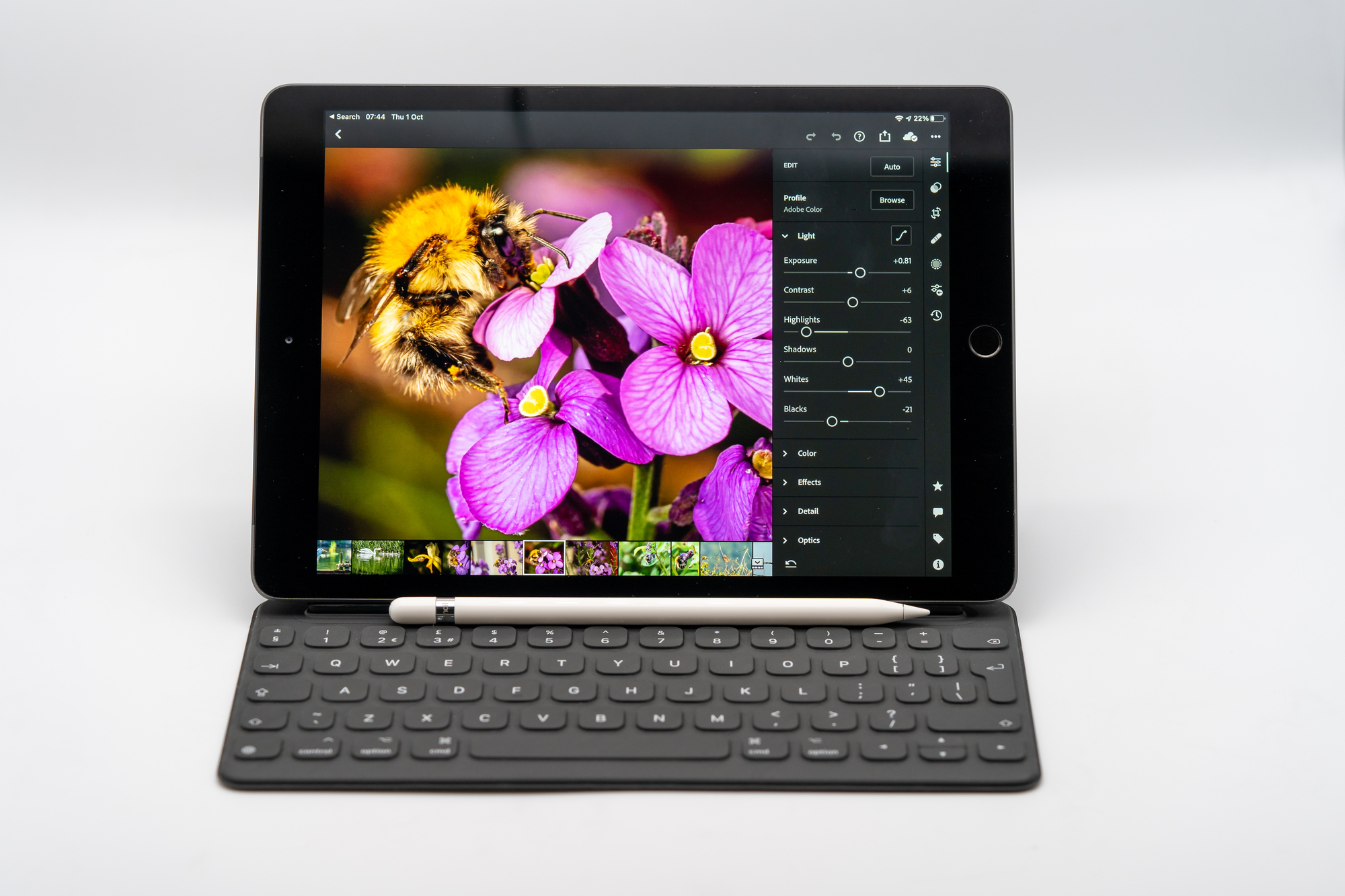
Apple iPad 8th Generation.
The new base model of the iPad, which is now in its eighth generation, looks identical to last year's model. This replaces the latter, but, thankfully, inherits the new form factor and 10.2-inch screen size up from all previous iPads which had a 9.7-inch screen. Despite the fact that the iPad is Apple’s most basic tablet, it still performs better than top-of-the-range Android tablets, in part thanks to the new A12 Bionic CPU upgrade, but mainly due to the app ecosystem and sheer volume of quality iPad specific apps.
Although the iPad looks the same as last year, it now has the A12 Bionic with Neural Engine which provides some serious grunt with a 6-core CPU and 4-core GPU. Apple says the CPU is 40% faster and the GPU is twice as fast as the 7th gen iPad with A10 Fusion.
In real-world use, I could see a noticeable difference in performance between the older and newer iPad. For example, opening a large Procreate drawing took four seconds on the new iPad but took 16 seconds on the 7th gen. On average it was four times faster on opening large Procreate files. It has the same 3GB of RAM, so you are restricted to the same amount of layers you can create in Procreate.
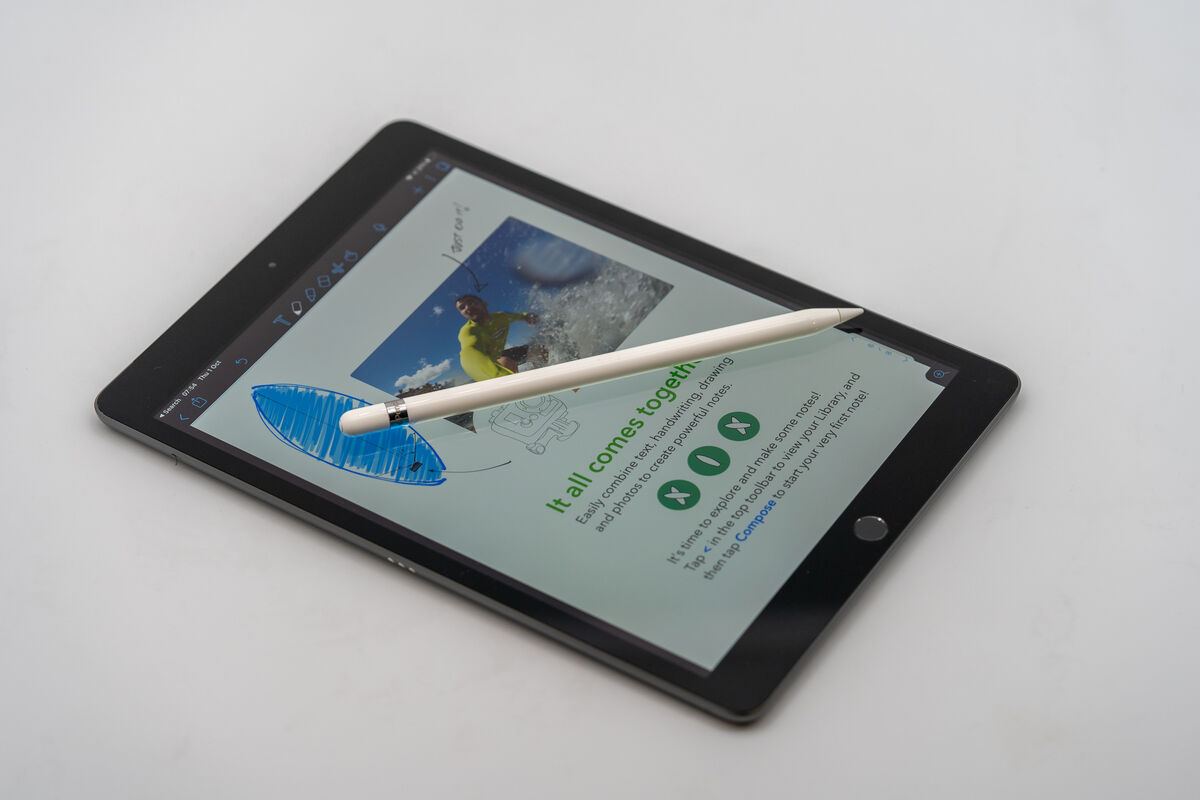
Using Affinity Photo I compared stitching five 48MP images into a panorama, which took four minutes, 15 seconds while the 7th gen took seven minutes, 18 seconds. The resulting panorama photo was a 136MP file and I was able to zoom in and pan around incredibly smoothly on both iPads. As a point of reference, the 2020 iPad Pro created the same file in two minutes, twenty seconds.
Performance in other apps like Google Docs, Notability, Good Notes, and Mail really don’t feel any different whether I’m using them on the iPad Pro or the new iPad.
This is another area where a lot of users will see a benefit in the newer iPad. Games like Call of Duty Mobile or PUBG Mobile allow you to play with higher graphical settings and smoother frame rates. In PUBG Mobile I was able to use Ultra HD graphics, an option that isn’t available yet on the older iPad. Games like Asphalt Legends load much faster and feel a little smoother with fewer slowdowns.
You can also connect a gamepad like the PS4 controller for games which makes a massive difference to gaming on the iPad and there’s an ever-increasing library of games available on Apple Arcade.
The 10.2-inch IPS display is gorgeous with vivid colours and 500 nits of peak brightness. It has a resolution of 2160 x 1620 pixels and I found it great for everything including watching movies, playing games, drawing, taking notes and photo editing.
It doesn’t have a laminated display and although the sound of the pen tapping on the screen is a little hollow sounding it never bothered me while drawing or taking notes.
The massive bezels on either side of the display do make the iPad look a little dated in 2020, especially compared to the Pro and new iPad Air designs which have minimal bezels. You still get a physical home button and touch ID that works great for unlocking and making purchases.
Many will appreciate the inclusion of a 3.5mm headphone jack and a single camera on the front and back which are more important than ever.
On the cellular models, there’s a black band on the back and there are three colours to choose from; Space Grey, Silver, and Gold.
There are only two speakers on the iPad instead of the four found on the Pro models but the sound quality is excellent and plenty loud. Unfortunately, the sound only comes out on one side of the screen. It’s a pity there isn’t at least a speaker on either side for a wide stereo sound.
Finally, the iPad still uses a lightning port instead of USB-C. This isn’t a big deal for most but all of my USB-C dongles and cables are useless on this iPad.
When I used to travel a lot, I found myself choosing the iPad instead of the iPad Pro because it is much lighter and smaller. I never felt lacking either and the main reason is the excellent typing experience I was able to get from the Folio keyboard and because the basic iPad can do everything the Pro can. Although small, it feels great to type on. I’m always pleasantly surprised by how fast and accurately I can type on it. Of course, the Folio Keyboard is also a case but sadly, there’s nowhere on it to store an Apple Pencil.
Having a good keyboard is great but for me, the Apple Pencil is what makes the iPad special. You can use it to draw or take notes and now thanks to iPad OS14 you can also use features like scribble which makes it even more useful with fewer reasons to put it down to type. I do prefer the matte texture and shape of the second-generation Apple Pencil, but the original works great and is a must for those who want to do more than just use the iPad as a media consumption device.
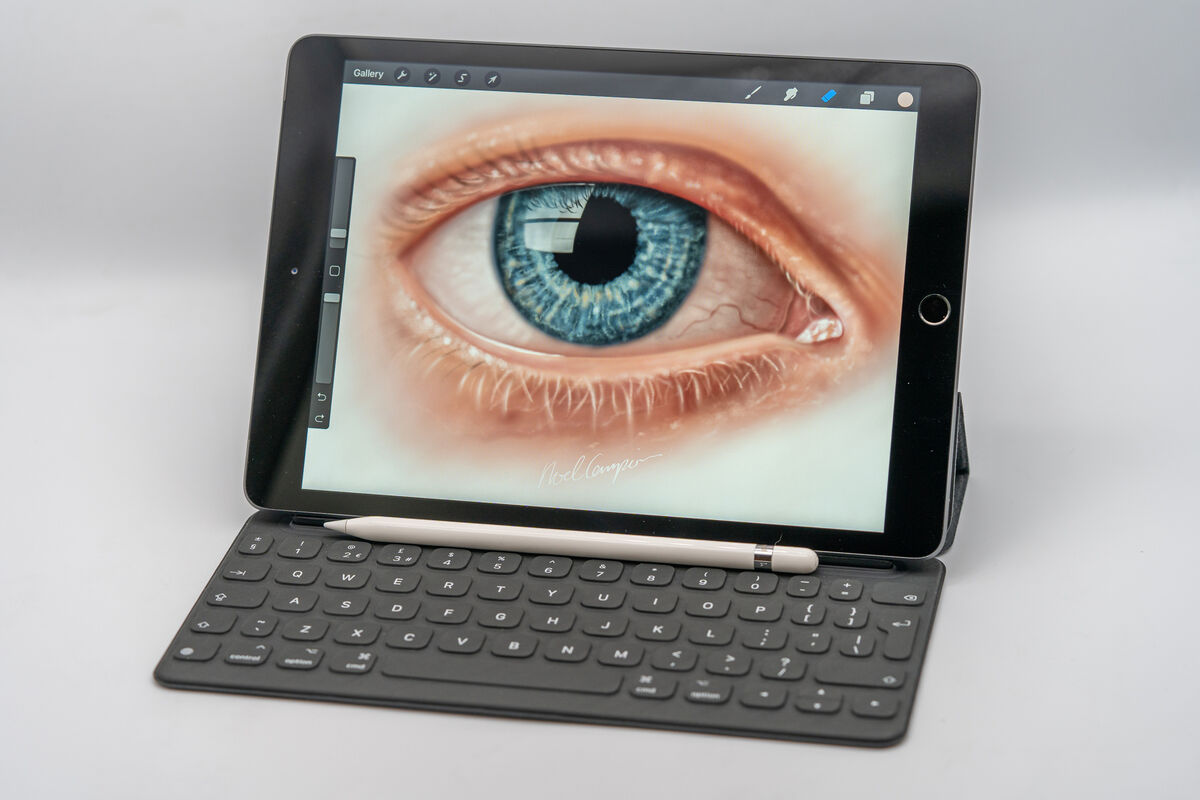
Although Android tablets have improved, the iPad is still the best tablet for drawing. There are loads of excellent apps from simple paint-by-numbers to apps professionals use. Even the basic iPad is capable of fantastic drawing experience, although I do prefer the Pro models for the larger screen and extra memory which allow me to create more layers in apps like Procreate.
I love the hard tip on the Apple Pencil for drawing but in combination with the glossy display, it doesn’t make for the ideal drawing surface. I’ve found the perfect solution is to install a matte screen protector that provides that paper-like surface which makes it easier to be more precise.
The size and weight of the iPad make it the ideal choice for taking notes in class or in meetings. I use several apps for taking notes but Apple Notes is so good, there’s less of a need to purchase an additional app unless you require loads of extra features.
The iPad comes in either 32GB or 128GB storage options. 32GB is enough if you don’t see yourself downloading a lot of apps. A 64GB option would have been nice but for an extra €100, you can get the 128GB model.
If you own last year's iPad there’s really no need to upgrade and that’s a testament to the longevity of the iPad range over the years. The latest iPad is capable of doing everything the Pro models can do for a lot less and is the ideal choice for most users.
Available now from €392.

CONNECT WITH US TODAY



Be the first to know the latest news and updates